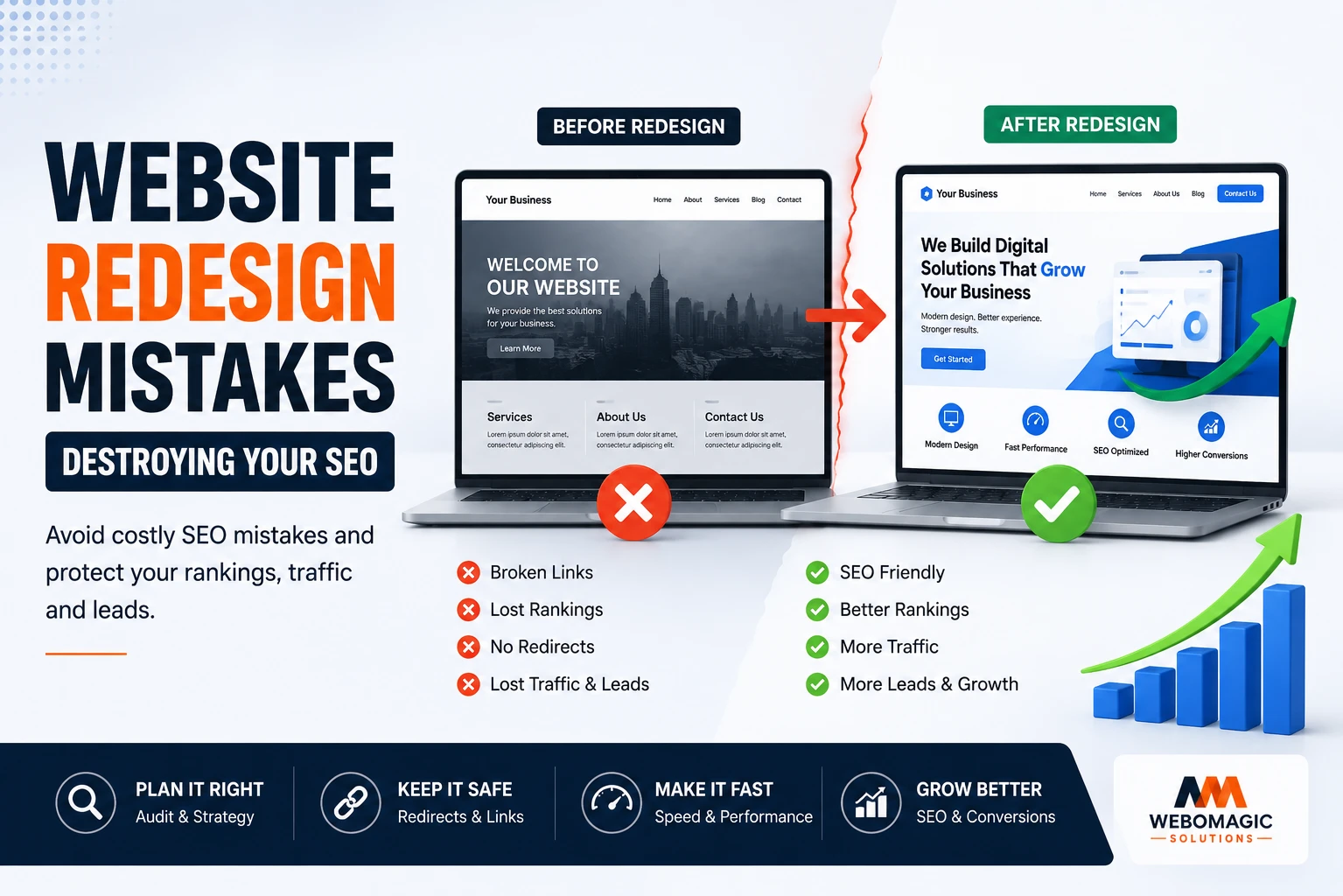
A redesign can make your site look fresh, but one careless move can send your search traffic sliding overnight. The most common Website Redesign Mistakes are usually boring, technical, and completely avoidable, which is exactly why they catch so many small businesses off guard.
1. Skip the SEO baseline before you touch anything
Before you move a single button or rewrite a page, record where your site stands today. Pull a quick website redesign SEO checklist with your top landing pages, rankings, traffic, conversions, and backlinks so you know what changed after launch instead of guessing.
For a local business, that means saving service pages, location pages, phone calls, and form fills. For an eCommerce store, it means product pages, category pages, and checkout conversions. Google Analytics and Google Search Console are the bare minimum here, and honestly, they tell you more than most fancy dashboards ever will.
What to record before launch
Save the pages that already earn money or leads, especially the ones ranking for brand terms and local search phrases. If your dental clinic homepage brings in appointment calls every week, or a course page keeps getting inquiries in admissions season, that page needs to be tracked carefully. Take screenshots, export reports, and note the exact URLs.
Why this helps you spot damage fast
A baseline gives you a clean before-and-after picture. Without it, a traffic drop could be old seasonality, a tracking issue, or a real SEO problem, and those are not the same thing. With a baseline, you can see whether SEO after website redesign is slipping because of crawl errors, missing redirects, or a content change that looked harmless in design review.

2. Delete high-performing content just because it looks old
Old does not mean useless. An evergreen blog post from 2021, a category page with solid backlinks, or a dental clinic service page about root canals can still drive traffic and bookings long after the design starts feeling dated.
Here’s the thing, many website redesign mistakes happen because someone confuses visual freshness with search value. A page that looks plain in a meeting room can still be doing quiet, steady work in Google.
Refresh, merge, or retire?
Do not delete content on instinct. Keep pages that rank, refresh pages that are thin but relevant, merge overlapping posts, and retire only the pages with no traffic, no links, and no business value. If three blog posts all target the same topic, combine them into one stronger page instead of letting them compete with each other.
Watch out for hidden winners
Some pages do not bring huge traffic, but they support conversion or internal links. A modest FAQ page may help users book faster, and a category page with just a few visits might still point to your best-selling products. That kind of support work is easy to miss during a redesign, which is why a content audit belongs in every website redesign checklist.

3. Launch without a redirect plan
A 301 redirect sends visitors and search engines from an old URL to a new one. Skip that step, and your old pages turn into dead ends, which is terrible for users and even worse for website migration SEO.
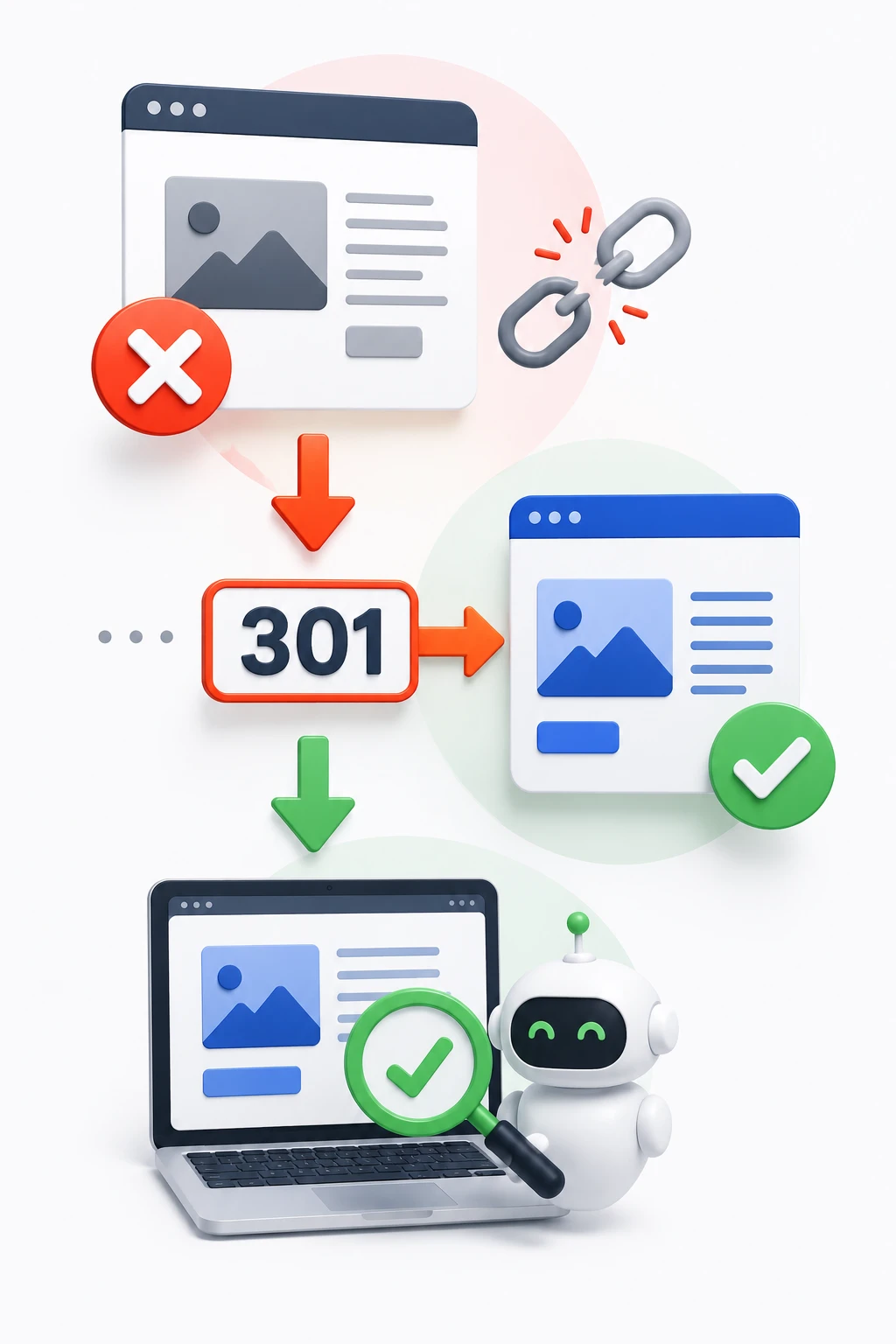
This is where redesign website without losing SEO gets very practical. If your old service page was ranking for “pediatric dentist in Austin” and the new URL changes, search engines need a clear handoff, not a shrug.
Map old URLs to new URLs
Build a page-by-page redirect map before launch. Include blog posts, service pages, product pages, and location pages, then match each old URL to its best new home. A clinic may need dozens of redirects. A Shopify site with seasonal product pages may need even more.
Avoid chains and loops
Redirect chains happen when one URL points to another, which points to another. Loops happen when a URL sends users in a circle. Both slow things down and confuse crawlers, so keep the path direct: old page to final page, no detours. It sounds fussy, but a few bad redirects can create a mess fast.
4. Change your URL structure without a plan
Cleaner URLs are nice. New folders, new slugs, and a prettier navigation structure can make sense, but changing everything at once is one of the easiest website redesign mistakes to make.
Keep high-value URLs stable when possible. If a page already ranks and gets links, changing its address just for aesthetics is usually a bad trade. For WordPress website redesign projects especially, it is tempting to reorganize everything inside the CMS, but the search engines do not care that a folder name feels more elegant.
When to keep URLs the same
Keep the URL if the page is already performing. That includes location pages, core services, and best-selling categories. Stability matters most when the page has backlinks or ranks for a phrase that brings real business, not just vanity traffic.
When a URL change makes sense
Change a URL when the old structure is confusing, too long, or clearly mismatched with the new site architecture. A service page buried under three awkward folders might deserve a cleaner path, especially if you are improving the hierarchy at the same time. Just make sure the redirect is airtight and the new structure is easier for both people and crawlers to follow.

5. Lose your internal links and canonical setup
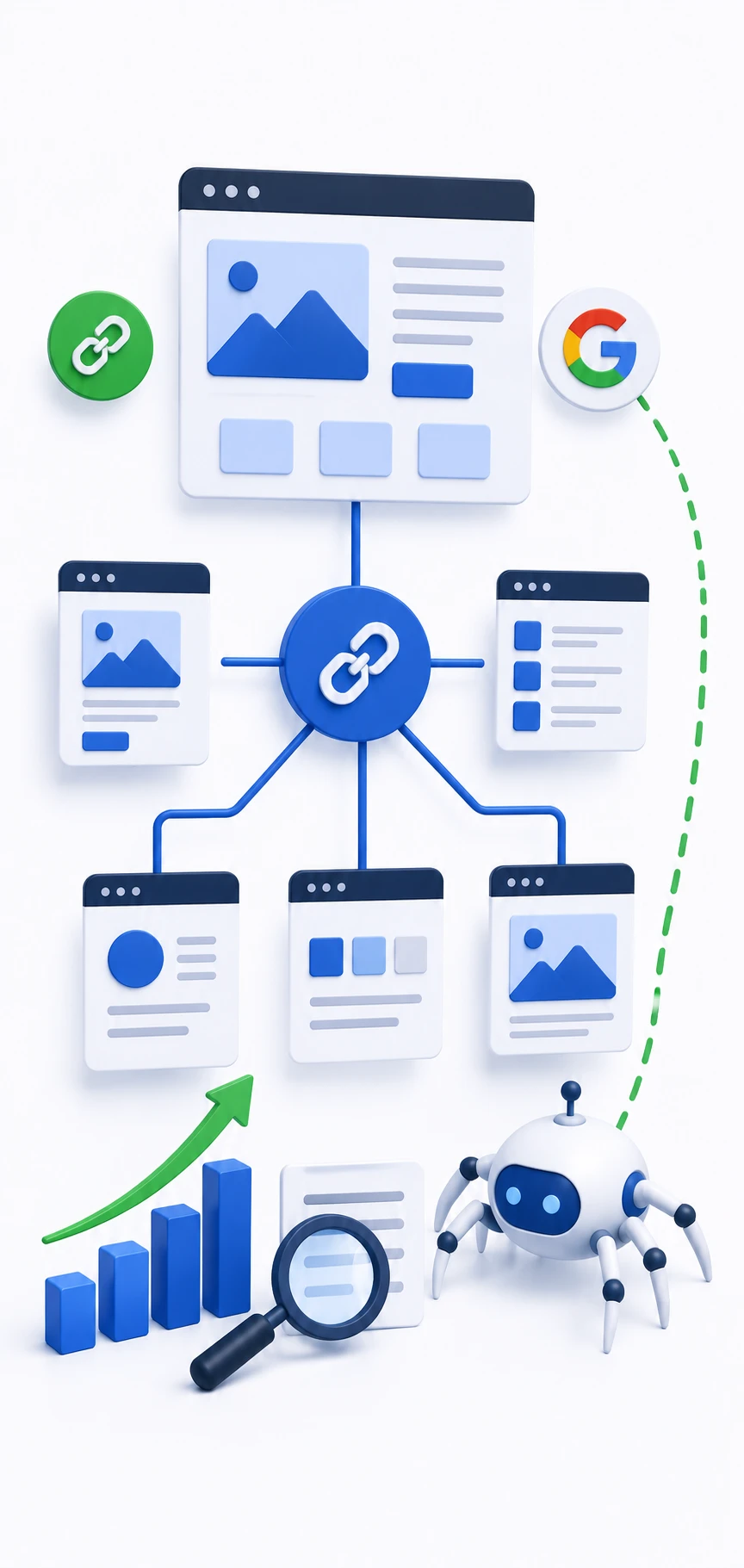
Internal links tell search engines which pages matter most, and they help users move through the site without getting stuck. During a redesign, it is surprisingly easy to rebuild beautiful pages that barely connect to anything.
Canonicals are the simple tag that tells search engines which version of a page should count when similar pages exist. Skip them, and duplicate content problems can sneak in through filters, printer-friendly pages, or product variations.
Keep your strongest pages connected
Link related service pages, blog posts, categories, and location pages in a way that makes sense to a real person. A clinic page about teeth whitening should point to cosmetic dentistry, not sit alone like an island. A school admissions page should connect to tuition, deadlines, and program details so search engines can see the full topic map.
Don’t break duplicate-page signals
Faceted navigation on eCommerce sites, calendar views, and PDF versions of content can all create duplicates. If your redesign changes how those pages work, check the canonical tags again. A small mistake here can make important pages compete with their own copies, which is a waste nobody needs.
6. Forget about metadata, titles, and schema
Title tags, meta descriptions, header tags, and schema markup often vanish during a redesign because nobody treats them like content. That is a problem, because these little pieces help search engines understand a page and can lift click-through rates when done well.
Schema is structured data, plain and simple. It helps search engines read details like business hours, reviews, product prices, FAQs, and event dates more clearly. For local businesses, clinics, schools, and stores, that can mean richer search results and better visibility.
Preserve what already ranks
Do not rewrite every title tag just because you are in redesign mode. If a page already ranks and the title is doing its job, keep the useful parts. A strong title like “Family Dentist in Tampa | Same-Day Appointments” should not be replaced with something vague and brand-heavy just because it sounds prettier in a mockup.
Check structured data after launch
Test schema on your key pages after launch, especially if you run a clinic, school, or online store. FAQ schema, local business schema, and product schema can break quietly when templates change. The fix is usually simple, but only if you catch it before search visibility drops.


7. Build a slow site with heavy design extras
A gorgeous redesign that loads like molasses is still a bad site. Oversized images, autoplay video, too much JavaScript, and animation-heavy layouts can make every page feel heavier than it should.
Website redesign best practices always include speed, because Core Web Vitals are really just a fancy way of asking, “Does this page feel annoying to use?” If your site slows down on a phone in a parking lot or waiting room, users notice immediately.
Mobile speed matters most
Mobile is where a lot of local and service searches happen. Someone looking for urgent care, a plumber, or a tutoring center is not waiting around for a giant hero video to finish loading. A slow phone experience can hurt conversions and rankings at the same time, which is an ugly combo.
Test real pages, not just the homepage
The homepage is often the prettiest, fastest page in the whole redesign. Test service pages, category pages, product pages, and booking pages too. That is where heavy scripts and bloated layout changes usually show up, and that is where the trouble actually lives.
8. Ignore mobile usability and above-the-fold clarity
A site can look polished on a desktop monitor and still be miserable on a phone. Tiny buttons, cramped text, buried calls to action, and forms that stretch forever are classic website redesign mistakes, especially for website redesign for small business projects that rely on quick calls or form submissions.
Above the fold means the first screen people see before scrolling. If that space does not explain who you help, what you offer, and what to do next, you are making visitors work too hard.
Make the first screen do real work
Your first screen should answer three things fast: what this business does, who it serves, and how to take action. A clinic page should make booking obvious. A school page should make admissions clear. An eCommerce category page should show products fast, not bury them under a giant intro paragraph.
Keep forms and CTAs easy to use
Buttons need enough space around them to tap comfortably. Forms should ask for the fewest fields possible, and phone numbers should click cleanly from mobile. If a contact form feels like filling out tax paperwork, conversion drops, simple as that.
9. Break navigation and bury your best pages
When menus get renamed, simplified too far, or overloaded with options, users get lost and crawlers do too. A redesigned navigation should help people find money pages fast, not make them hunt like they are solving a puzzle.
This matters just as much in Shopify website redesign projects as in WordPress ones. A clean menu is not about looking fancy, it is about making the right pages easy to reach.
Surface money pages early
Your highest-converting pages should be easy to find from the main navigation or just one click away. That usually means service pages, key categories, booking pages, and top product collections. If your best pages are hidden in the footer or buried under vague labels like “Solutions,” you are making SEO harder than it needs to be.
Avoid orphaned pages
Orphaned pages have no internal links pointing to them. They can exist on the site, but nobody really reaches them through normal navigation, which means they often fade out of search visibility over time. If a page matters, give it a path from somewhere real, not just an XML sitemap.
10. Launch without testing forms, checkout, and tracking
A redesign can look finished and still be broken where it counts. Contact forms, appointment booking, checkout flows, phone links, analytics tags, and event tracking all need a live test before and after launch.
If tracking fails, your numbers lie to you. A redesign may feel worse than it is simply because the leads are still coming in, but your dashboard can no longer see them.
Test every conversion path
Click through the exact paths real users take. Submit the clinic appointment form. Fill out the school inquiry form. Place a test order in the store checkout. Tap the phone number from a phone, not just from desktop, because that is where small details usually fail.
Verify analytics and Google Tag Manager
Make sure analytics fires on the new site and that important events still register. If your tags disappear during the redesign, you lose the ability to compare before and after, which makes every other decision shakier. No visibility, no useful recovery plan.
11. Leave robots.txt, sitemaps, and staging settings messy
Search engines can get blocked by accident during a redesign, and the cause is often embarrassingly simple. A staging site gets indexed, a robots.txt file blocks important pages, or the XML sitemap never gets updated.
That kind of mistake can slow discovery of your new site structure and create confusion that lasts for weeks. Staging should stay private, and launch settings should be checked twice, not once.
Keep staging private
Test sites should not be open to search engines. If a staging domain gets indexed, it can create duplicate content, split signals, and expose unfinished pages. That is the digital version of leaving your house keys in the door.
Submit fresh sitemaps after launch
Once the new site is live, submit updated XML sitemaps in Google Search Console. That helps search engines discover the new structure faster and crawl the right pages sooner. It is a small step, but it keeps the launch from feeling invisible.

12. Panic at the first traffic dip instead of checking for real problems
A short-term dip after launch does not automatically mean disaster. Search engines need time to recrawl, reprocess redirects, and settle the new version of the site, so a little wobble is normal.
The mistake is reacting too fast and changing five things at once. That turns a manageable issue into a mystery nobody can untangle.
Use a 30-day recovery mindset
In the first days and weeks, watch crawl errors, redirect coverage, top pages, and conversion trends. If one important page falls off a cliff, fix that page. If the dip is small and the new design is converting better, let the data breathe before you start tearing things apart again.
Fix one thing, then recheck
Pick the biggest issue, repair it, and give it time to show a result. That calm approach is often the difference between a rough launch and a real SEO recovery. A good website redesign checklist is not just about launch day, it is about staying steady when the numbers twitch.
Once you understand these Website Redesign Mistakes, the rest gets a lot simpler. A redesign should improve the site you already have, not quietly erase the search value you spent years earning, so start with one page, one redirect, and one honest check before you move on.