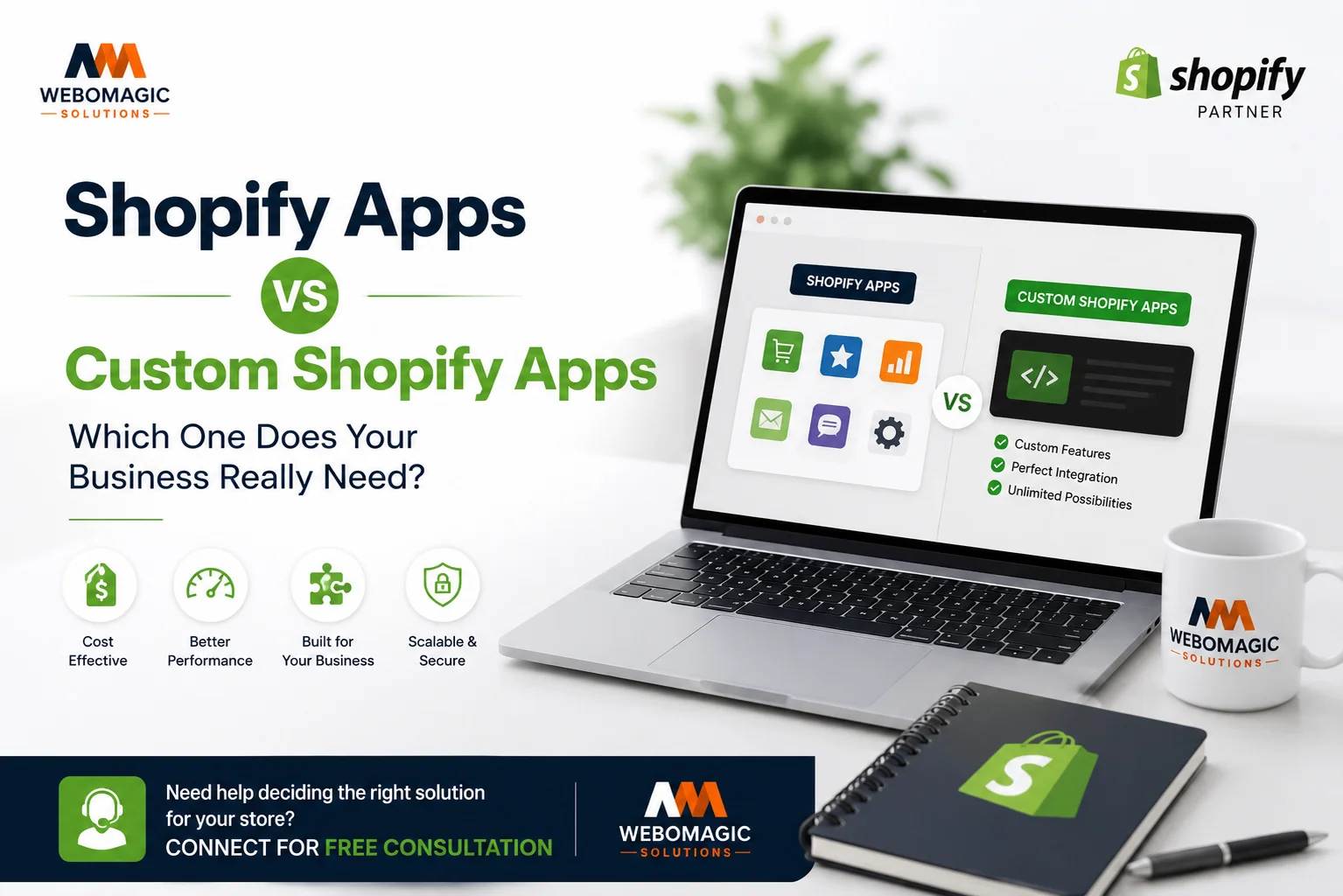
You can get far with Shopify apps, but there’s a point where “just install another app” starts to feel like stacking chairs to fix a wobbly table. The real question behind Shopify Apps vs Custom Shopify Apps is simple: do you want to move fast with a ready-made tool, or build something that fits your store like a glove?
For most small and mid-sized stores, Shopify apps are the better starting point. For stores with messy workflows, special rules, or a stack of subscriptions that keeps growing, a custom app is often the smarter long-term move.
Check Our Custom App

JewelFit – Ring & Bangle Sizer
Help customers find their perfect ring, bangle, and bracelet size with an accurate on-screen sizing tool. Reduce size-related returns, increase customer confidence, and improve conversion rates for your Shopify jewelry store.
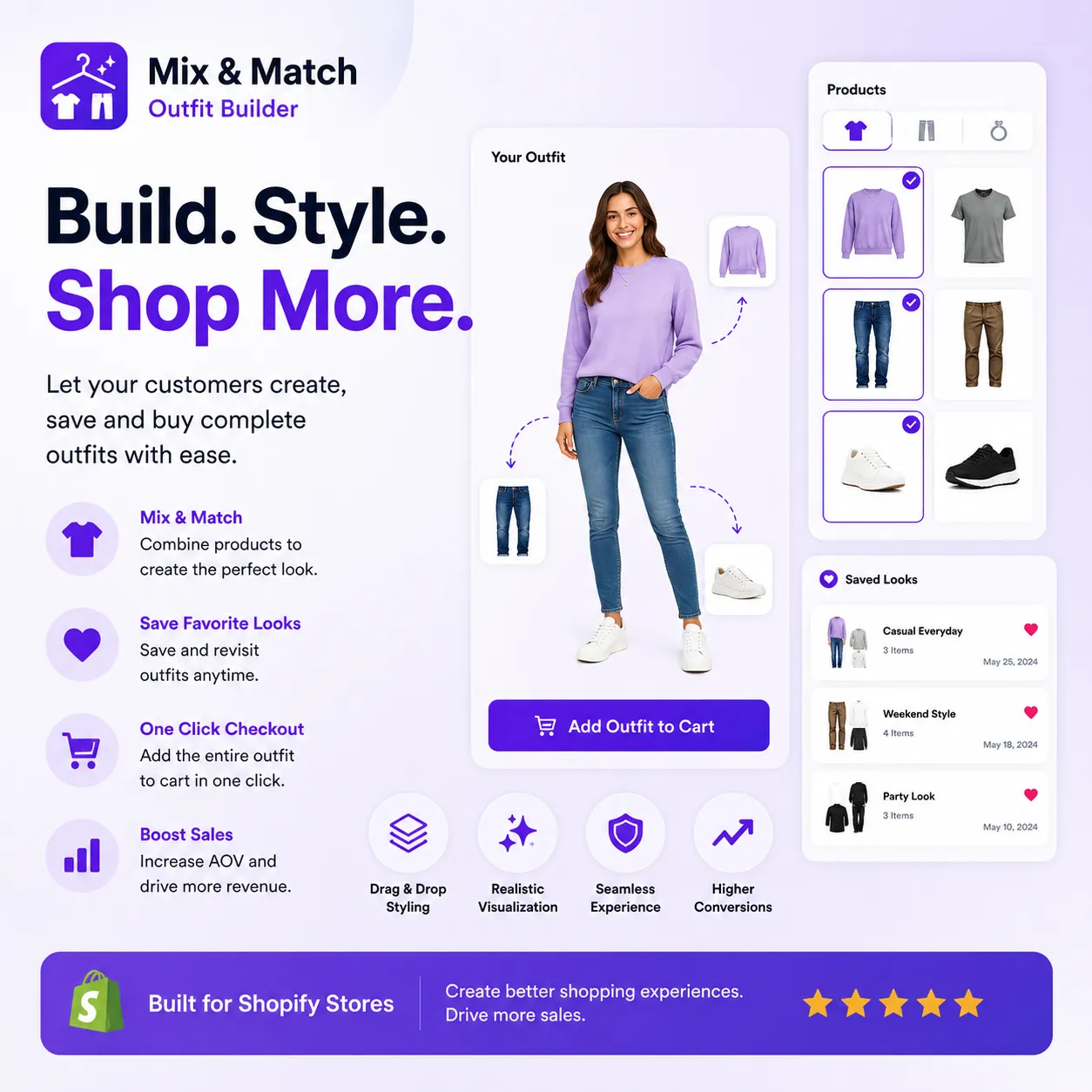
Mix & Match Outfit Builder
Increase average order value by letting customers create complete outfits with an interactive drag-and-drop experience. Help shoppers visualize matching products, save favorite looks, and purchase entire outfits with a single click.
Quick Snapshot: Shopify Apps vs Custom Shopify Apps
Shopify apps give you speed, convenience, and a low-friction way to solve common problems. Custom Shopify apps give you fit, control, and the ability to shape the software around your business instead of reshaping your business around the software.
The short version is this: if you need something live this week, apps usually win. If you’re already outgrowing off-the-shelf tools, custom development pays off because it removes workarounds, duplicate subscriptions, and a lot of hidden friction.
| Feature | Shopify Apps | Custom Shopify Apps |
|---|---|---|
| Time to launch | Fast | Slower |
| Upfront cost | Lower | Higher |
| Ongoing fees | Monthly subscriptions | Maintenance and support |
| Fit | Broad, general-purpose | Tailored to your workflow |
| Integrations | Prebuilt, common tools | Deep, custom connections |
| Control | Limited by vendor | Much higher |
| Best for | Common store needs | Unique business logic |
What Shopify Apps Are
Shopify apps are prebuilt tools from the Shopify App Store that plug into your store and add features without heavy development work. Some are made by Shopify, some are public apps from third-party developers, and some are built for narrow use cases like reviews, bundles, loyalty, shipping rules, or Shopify workflow automation.
That’s why so many merchants start here. You can add a feature in an afternoon, test whether it works, and move on without hiring a developer for every small change. For basic Shopify store customization, apps are often the quickest path from idea to reality.
How Shopify Apps Usually Work
The flow is simple: install the app, grant permissions, configure settings, connect any needed accounts, and start using it. A good app feels almost boring in the best way, because you do not have to think about how it works under the hood.

The catch is that these tools are made for broad use, not your exact business model. That’s why setup is quick, but the result can feel slightly off if your process has unusual rules, multiple approval steps, or data that needs to move in a very specific way.
Best-Fit Use Cases for Shopify Apps
Shopify apps shine when the job is familiar. Reviews, upsells, email popups, loyalty points, shipping logic, and basic order automation are all areas where a solid app usually does the job well enough.
They also make sense when you are testing a tactic, not building a permanent system. Want to try a size chart, a one-click upsell, or a new subscription tool before committing? An app is the cleanest way to do that without turning your store into a development project.
What Custom Shopify Apps Are
Custom Shopify apps are built around your store’s exact workflow, data, and goals. Instead of buying a general tool, you’re commissioning something designed for your operation, whether that means special pricing, internal dashboards, unique fulfillment rules, or deep Shopify custom features.
That’s the big difference. A custom build is not just “an app with your logo on it.” It is software that matches how your business already works, which is why Custom Shopify App Development becomes attractive once standard tools start creating friction.

How Custom Shopify App Development Works
Usually, the process starts with scoping the problem clearly. Then a Shopify App Developer or Shopify Development Company builds the app, connects it to your systems through Shopify API Integration or the Shopify GraphQL API, tests it, and launches it into your store environment.
Think of it like getting a drawer built for a kitchen corner that nothing else fits. You could keep buying bins and organizers, but eventually a custom piece saves more space and makes the whole room easier to use. Same idea here.
Best-Fit Use Cases for Custom Shopify Apps
Custom apps make sense when the business logic is unusual. If your store has special fulfillment routing, B2B approval flows, custom pricing, internal staff tools, or complex Shopify Plus Development needs, custom wins pretty quickly.
They are also the right move when off-the-shelf apps force you into bad compromises. If your “solution” is three apps, two spreadsheets, and one person manually fixing orders every morning, that is a sign you need software built for your process, not a workaround piled on top of it.
Ease of Setup and Time to Launch
Speed is where Shopify apps pull ahead immediately. Custom apps can absolutely be worth it, but they require planning, development, testing, and usually a little patience while the details get sorted out.
The practical question is not “which is better in theory?” It is “what do you need live now, and how long can you afford to wait?”
Shopify Apps: Fast to Install, Fast to Test
With Shopify apps, you can usually install, configure, and test the same day. That makes them ideal when you want to move this week, not next quarter.
The real value here is low risk. You can try an app, see whether it improves conversions or saves time, and remove it if it disappoints. For lean teams, that freedom matters a lot.
Custom Shopify Apps: Slower Start, Cleaner Fit
Custom builds take longer because someone has to define the workflow, map the data, write the code, and QA the result. That sounds slower, and it is, but the payoff is a cleaner fit with fewer awkward workarounds.
Once the app is live, the time spent upfront often comes back to you in lower daily friction. That matters most when a broken process costs real money, not just annoyance.
Flexibility and Custom Features
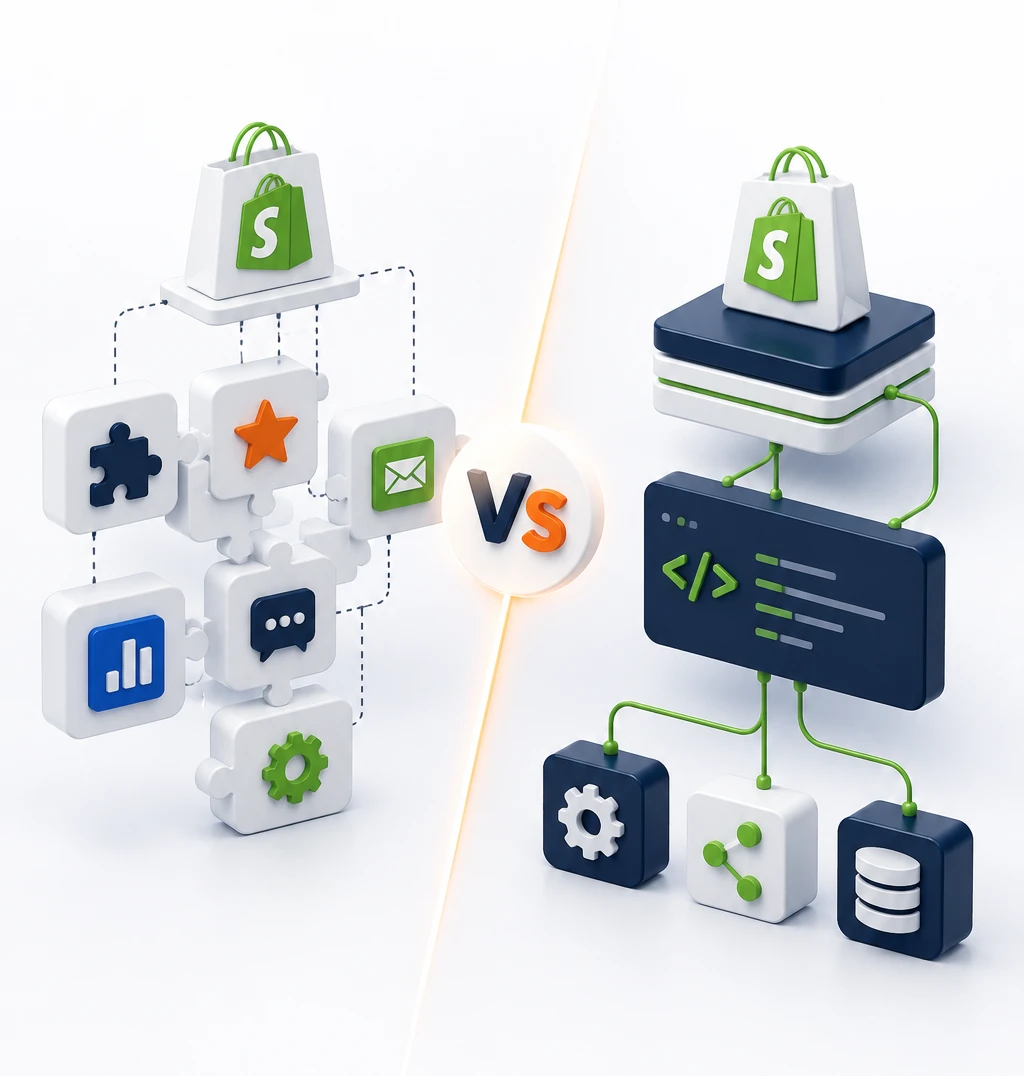
Here’s where the gap gets wider. Shopify apps are flexible within their box, while custom apps can be shaped around almost any approved rule, workflow, or customer experience.
If your needs are ordinary, the box is fine. If your business does not fit cleanly into somebody else’s box, the box starts to feel like a problem.

Shopify Apps: Good Enough for Common Needs
Most popular apps cover common needs well. For plenty of merchants, “good enough” is exactly right because it keeps the store moving and avoids extra development overhead.
But once you start stacking patches, the cracks show. Maybe one app handles discounts, another handles bundles, and a third handles shipping logic, and suddenly your team is spending more time making tools cooperate than actually using them.
Custom Shopify Apps: Built Around Your Exact Workflow
Custom apps are strongest when your workflow is the product. Maybe you need staff permissions, custom routing, unusual checkout logic, or advanced Shopify Store Customization that a generic app simply cannot express.
That kind of flexibility is hard to beat. Instead of bending your process to fit a vendor’s feature set, you get software that follows your rules. For complex operations, that difference is worth a lot.
Integration With Your Current Stack
Integration is where a lot of app decisions get made, even if nobody says it out loud. Your store does not live alone, it has to talk to ERP tools, CRM systems, shipping platforms, WMS software, and maybe a subscription stack too.
The question is not just whether a tool connects. It is whether it connects deeply enough to avoid manual cleanup.
Shopify Apps: Easy Connections, Sometimes Shallow Sync
Many Shopify apps connect quickly to common tools and services, which is great when your stack is standard. You can usually get a working integration without much effort.
The catch is that “connected” does not always mean “fully aligned.” If inventory, pricing, or order data has to move in real time across multiple systems, shallow sync can create little errors that keep showing up at the worst times.

Custom Shopify Apps: Deeper Shopify API Integration
Custom apps can map directly to your internal systems through Shopify API Integration or the Shopify GraphQL API, which gives you a lot more control over how data moves. That matters when one wrong sync can cause overselling, bad routing, or a finance headache later.
This is where custom really separates itself from the pack. If your business depends on clean data flow, custom integration is usually the safer bet, because you’re building around your actual process rather than hoping a prebuilt connector behaves exactly the way you need.
Performance, Reliability, and Maintenance
Once the app is live, the real test begins. Performance, reliability, and maintenance matter more than shiny feature lists because your team has to live with the thing every day.
Shopify apps push maintenance to the vendor. Custom apps push it to you or to the partner who built them. Neither model is perfect, but one of them gives you much more control.

Shopify Apps: Vendor-Managed Updates
With public apps, the vendor usually handles bug fixes, API changes, and feature updates. That is convenient, especially if your team does not want to babysit software.
But convenience cuts both ways. If the vendor slows down, changes direction, raises prices, or drops a feature you depended on, you have less control over the outcome. You are tied to their roadmap whether you like it or not.
Custom Shopify Apps: More Control, More Responsibility
A custom tool can stay lean, focused, and fast if it is built well. You are not carrying around a pile of extra features you never asked for, which is nice when every extra layer creates maintenance overhead.
The tradeoff is simple: somebody has to own updates, fixes, and changes. That usually means ongoing support from an internal team, a Shopify App Developer, or a Shopify Development Company that knows the app well enough to keep it healthy.
Pricing and Total Cost of Ownership
Sticker price can be misleading here. A $49 app looks cheap until you realize you need five more tools to patch the gaps, and now your monthly bill looks like a utility stack.
The better question is total cost of ownership, which includes subscriptions, setup, maintenance, and the cost of all the manual work you still have to do.
Shopify Apps: Lower Upfront Cost, Recurring Fees
Apps are usually easier to approve because the entry price is low. That makes sense when you want a quick fix or when budget approval is tight.
The catch is app sprawl. Many stores install 15 to 20 apps but only use a fraction of the features, which means you pay for a lot of overlap and clutter. Add tier jumps, usage fees, and multiple subscriptions, and the monthly total can creep higher than expected.
Custom Shopify Apps: Higher Upfront Cost, Better Long-Term Fit
Custom development costs more at the start, no question. But if your current setup depends on several paid apps plus manual work, custom can become more cost-effective over time.
That is especially true when one build replaces multiple subscriptions or removes a recurring operational headache. If an internal workflow saves hours every week or directly supports revenue, custom development stops being a luxury and starts looking like a clean business decision.
Security, Access, and Data Control
Security is not just a compliance issue, it is a trust issue. Any app that does useful work may need access to store data, customer data, or operational details.
The question is how much access you are comfortable giving, and how much control you want over where that data flows.

Shopify Apps: Trusted, But Shared Dependence
Most merchants are fine using third-party apps, and that is understandable. Shopify has an ecosystem for a reason, and many app vendors are reliable.
Still, permissions matter. If an app asks for more access than it needs, that is worth slowing down for. Shared dependence is the tradeoff here: you get convenience, but you also trust a vendor with part of your store’s nervous system.
Custom Shopify Apps: More Control Over Data Paths
A custom build can be designed with tighter permissions and narrower data paths. That is appealing when you want fewer outside dependencies and less exposure to extra features you never asked for.
For enterprise-minded teams and Shopify Plus Development use cases, that control is often a deciding factor. You get to decide what moves, where it moves, and why it moves, which is a lot easier to defend when the stakes are high.
Scalability for Growth
Growth changes the question. A solution that works fine for 50 orders a day can start to wobble when you’re handling far more volume, multiple channels, or international operations.
Standard apps scale surprisingly well for standard problems. The trouble starts when growth makes your process weird.
Shopify Apps: Scale Well Until Your Needs Get Unusual
If your use case stays familiar, many apps can scale far enough. More traffic, more orders, more users, that alone does not automatically break a good app.
The bigger issue is process complexity. Once you need unusual routing, country-specific logic, multiple teams, or specialized Shopify Business Automation, you may discover that the app is still “working” while your team is doing more manual cleanup than you’d like.
Custom Shopify Apps: Designed for Complex Growth
Custom apps are often the better fit for high-volume stores, wholesale setups, international expansion, and other situations where complexity keeps growing. They are built to match the way your business expands, not the way a generic app expects it to.
That matters because growth should make your operation smoother, not more fragile. If the process itself is part of the product, custom is usually the safer foundation.

Support, Ownership, and Vendor Risk
Support sounds boring until something breaks on a Friday afternoon. Then it becomes the whole story.
With apps, you depend on the vendor’s responsiveness and product direction. With custom software, you own the roadmap, which is both empowering and a little more work.
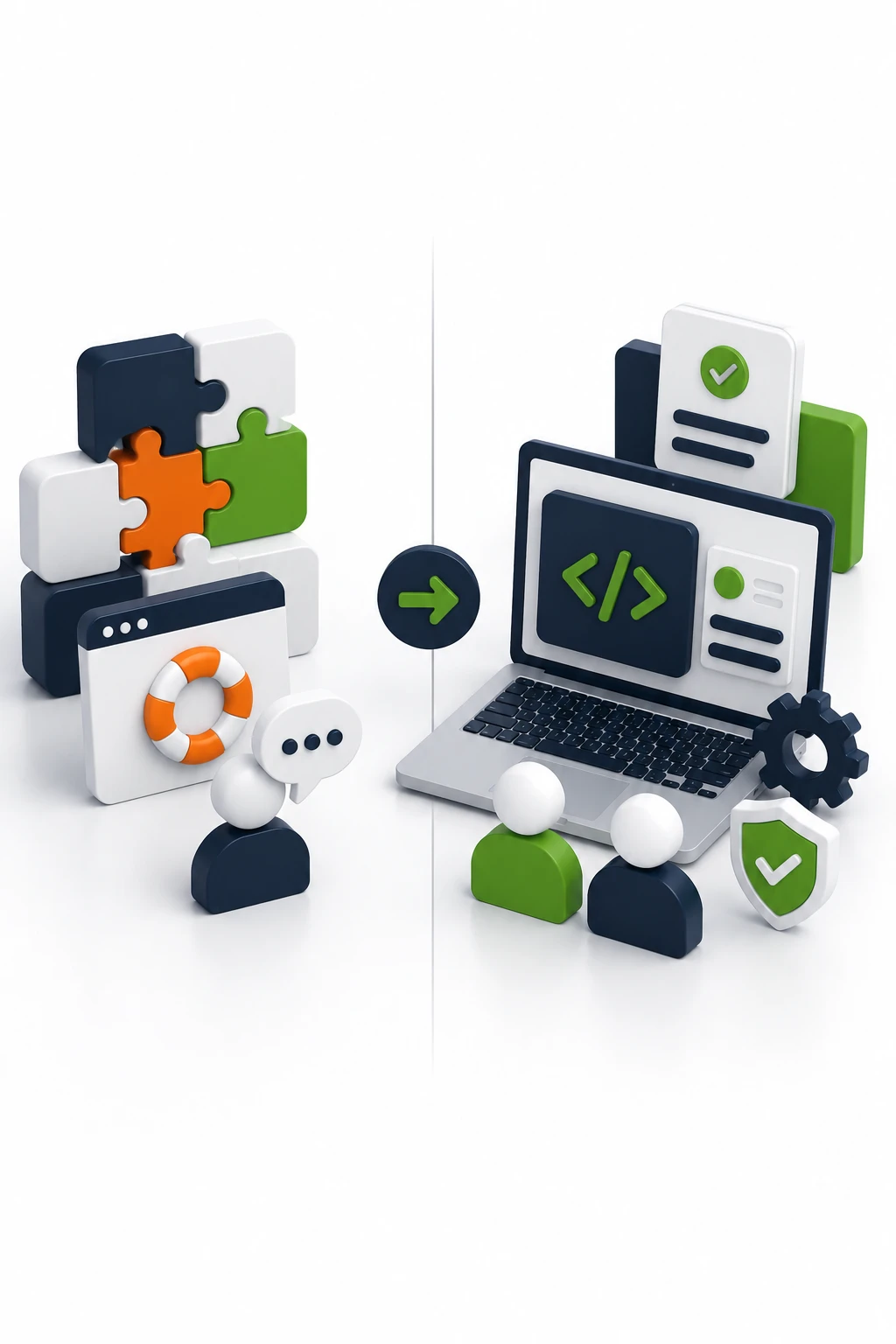
Shopify Apps: Easy Support, But You’re Tied to the Vendor
Most app vendors offer docs, chat, and update logs, which is useful when you need a quick answer. The setup is often easier because somebody has already solved the common problems.
But vendor risk is real. Prices change, features disappear, and apps can be sunset without much warning. If a tool is central to your operation, that dependency deserves attention.
Custom Shopify Apps: You Control the Roadmap
Custom ownership means fixes and features can be prioritized around your business, not someone else’s product plan. That is a big deal when your workflow is unique or when a small change could save a lot of manual effort.
The flip side is that support does not happen by magic. You need a plan for updates, bug fixes, and future improvements, ideally with a team or partner that already understands the build.
When to Choose Shopify Apps
Choose Shopify apps when you need speed, standard features, and low upfront effort. If your problem is common, the app ecosystem is usually the smartest place to start.
This is the right call when you are launching fast, testing a new idea, or solving a familiar problem like reviews, upsells, popups, or shipping logic. If the app gets you 80 percent of the way there without pain, that is a good trade.
Choose Shopify Apps If You Need a Fast, Affordable Fix
If you need something live this week, apps win. If your team is small, your budget is tight, or you want to test before committing, apps are the cleanest option.
The rule of thumb is simple: if the process can be improved without changing how your business operates, start with an app.

When to Choose Custom Shopify Apps
Choose custom Shopify apps when your workflow is the business, not a side detail. If the software needs to follow special rules, connect deeply to other systems, or support a complex operation, custom is the better fit.
That is especially true for Shopify Plus merchants, B2B setups, internal dashboards, and stores with repeated manual tasks that keep eating time. When off-the-shelf tools start creating more cleanup than value, it is time to build.
Choose Custom Shopify Apps If Your Workflow Is the Product
If your current process is already unique, forcing it into a generic app usually creates more work later. Custom features, tighter integrations, and direct control over data flow can remove a lot of hidden overhead.
In plain English, if your team keeps saying “we just work around it,” that is usually the warning sign. A custom app is worth serious consideration when the workaround has become the system.
Shopify Apps vs Custom Shopify Apps: Final Verdict
For most Shopify store owners, Shopify apps are the better first choice because they are faster, cheaper upfront, and good enough for common needs. For businesses with complex operations, unusual workflows, or too many paid apps already in the stack, custom apps are the better long-term move.
The decisive factor is not size alone. It is whether your current setup still fits a general-purpose tool, or whether it has already turned into a patchwork of subscriptions, manual fixes, and process compromises. If one annoying workflow keeps coming up, that is the one worth reviewing first, because it usually tells you whether you need another app or something built to fit.
One good next move is simple: pick the most annoying workflow in your store and ask whether an app truly fixes it, or just hides it for a while. That answer usually tells you everything you need.