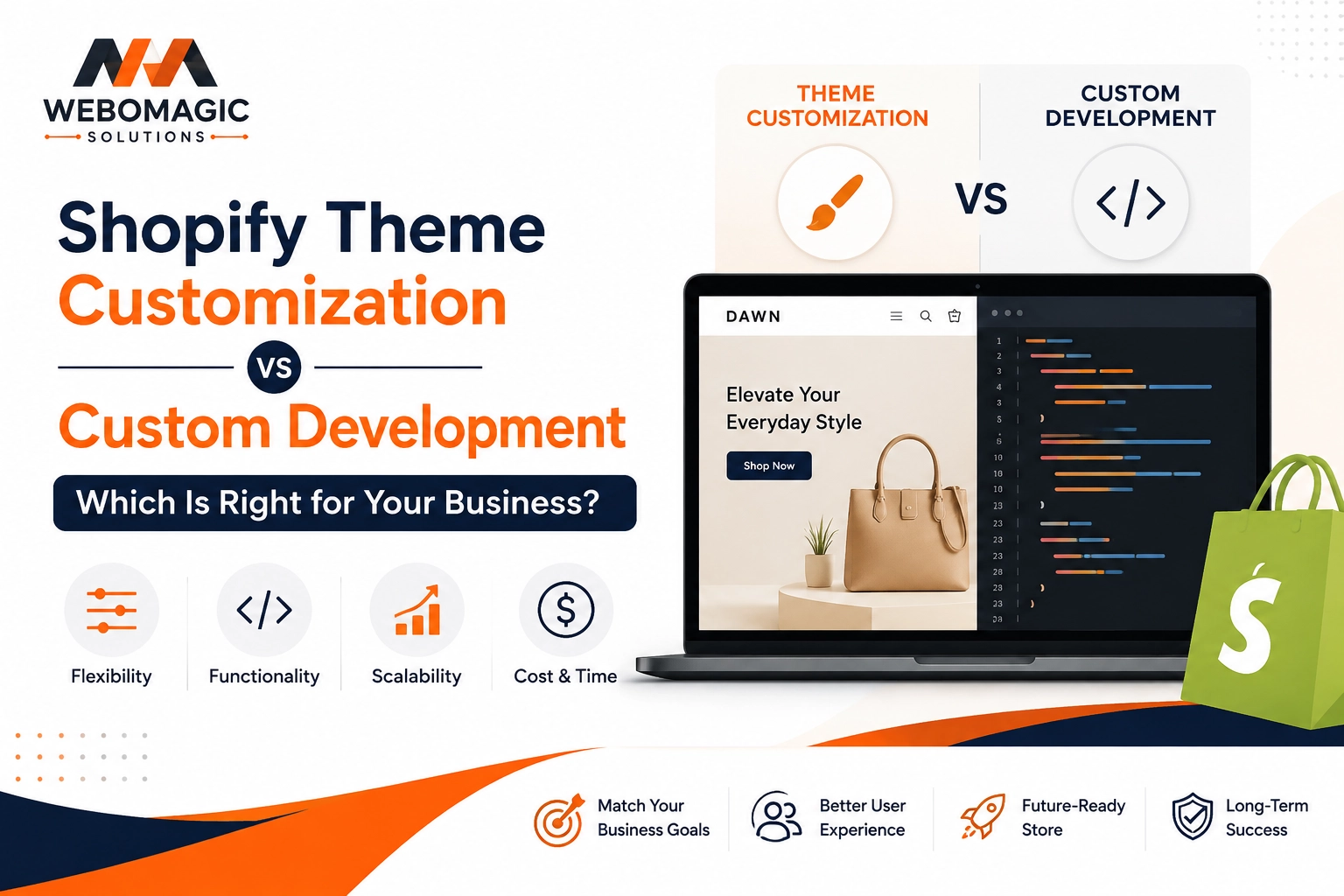
A Shopify customization can start as a tiny tweak and turn into a whole development project before you know it. That’s usually the moment a freelance developer earns their keep, because some changes belong in the theme editor, and some need real code, data logic, or checkout work to land safely.
1. Know when a simple tweak stops being simple
The fastest way to waste time on Shopify is to treat every change like a drag-and-drop job. If you’re swapping a banner image or changing a font, fine. If you’re trying to add a bundle builder to a product page and make it behave differently for different products, you’re already in Shopify custom development territory.
Here’s the clean rule: once a change touches code, structured data, or store logic, it stops being a basic edit. That’s when Shopify Liquid customization, custom coding, or app logic starts to matter. A freelance Shopify developer is useful here because the work has to fit into the theme without breaking the parts you already rely on.
What counts as developer-level work
Anything that needs Liquid templates, API connections, app embeds, or advanced theme changes is developer-level work. In plain English, that means the store has to do something, not just look different. If the feature has rules, conditions, or moving parts, you usually need a developer.
2. Build a custom product page that does more selling
Product pages are where revenue gets made or lost, and the default version is rarely enough for a growing store. Shopify product page customization makes sense when you want custom bundles, variant pickers that feel cleaner, size guides that sit where shoppers expect them, comparison tables, or sticky add-to-cart behavior that keeps the purchase option visible.
Picture a shopper on mobile at 9 p.m., trying to decide between two sizes while one hand is holding a coffee and the other is scrolling. That page needs to do the heavy lifting. A freelance developer can shape the layout so the important stuff is obvious, fast to load, and hard to miss.
Shopify already recommends putting high-quality images, clear pricing, social proof, shipping details, and strong calls to action directly on the product page, because that’s what helps conversion. A developer takes that baseline and makes it specific to your catalog, not just generic to the theme.
Add the features shoppers keep asking for
This is where custom fields, trust badges, media layouts, and conditional content become useful. You can show one message for a skincare product, another for a heavy item, and another for a limited-edition drop without stuffing everything into the description box. The result feels simpler, even though the setup behind it is smarter.
3. Add custom sections instead of forcing everything into one template
Shopify custom sections are one of the nicest parts of modern theme work, but there’s still a limit to what built-in blocks can do. When you want reusable homepage, landing page, or collection page sections that match your brand system, a freelance developer can build them once and let your team reuse them later without touching code.
Think of it like arranging furniture in a room. The pieces need to fit the space, not fight it. If every page is forced into the same layout, your store starts to feel boxed in, especially when you launch campaigns or seasonal collections.
The real value is flexibility without chaos. A good section build gives you control over headings, images, buttons, spacing, and content order, so updates stay in the theme editor instead of turning into support tickets.
Make sections reusable and easy to manage
The best sections come with clean settings and sensible block controls. That means your team can swap content, change images, or update text without asking for a developer every time a headline changes. If that sounds basic, good, because basic is exactly what keeps the store manageable six months later.
4. Use metafields to store the data your store keeps outgrowing
Shopify metafields are just extra custom data fields for products, collections, pages, or customers. They sound technical, but the use case is simple: once your store needs structured information, the product description stops being the right place for it.
A skincare brand in Austin with 40 products, each with different allergy notes, is a perfect example. You do not want that buried in a wall of copy. You want the notes to live in metafields so they can be reused, filtered, and displayed exactly where shoppers need them.
Freelance help matters because the useful part is not just storing the data. The real work is shaping how that data appears across product pages, collection pages, and custom templates without making the store feel stitched together.
Connect metafields to the front end
Metafields become powerful when a developer maps them into the theme. That is how you get ingredient lists, warranty details, size charts, or “ships in 24 hours” messaging to show up automatically in the right place. Once that connection is built, your team stops copying and pasting the same details into ten places.
5. Customize your theme without breaking the parts you rely on
Shopify theme customization goes way beyond colors, fonts, and logo swaps. Once you start changing header behavior, adding mega menus, building sticky navigation, or creating custom footers and page templates, the risk climbs fast. One wrong move in the theme files can feel like moving one board in a shelf and watching the whole thing wobble.
That’s why a freelance developer is worth it here. Instead of stacking edits on top of one another, the work gets done cleanly, with the theme structure in mind. Shopify itself gives merchants plenty of themes to start from, but deeper layout changes usually need someone who understands how the theme is wired.
Protect speed and mobile usability
Custom theme work should never make the mobile experience worse. Most orders now happen on phones, so if your custom header is bulky or your images load slowly in a checkout line, the polish doesn’t matter much. A solid developer keeps the design tight, the code lighter, and the page usable with one thumb.
6. Extend Liquid when built-in settings hit a wall
Shopify Liquid customization is the code layer behind your storefront, and it’s where a developer gets precise. Need different shipping messages based on product tags? Want a collection page to change layout depending on inventory status? Liquid is where that logic lives.
The theme editor can handle the obvious stuff. Liquid handles the weird but important stuff. That distinction matters once your store grows past a handful of products and starts needing display rules that feel personal instead of generic.
When Liquid beats app stacking
A custom Liquid solution can sometimes replace three apps and a bunch of settings screens. That keeps the store lighter, easier to maintain, and less fragile. Fewer apps usually means fewer surprises, which is a nice trade when the goal is selling, not babysitting plugins.
7. Integrate apps and outside tools without messy handoffs
Shopify app integration sounds simple until an app lands in the wrong spot, clashes with your theme, or breaks mobile spacing. That’s the point where a freelance developer saves you from living with “good enough” forever.
Subscriptions, reviews, loyalty tools, CRM connections, shipping platforms, and personalization apps all need to fit into the store cleanly. A loyalty widget covering the add-to-cart button on mobile is a classic example of a small issue that can quietly hurt conversion until someone fixes the placement.
Handle data flow and front-end fit
Good integration work is part plumbing, part styling. You want API connections, app embeds, tracking scripts, and data mapping to work together without stepping on each other. When the tools talk to your store correctly, your team gets cleaner data and your shoppers get a smoother experience.
8. Change the checkout experience when revenue is on the line
Checkout is not the place for guesswork. Shopify checkout customization can be one of the highest-value uses of a freelance developer, especially if you’re on Shopify Plus or need custom fields, upsells, wholesale logic, or payment behavior that has to be handled carefully.
This is where the stakes get real. A wholesale buyer in Chicago may need a purchase-order field, tax-exempt flow, or a checkout path that matches how their business buys. If that experience is clumsy, you feel it immediately in abandoned orders and support emails.
Shopify’s checkout is one of the platform’s strongest conversion engines, so changes here should be deliberate. The goal is not to decorate checkout. The goal is to remove friction and keep trust intact.
Keep checkout changes focused and safe
Some checkout edits are limited by plan, and some require Plus-level access. Either way, trial and error is a bad strategy here. A developer should test changes in a controlled environment, then roll them out carefully so you do not learn about problems from a customer screenshot.
9. Create custom templates for special pages that need a different job
Not every page should look or behave like a standard product or collection page. Campaign landing pages, seasonal drops, wholesale signups, store-locator pages, and blog templates often need their own structure. A freelance developer can build those custom templates without forcing your main theme to carry every use case.
A holiday campaign page is a good example. You may want a countdown timer, FAQ, custom CTA, and a few featured products all on one screen. If you squeeze that into an existing template, it usually looks crowded. A custom page keeps the job clear.
The right template does not just look nicer. It gives each page one job, which makes the page easier to understand and easier to convert.
Match the template to the goal
A landing page should sell. A support page should answer. A wholesale page should qualify. Once the template matches the goal, the clutter drops and the page starts pulling its weight instead of acting like a catch-all.
10. Tackle performance, accessibility, and cleanup after custom work
The unglamorous part of Shopify customization is often the most valuable. After new features go live, somebody has to check speed, accessibility, script cleanup, and mobile behavior so the store still feels fast and usable. That is exactly where a freelance developer earns trust.
Shopify has found that slower pages hurt conversion, and custom features can add just enough weight to matter. If a new filter, widget, or app makes your product page sluggish, the fancy feature starts costing more than it gives back. The same goes for accessibility gaps like tiny tap targets or low-contrast text.
A good developer does not just add features. They also remove junk, trim scripts, and fix the little breaks that pile up after months of changes.