A good website development company in Dwarka does a lot more than hand you a homepage and disappear. The real test is whether your site brings in calls, bookings, quote requests, and sales without turning every small update into a headache. If you’re comparing options in Dwarka, Delhi, the difference shows up fast once you look past the brochure-level promises.
Product Overview: What a Website Development Company in Dwarka Actually Covers
A solid website development company in Dwarka usually handles the full path from planning to launch, not just the visual part. You should expect help with structure, design, development, mobile responsiveness, basic SEO, and post-launch support. For a local business, that matters because your website often acts like your front desk, sales rep, and first impression all at once.
The best web design and development company in Dwarka also thinks about what happens after the site goes live. Can you update service pages yourself? Can you add a new branch, a new course, or a new product line without rebuilding everything? If the answer is no, the site may look fine but feel fragile the moment your business grows.
Services at a Glance
Most businesses end up needing one of a few common builds: a business website, a corporate website, an ecommerce store, a WordPress site, a Shopify store, a redesign, or ongoing maintenance. A website design company in Dwarka should also be able to handle landing pages, inquiry forms, appointment booking, and basic content updates.
That mix matters because your needs are probably specific. A clinic, a school, a restaurant, and a trader all need websites, but not the same kind. A good web designing company in Dwarka should make that difference obvious instead of forcing everyone into the same package.
Key Specs You Should Check Before You Buy
Before you sign anything, check turnaround time, platform choice, mobile-friendly design, SEO readiness, CMS access, and support response time. CMS stands for content management system, which just means the part of the site you use to edit text, images, and pages without coding.
You should also ask how much control you get after launch. If your website developer in Dwarka locks simple edits behind extra charges, that gets old quickly. A better setup gives you access to the basics and keeps support available for the technical stuff.
Setup and Onboarding Experience
The first few days tell you a lot about how smooth the rest of the project will be. A good website designing company in Dwarka Delhi should start by asking useful questions, not by pushing a template before understanding your business.
When onboarding goes well, the process feels organized instead of chaotic. You know what’s needed, what’s next, and who is handling what. That alone saves time, because website projects usually get delayed by missing content, unclear approvals, or vague expectations.
Discovery Call and Requirement Gathering
A strong discovery call should cover your goals, audience, services, competitors, and design taste. If you run a clinic, for example, the company should ask whether you need appointment requests, doctor profiles, treatment pages, or local SEO support. If you’re a consultant or law firm, trust signals and lead capture matter more than flashy graphics.
This is where a professional web designer in Dwarka earns trust. Good questions here lead to fewer revisions later. Bad questions, or worse, no questions, usually mean the final site is guessed together.
Content, Branding, and Asset Collection
Next comes the handoff of practical assets: logo files, brand colors, photos, service details, address, maps, social links, and any existing brochures or PDFs. If you already have fonts and a color palette, pass those along too. It keeps the site from looking stitched together from random pieces.
The catch is that missing content slows everything down. If the company has to chase your images or rewrite every service description from scratch, your timeline stretches. A smooth setup gives the web development company in Dwarka enough material to build a site that feels like your business, not a placeholder.
Timeline, Milestones, and Approval Flow
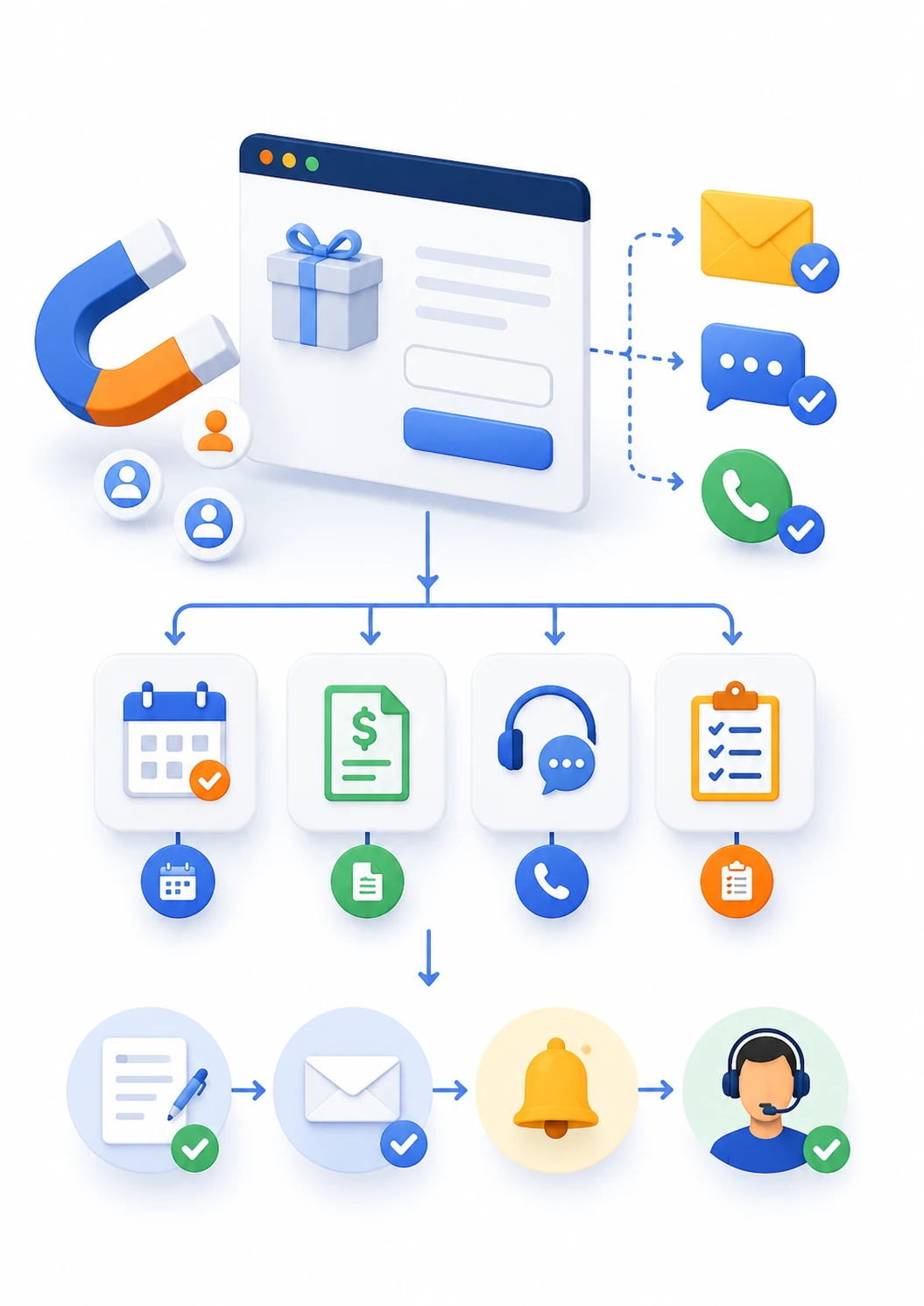
A clean project usually moves through planning, design mockups, development, review, and launch. You should know when the homepage is approved, when the inner pages are reviewed, and when testing happens. Without that structure, you end up wondering whether the project is stuck or just quietly moving.
The approval flow matters more than most people expect. A good website developer in Dwarka will ask for feedback at specific stages so changes are easier to make. Once development is nearly done, big design changes cost more time and money. That part is just reality.
Custom Website Development in Dwarka
Custom website development in Dwarka is worth paying attention to when your business needs more than a theme with a few edits. A custom build gives you more control over layout, features, and growth, which matters if your site has to do real work instead of just sitting there.
That said, custom does not automatically mean better. It means better fit. If your business has a unique sales process, multiple services, or a more serious brand image to protect, custom work usually makes sense.
When Custom Development Makes Sense
Custom work is a strong fit for clinics, real estate firms, consultants, manufacturers, and corporate companies. These businesses often need more than a brochure site. They need service pages that explain things clearly, lead forms that route inquiries properly, and a structure that can expand without becoming messy.
It also helps if your workflow is unusual. Maybe you need separate pages for different property types, course batches, practice areas, or product categories. In that case, a custom website development company in Dwarka can build around your real process instead of forcing you into generic sections.
Design Flexibility and Brand Fit
A custom build lets your site match your brand personality instead of looking like every other site in the market. Color choices, spacing, section order, button style, and call-to-action placement all shape how your business feels online.
The trick is simple: your website should look like your business, not like a stock theme wearing your logo. That’s where a good web design and development company in Dwarka stands out. It understands that visual identity is not decoration, it affects trust.
Built-In Scalability for Future Growth
Custom websites make future changes easier when they’re built properly. You can add service pages, branch locations, booking features, lead forms, or ecommerce sections later without starting over. That flexibility is one of the main reasons growing businesses skip cookie-cutter setups.
It’s a practical point, not a fancy one. A site that can grow with you saves time every time your offer changes. And businesses change all the time.
WordPress Website Development in Dwarka
WordPress remains one of the smartest choices for local businesses because it balances flexibility with ease of use. A good wordpress development company in Dwarka can set up a site that looks polished, loads well, and stays manageable after launch.
You can edit pages, publish blogs, update service descriptions, and add new content without touching code. For a school, coach, clinic, or agency, that kind of control is worth a lot.
Why WordPress Is a Popular Choice
WordPress is popular because it’s familiar, flexible, and supported by plenty of tools. It works well with SEO plugins, form builders, page builders, and booking tools. It also makes content updates less painful, which is a bigger deal than most first-time buyers realize.
If you need a wordpress website development in Dwarka project that stays practical, this platform is a safe bet. It gives you enough freedom without making every update feel technical. That balance is why many small businesses stick with it.
Theme-Based vs Custom WordPress Builds
A theme-based site is quicker and usually cheaper. You pick a ready-made design, adjust the branding, and launch. That works fine when your needs are simple and speed matters.
A custom WordPress build gives you more control over layout, performance, and unique functionality. It takes more time, but it usually feels cleaner and more deliberate. If you want the site to do more than look decent, custom is often the better long-term move.
WordPress Maintenance and Security Basics
WordPress does need maintenance, and skipping it is a bad habit. Updates, backups, plugin checks, spam protection, and login security keep the site stable. If those get ignored, even a nice site can turn into a problem after a plugin conflict or a security issue.
This is where website maintenance services in Dwarka become part of the value, not an afterthought. A site that works today but breaks quietly next month is not really working. Backup discipline matters more than most people want to admit.
Shopify Website Development in Dwarka
If your business sells products, Shopify is often the cleanest way to get moving. A shopify development company in Dwarka can set up your store, connect payments, and help your product pages actually convert instead of just sitting online.
For ecommerce, small details matter. Product photos, filters, shipping setup, trust badges, and checkout flow all affect whether someone buys or bounces.
Store Setup, Product Pages, and Checkout Flow
A good Shopify build covers the homepage, collections, product pages, cart, payment gateway, shipping, tax settings, and order notifications. That is the backbone of ecommerce website development in Dwarka. If any of those pieces are clumsy, the store feels hard to trust.
The checkout flow is especially important. You want fewer distractions and fewer steps. A shopify website developer in Dwarka should make buying feel almost boring, because boring checkout usually means fewer abandoned carts.
Shopify Design and Conversion Improvements
Good Shopify design makes products easier to browse and easier to buy. Clean navigation, sticky cart buttons, clear delivery info, and visible reviews all help. Small changes can lift conversions more than a dramatic redesign ever will.
A skilled ecommerce website designer in Dwarka also pays attention to mobile shopping. Plenty of buyers will land on your site from a phone, maybe while scrolling in the evening or between errands. If the mobile experience is clunky, sales slip away fast.
App Integrations and Store Automation
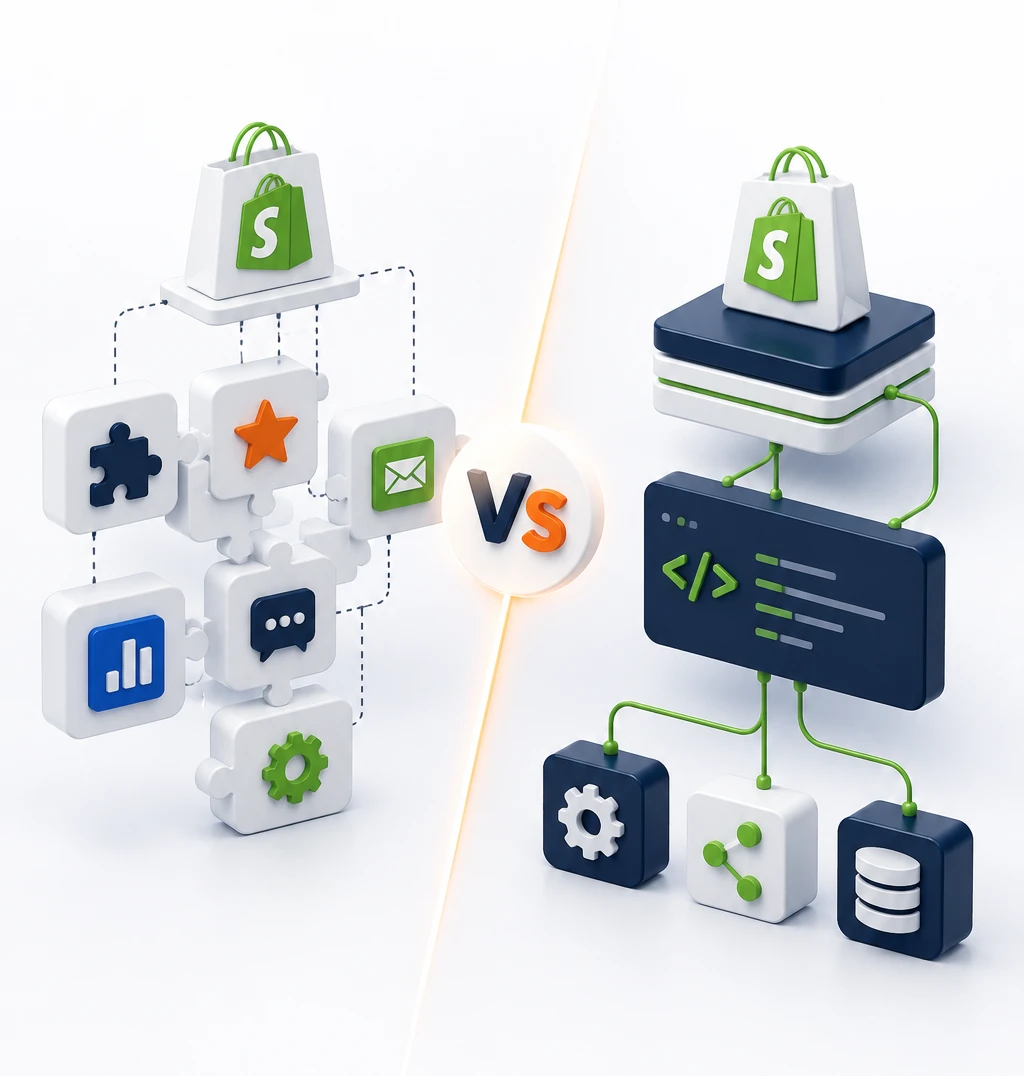
Shopify’s app ecosystem is useful, but it can get messy fast. Reviews, email marketing, inventory sync, WhatsApp, shipping tools, and abandoned cart recovery all help when chosen well. Too many apps, though, slow the store down and create maintenance headaches.
That’s why setup matters as much as the apps themselves. A shopify expert in Dwarka should connect only what supports the business. More tools do not always mean a better store.
Responsive Web Design in Dwarka
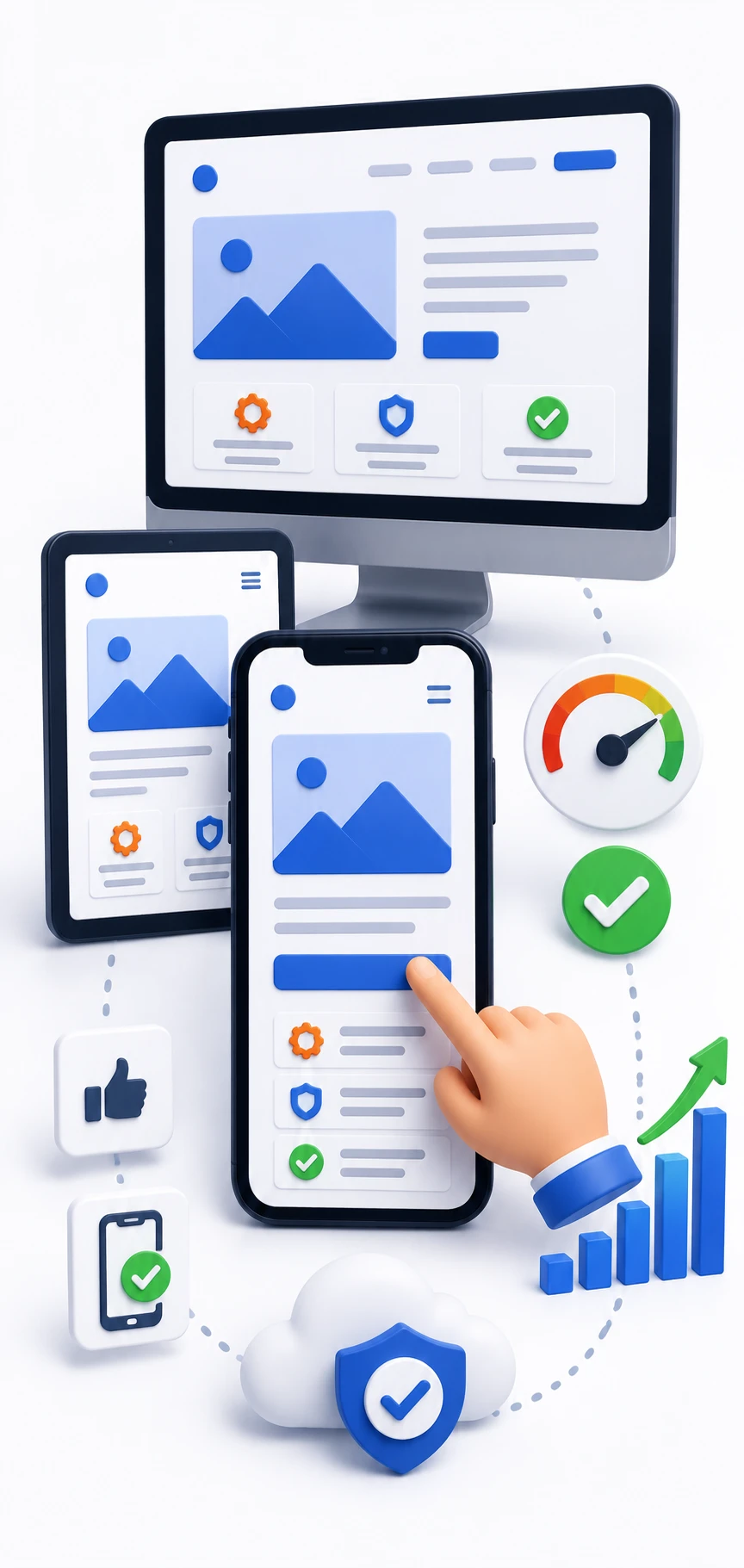
Responsive web design in Dwarka is non-negotiable now. Most local browsing happens on phones, so your site has to look right and feel easy on a small screen first, not as an afterthought.
If someone opens your site from a cab, a clinic waiting room, or a coffee break, the layout should still behave. Buttons need to be easy to tap, text needs to be readable, and pages need to scroll smoothly.
Mobile-First Layout and Easy Navigation
A mobile-first layout keeps the core actions visible without clutter. You want the phone number, enquiry button, WhatsApp link, or booking option to be easy to find. If someone has to pinch and zoom just to read your services, the design is failing.
That’s where a responsive web design in Dwarka setup shows its value. It keeps the site usable across screen sizes, which sounds basic but still gets done poorly more often than it should.
Speed and Device Compatibility
Speed matters because slow pages feel like waiting at a crowded elevator. People notice the delay, then leave before the content even lands. Image compression, clean code, and cross-browser testing all help keep things smooth.
You should also check device compatibility, not just one phone in one office. A decent website design company in Dwarka tests on different browsers and screen sizes so the site does not break for half your audience.
Forms, Calls to Action, and Mobile Conversion
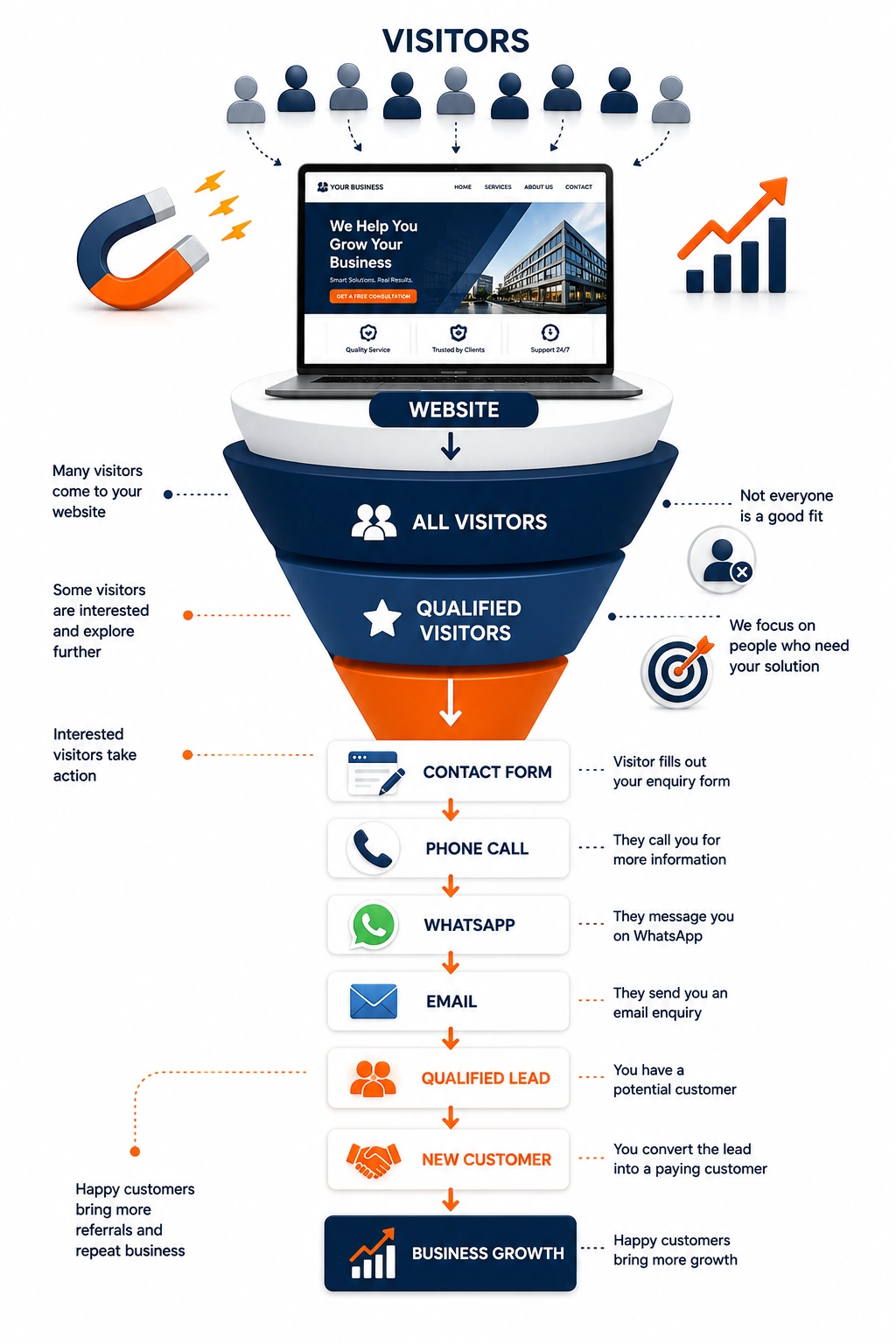
On mobile, the form and action buttons do the heavy lifting. Click-to-call, WhatsApp, booking, and simple enquiry forms should all work without friction. If the form is too long, half-finished, or hard to tap, leads drop off.
The best part is that these small changes are easy to measure. If your mobile conversions improve after simplifying the form, you know the work paid off. No mystery.
SEO Friendly Website Development in Dwarka
A good website development company in Dwarka should build with SEO in mind from the beginning. SEO friendly website development in Dwarka is not about stuffing keywords everywhere. It’s about making the site clear, fast, organized, and easy for search engines to understand.
That matters most for local businesses competing in Dwarka, Delhi, and nearby areas. If search visibility is part of your plan, structure matters as much as design.
On-Page SEO Setup
On-page SEO includes title tags, meta descriptions, headings, alt text on images, internal links, and clean URLs. In plain English, these are the labels and structure that tell search engines what each page is about. Get them right early and you avoid a lot of cleanup later.
A strong website designing company in Dwarka should bake these basics into the build, not treat them like an extra. That’s especially useful for service pages, location pages, and product pages that need a real chance to rank.
Local SEO for Dwarka and Nearby Areas
Local SEO helps your site show up for searches tied to Dwarka, Delhi, and surrounding locations. That can include location pages, map embeds, Google Business Profile support, and content that clearly mentions your service area. Clinics, salons, gyms, restaurants, and legal offices benefit a lot from this.
If your business serves nearby neighborhoods too, the site should reflect that in a natural way. Search engines like clarity, and local customers do too. No one wants to wonder whether you actually serve their area.
Technical SEO and Site Structure
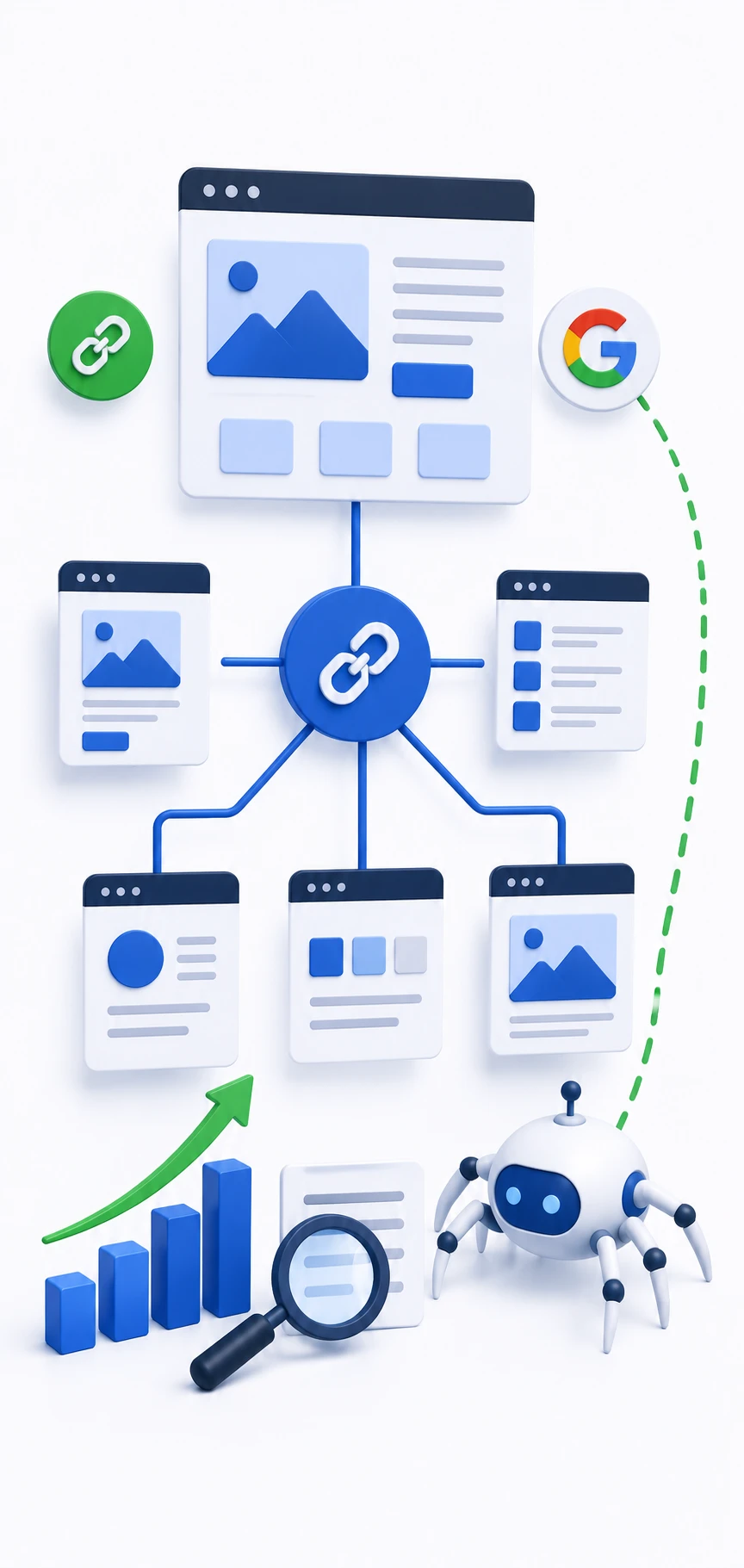
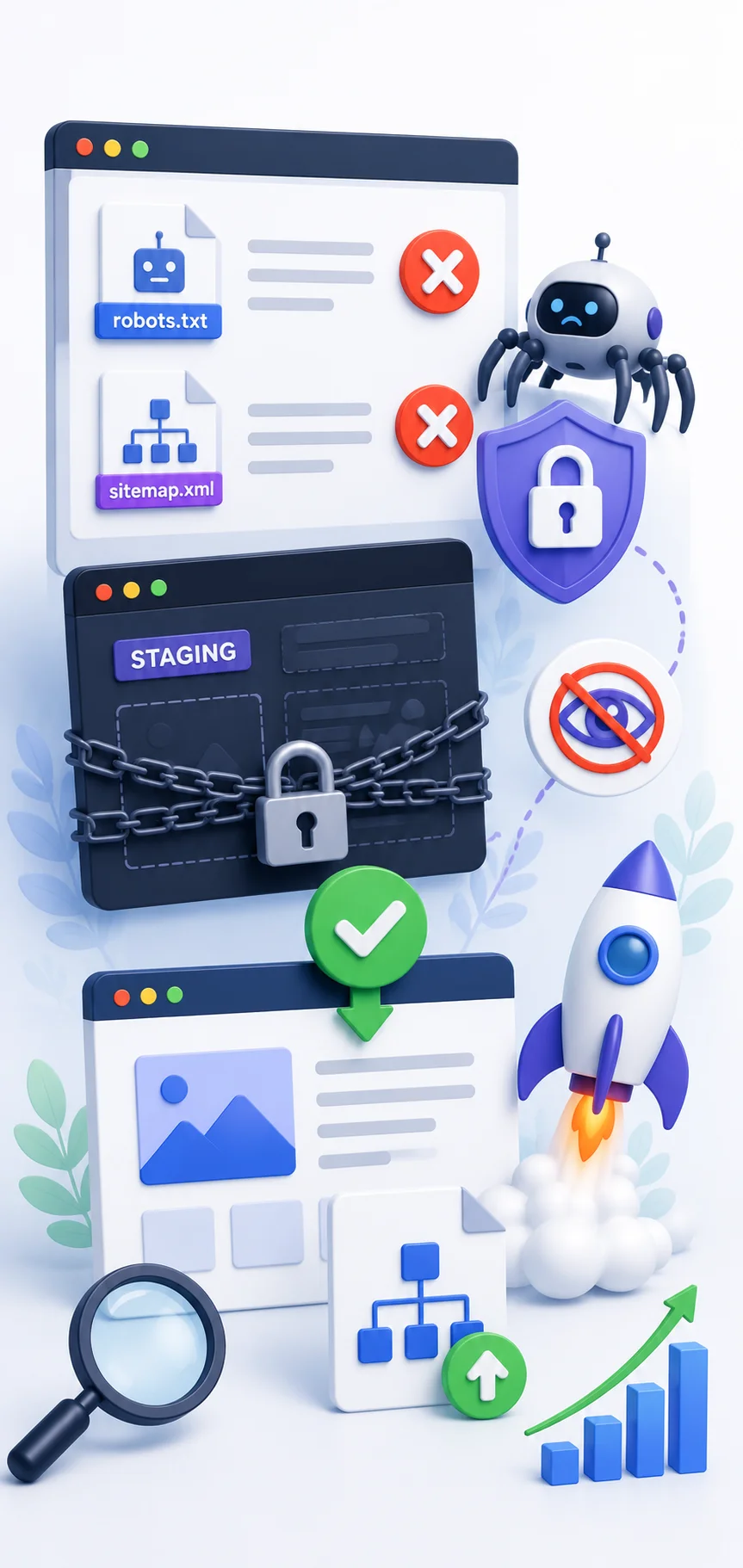
Behind the scenes, XML sitemaps, schema markup, crawlability, HTTPS, redirects, and fast loading pages all help. These details make it easier for search engines to read the site correctly. They also help prevent avoidable ranking problems after launch.
A solid web development company in Dwarka will set this up properly from day one. Not because it sounds impressive, but because bad structure is annoying to fix later.
Website Redesign Services in Dwarka
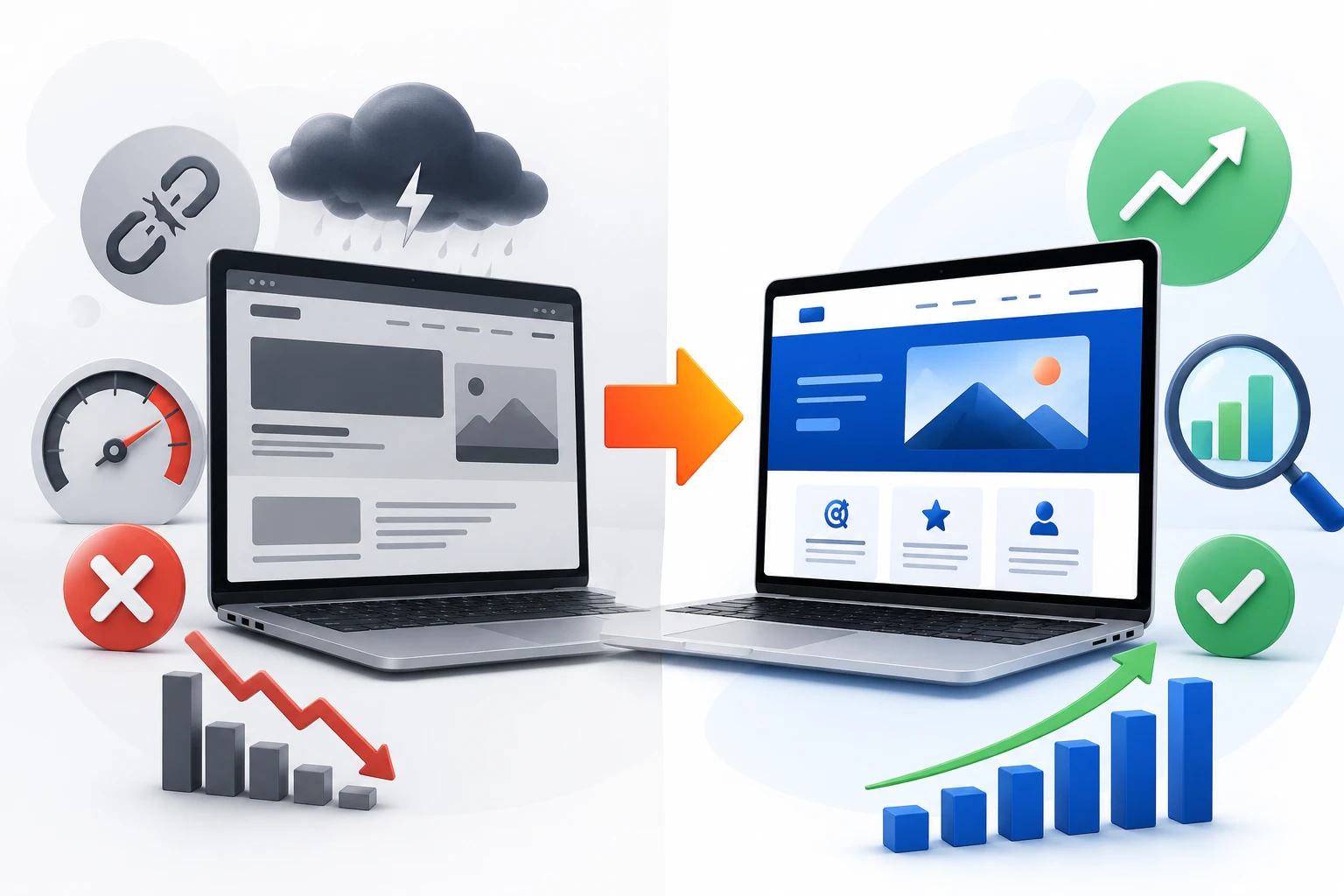
Website redesign services in Dwarka make sense when your current site is still online but no longer doing its job. Maybe it looks old, maybe it’s slow, or maybe it simply doesn’t match your business anymore.
A redesign is usually smarter than a full rebuild when the basic content still has value. The goal is to improve what’s already there without throwing away useful traffic or trust.
Signs Your Current Website Needs a Refresh
If your site looks dated, loads poorly on mobile, has broken links, or fails to bring in inquiries, it probably needs a refresh. Another sign is simple: if you feel slightly embarrassed sending people to it, that’s not a great sign.
Sometimes the problem is visual, sometimes it’s structural. Either way, website redesign services in Dwarka can fix the parts that no longer support your business.
Migrating Content Without Losing SEO
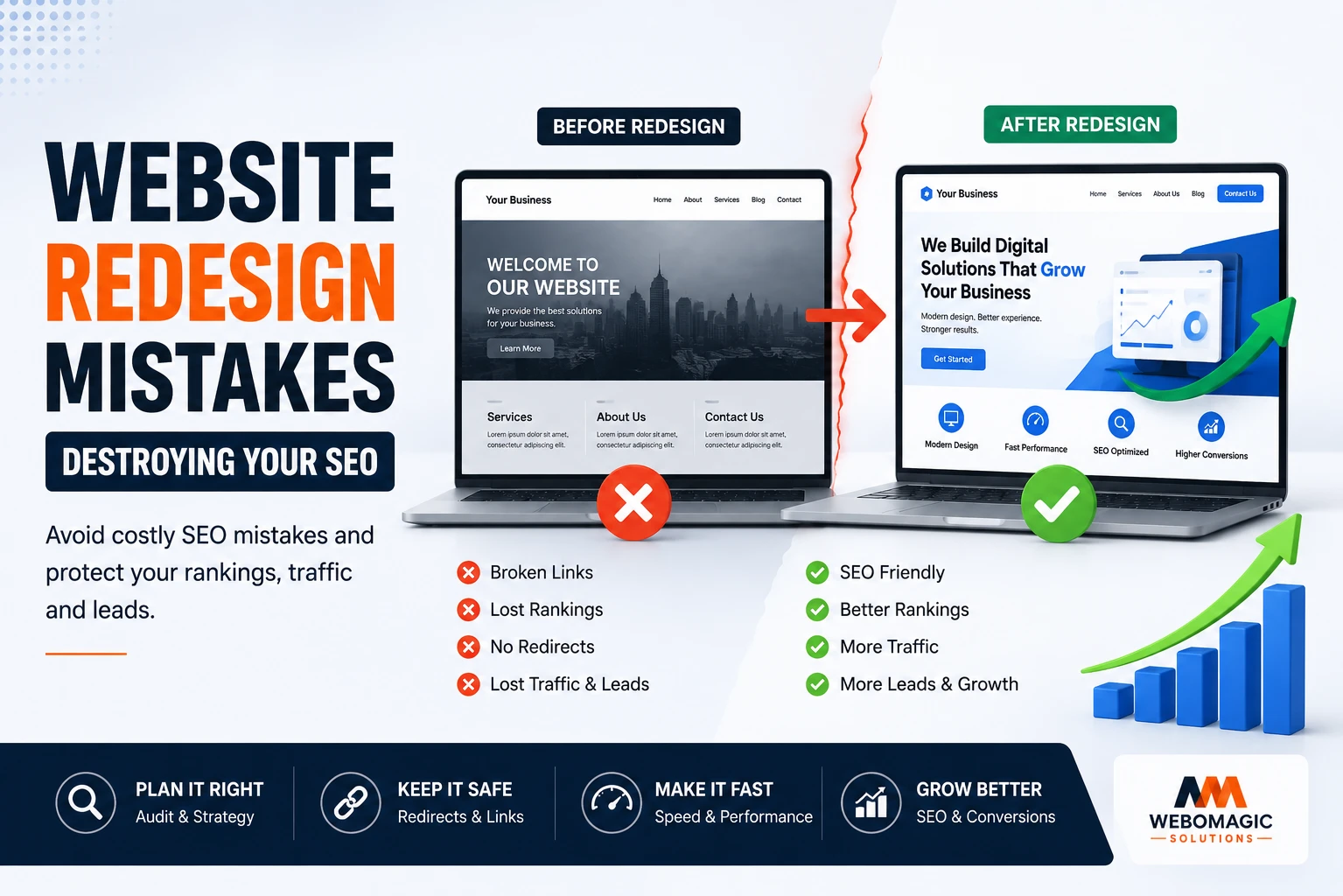
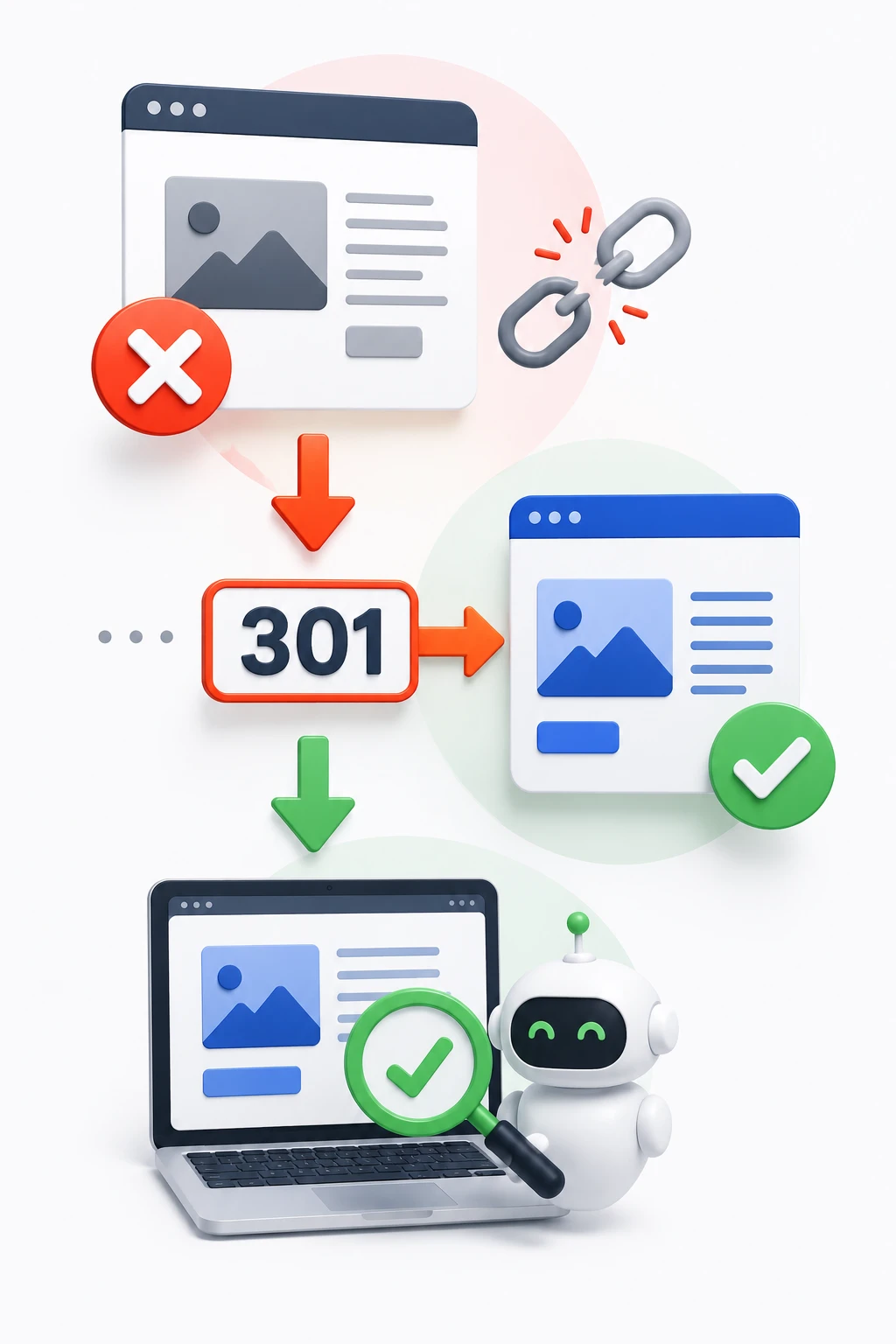
A redesign should protect useful pages, redirects, and rankings. If high-performing pages disappear or URLs change without proper mapping, traffic can fall fast. Pretty visuals do not make up for lost search visibility.
This is why careful migration matters. Good website redesign services in Dwarka keep the SEO value while improving the experience. That balance is the whole point.
Improving User Journey and Lead Flow
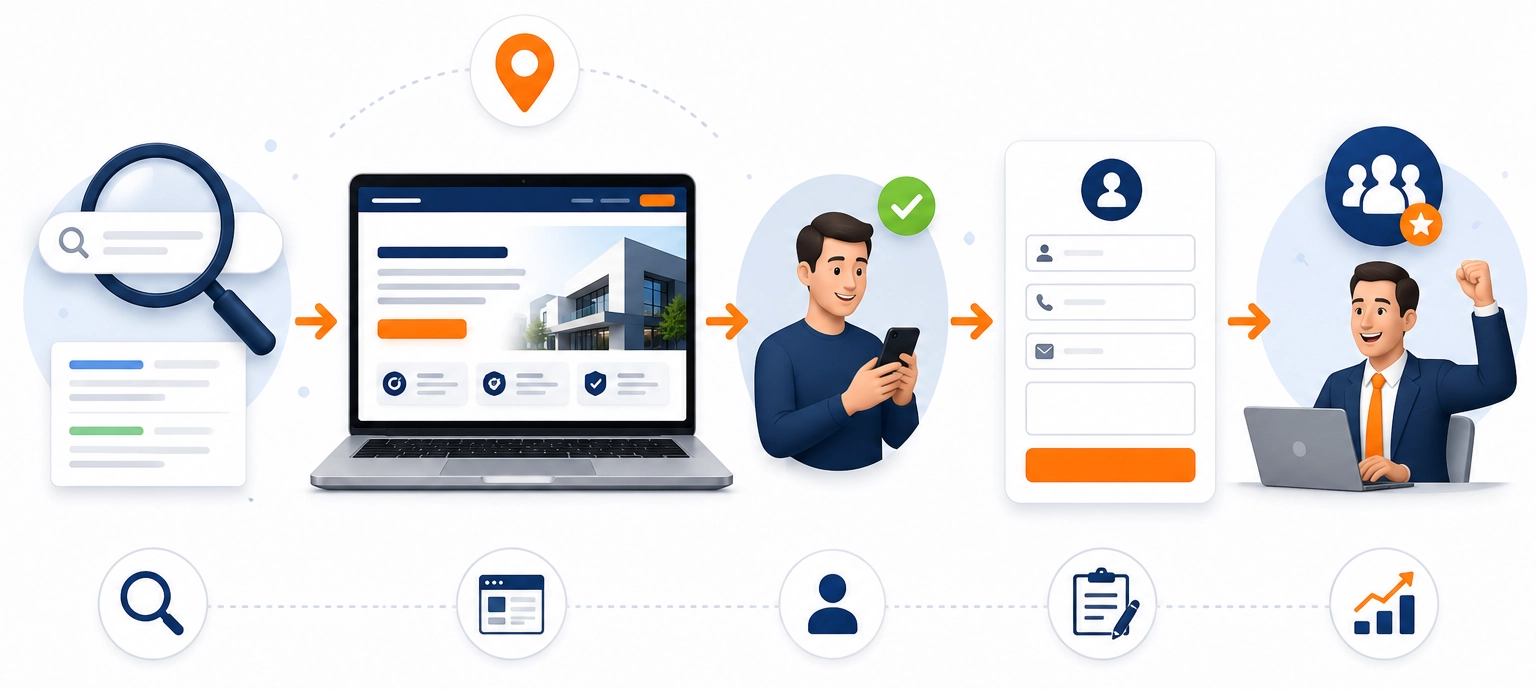
A redesign should also make it easier for visitors to act. Better navigation, clearer service pages, simpler forms, and more visible contact options all help. If people can find what they need in seconds, leads usually improve.
Think of it like clearing a cluttered shop counter. The products may not change, but the path to buying gets a lot easier.
Business Website Development for Local Companies
Business website development in Dwarka needs to fit the kind of business you actually run. A dentist, a college, a retailer, and a manufacturing company do not need the same page structure or the same lead flow.
The best sites match the way customers decide. Some visitors need trust and detail, others just need a fast contact path.
Websites for Service Businesses and Professionals
Doctors, lawyers, chartered accountants, consultants, architects, and freelancers usually need websites that build trust quickly. Service pages, testimonials, credentials, FAQs, and contact options matter more than visual gimmicks. The site should answer the first question a visitor has, which is usually, “Can I trust this business?”
For those businesses, corporate website development in Dwarka often overlaps with lead generation. A clean service structure and clear call to action can make a real difference.
Websites for Schools, Colleges, Coaching Institutes, and NGOs
Schools, colleges, coaching centers, and NGOs usually need admission forms, event updates, notices, staff profiles, downloadable resources, and course or program pages. These sites support communication as much as credibility. If your updates are buried, the site becomes more of a burden than a tool.
A web design and development company in Dwarka should think about usability here, not just style. Parents, students, donors, and applicants all move differently through the site.
Websites for Restaurants, Retail, Gyms, and Salons
Restaurants, cafes, retail shops, gyms, and salons need quick action features. Menus, offers, booking forms, class schedules, product displays, and map directions should be easy to find. People usually decide fast in these categories, so your website has to help them decide even faster.
In those cases, the site is less about long explanations and more about removing friction. That’s what good business website development in Dwarka should do.
Website Maintenance Services in Dwarka
A website is never really done. After launch, it still needs updates, backups, fixes, and the occasional cleanup. Website maintenance services in Dwarka are what keep a site from slowly drifting into brokenness.
If you have ever opened an old site and found outdated phone numbers or a dead contact form, you already know why this matters.
Updates, Backups, and Security Checks
Regular updates keep WordPress, plugins, and themes from falling behind. Backups give you a safety net if something breaks. Security checks help catch issues before they become public problems.
That may not sound exciting, but it saves time and money. A few routine checks beat a full emergency repair almost every time.
Content Changes and Small Fixes
Small changes happen constantly: a new banner, a changed phone number, a fresh offer, a new photo, or an updated service page. Good website maintenance services in Dwarka make those edits easy. You should not need a full development cycle just to swap a number.
This is one reason many businesses prefer a website builder in Dwarka or a maintenance plan with editing support. Small updates are part of normal business life, not special requests.
Monitoring Performance and Fixing Issues
Performance monitoring covers broken links, slow pages, downtime, and plugin conflicts. These problems often start quietly. By the time someone complains, your leads may already have taken a hit.
A proper maintenance plan catches issues early. That’s the difference between a site that feels cared for and one that slowly falls apart.
Pricing and Value Analysis
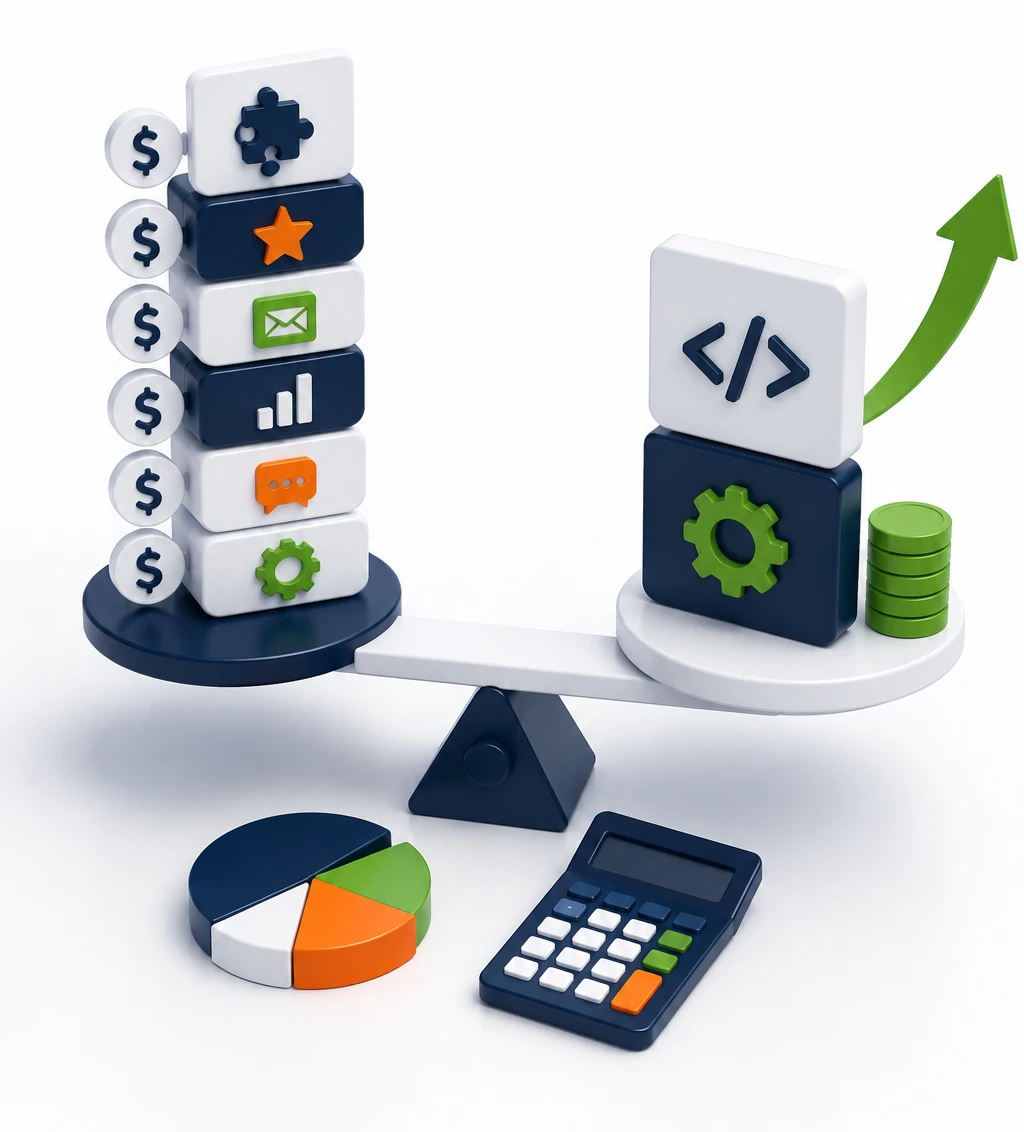
Pricing for an affordable website development company in Dwarka varies a lot because the scope varies a lot. A five-page service site is not in the same category as an ecommerce store with automation, custom filters, and content work.
The cheapest quote is rarely the best deal. What matters is whether the site helps your business without becoming expensive to fix later.
What Changes the Price
Price usually changes based on page count, custom design, ecommerce features, content writing, SEO setup, integrations, and maintenance. If you need booking, payment, multilingual content, or special functionality, the quote goes up for a reason.
That’s normal. What you want is clarity, not surprise add-ons after the first draft.
Affordable Website Development Company in Dwarka
Affordable should mean clear deliverables, fair scope, and no mystery charges. It should not mean a site that looks okay for six months and then starts creating problems. Cheap builds often cost more later because they need fixes, redesigns, or lost leads repaired.
A better affordable website development company in Dwarka gives you enough quality to avoid a rebuild too soon. That is real value.
What Good Value Looks Like
Good value usually includes responsive design, easy editing, decent support, clear structure, and proper SEO basics. If the site loads well, looks professional, and can grow with your business, that’s worth paying for.
The best value is not the fanciest proposal. It’s the one that makes your daily life easier.
Pros and Cons of Choosing a Website Development Company in Dwarka
A local team has real advantages, but it is smart to look at both sides before you commit. Local knowledge helps. Weak process does not.
Pros
A website development company in Dwarka can be easier to communicate with, quicker for meetings, and more familiar with Delhi business needs. That local context helps when your audience is nearby and your business depends on trust, service speed, or physical visits.
It’s also easier to stay practical. A local team often understands that a clinic, school, or shop needs a usable site more than a design trophy.
Cons
The downside is that quality can vary a lot. Some teams are strong on execution but light on strategy. Others push fixed packages that leave little room for custom needs or future growth.
Add-on costs can also sneak in, especially for content changes or maintenance. You want those details clear before work begins.
Who It’s Best For and Who Should Avoid It
A website designing company in Dwarka works best when you want a practical site, local support, and a clear handoff. It is a strong fit for businesses that need results without building an in-house digital team.
The right choice depends less on industry buzzwords and more on how much control, customization, and ongoing support you need.
Best Fit Businesses
Local service providers, clinics, schools, coaching centers, ecommerce stores, startups, consultants, corporate teams, and growing businesses usually get strong value here. These businesses need a site that can launch cleanly, support leads, and stay manageable.
If you want a site that looks professional and can be updated without drama, this is a good lane.
Who May Need a Different Setup
Large enterprise teams, highly specialized software projects, and businesses building a full digital product may need something more advanced than a standard website. In those cases, a simple website development company in Dwarka may not be enough on its own.
That is not a weakness. It just means the job is bigger than a normal business site.
Final Verdict: Is a Website Development Company in Dwarka Worth It?
Yes, if your goal is a professional site that actually helps the business, a website development company in Dwarka is worth considering. The strongest options give you a good mix of design, mobile performance, SEO basics, and support after launch. The weaker ones look fine in a pitch deck and fall apart when you need updates.
Final Rating Breakdown
Design quality: 8/10. Communication: 8/10. SEO readiness: 7.5/10. Mobile performance: 8.5/10. Maintenance support: 7.5/10. Value for money: 8/10.
That adds up to a strong choice for most local businesses, especially if you care about leads, bookings, or ecommerce sales more than flashy extras.
One Thing to Try Next
Compare two recent portfolios, then ask each team to map your homepage structure before you commit. If one of them can turn your services into a clear page flow in a few minutes, you’ve probably found the better fit.