Category: Shopify

  • Shopify Speed Optimization Guide: 20 Ways to Make Your Store Faster (2026)

    Shopify Speed Optimization Guide: 20 Ways to Make Your Store Faster (2026)

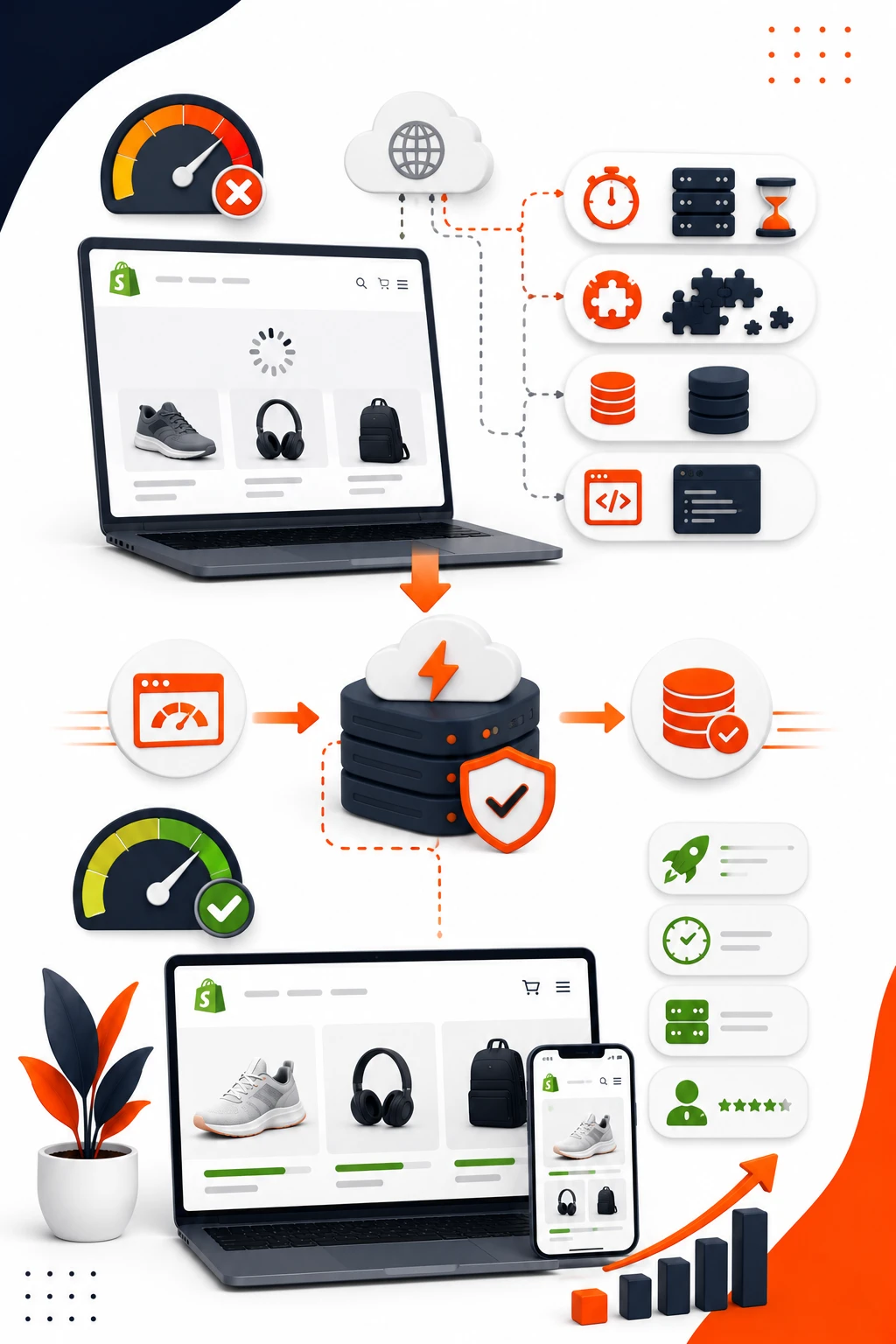
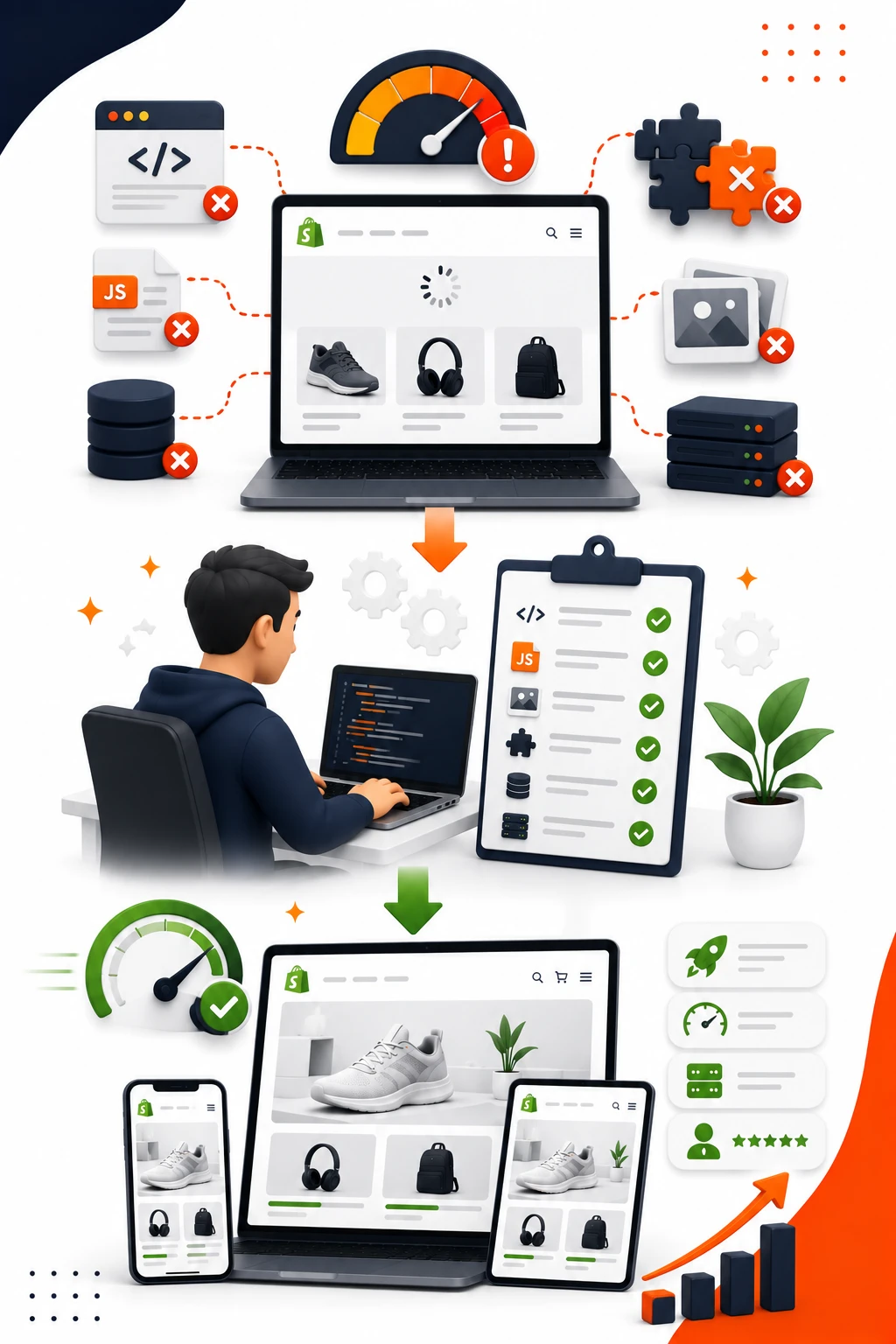
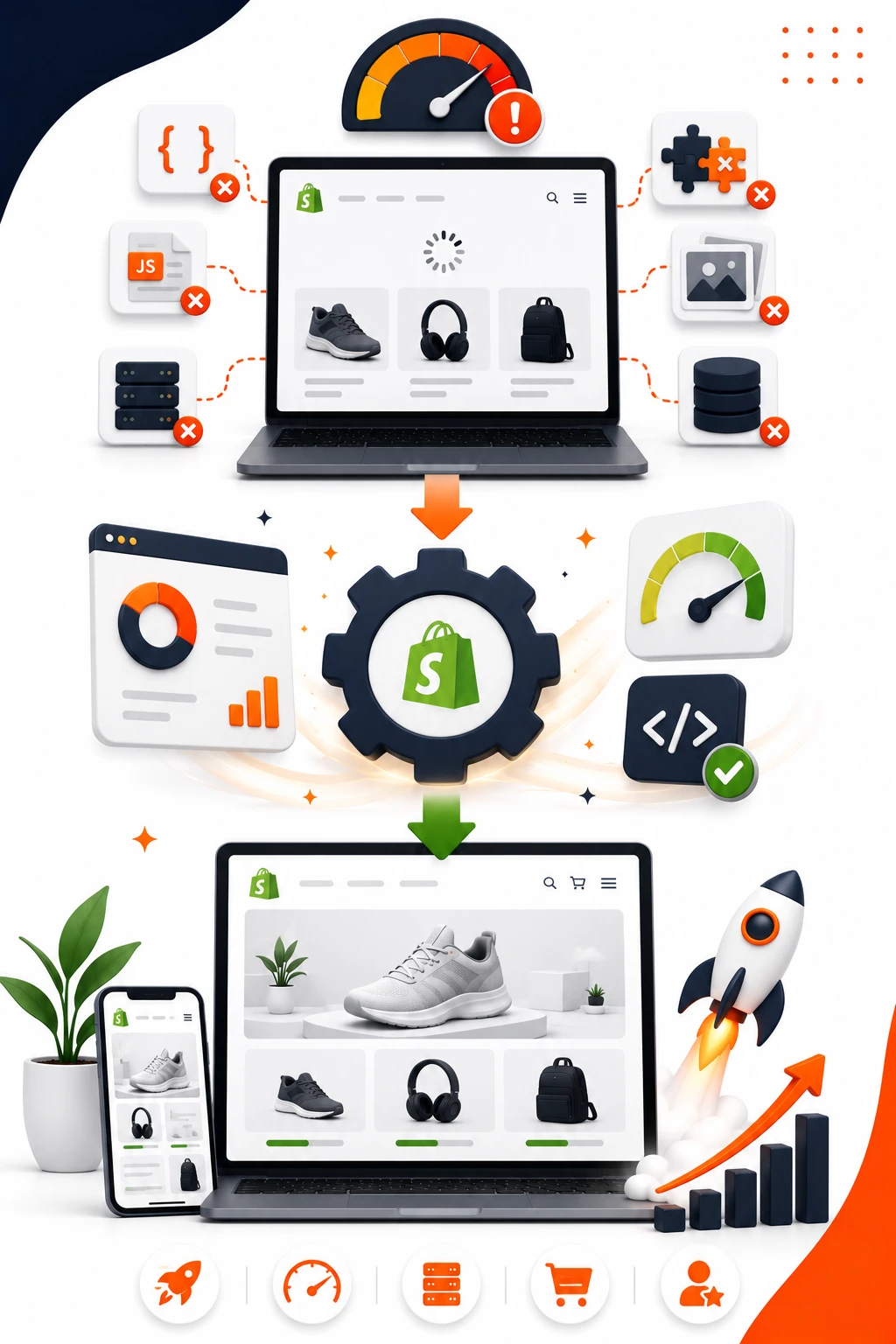
    If your store feels fine in the admin but sluggish in the wild, you are not imagining it. Shopify speed optimization is usually less about one magic fix and more about clearing away a dozen small slowdowns that pile up on product, collection, and mobile pages.

    The good news: the biggest wins are usually plain, practical, and not that glamorous. Cut the junk, lighten the heavy pages, and measure the right things before and after.

    1. Start With a Shopify Speed Audit

    Before you touch a single app or image, get a baseline. A proper Shopify speed audit gives you a before picture, so you know whether a change helped or just made the numbers look prettier in one tool.

    Start with PageSpeed Insights, Lighthouse, and Shopify’s own performance reports. PageSpeed Insights is useful because it shows real-world Core Web Vitals data when it has enough traffic, while Lighthouse gives you a lab test you can run on demand. Shopify’s report helps you spot patterns across your store, which is handy when one page type keeps dragging the whole site down.

    What to measure first

    Focus on load time, Largest Contentful Paint, Interaction to Next Paint, and visual stability. In plain English, LCP is how long it takes for the main thing on the page to appear, INP is how long the page takes to respond when someone taps or clicks, and visual stability is whether content jumps around while loading.

    For product pages, LCP usually matters most because shoppers want the main image, price, and buy button to show quickly. For collection pages, visual stability becomes annoying fast if cards keep shifting as images load. On the cart, INP matters a lot because the shopper is interacting, not just reading.

    Find the exact page that’s dragging

    Do not guess from the homepage score. Compare the homepage, a collection page, a product page, and the cart, because the slow part is often not where you expect. A flashy homepage can look great while a popular collection page is quietly taking forever to render on mobile.

    Test the pages people actually hit most. If your best-selling collection is slow and your homepage is fine, fixing the homepage first is just busywork. The whole point is to improve Shopify page speed where revenue lives.

    2. Remove Apps You Don’t Actually Need

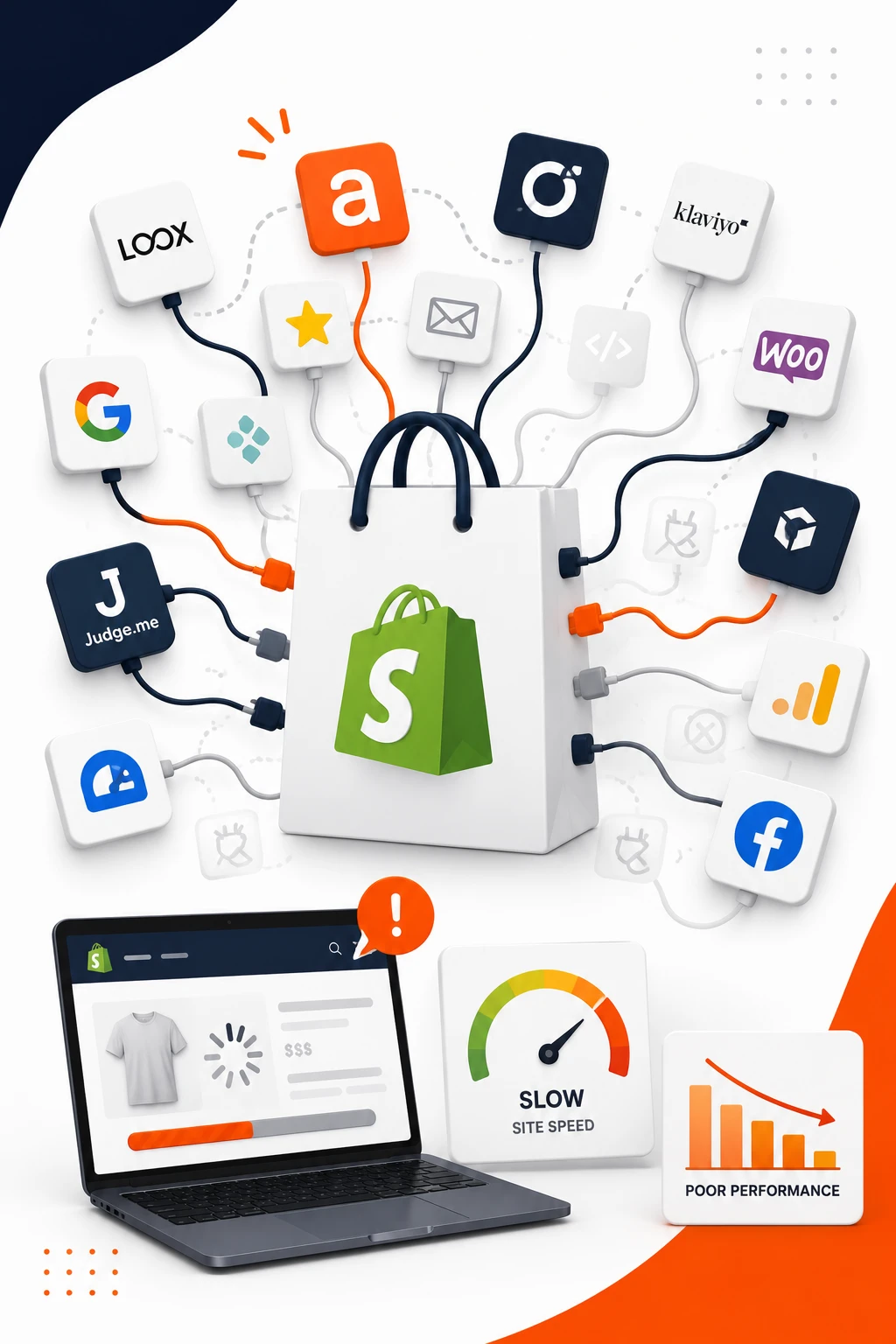
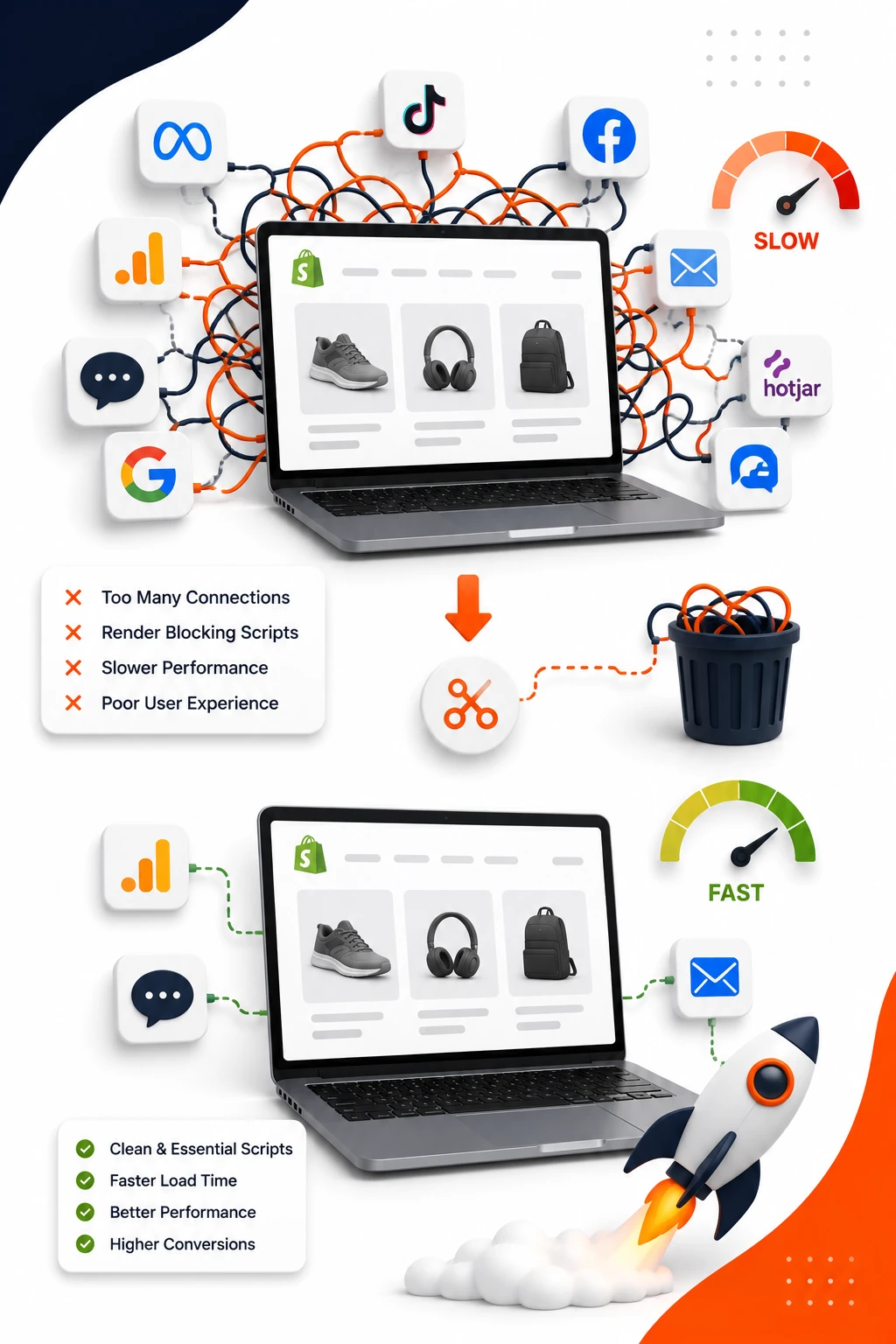
    Third-party apps are one of the fastest ways to slow a store down. Every badge, widget, pop-up, review block, and upsell tool adds scripts and requests, and those tiny additions turn into real drag on Shopify loading speed.

    The tricky part is that an app can look harmless from the front end while still loading code on every page. If you have not checked your installed apps in a while, you probably have at least one sitting there doing nothing except taking up space and time.

    Check app impact one by one

    Do not uninstall three apps at once and hope for the best. Duplicate your theme, test one app at a time, and compare PageSpeed or Lighthouse before and after. That gives you a clean read on whether an app is worth its speed cost.

    A review app that adds 200 KB of scripts might be fine if it lifts conversion on product pages. A countdown timer app that nobody notices is a different story. Be ruthless. Fast stores usually have fewer apps than messy ones.

    Watch for hidden script leftovers

    Uninstalling an app does not always remove its code. A lot of Shopify stores keep carrying old JavaScript long after the app is gone, which is a classic performance trap. Check your theme files, snippets, and app embeds for leftovers after removal.

    If the app injected code into theme.liquid or added a custom section, deleting the app from the admin is only half the job. The leftover script can still slow every page, even months later. That is the kind of problem a Shopify developer spots in minutes and a store owner can miss for weeks.

    3. Simplify Your Theme Before You Tweak It

    Heavy themes are often the real reason a store feels slow. Fancy sections, layered animations, and too many built-in features can make a theme look polished while quietly bloating Shopify performance optimization.

    A lighter theme does not have to look boring. It just has to stop trying to do everything at once.

    Trim homepage clutter

    The homepage is usually the worst offender. Announcement bars, rotating banners, featured collection rows, testimonial sliders, embedded videos, Instagram feeds, and extra badges all add work to the first load. If a shopper has to wait for five visual layers before seeing the main offer, that is a speed problem.

    Keep the first screen simple. One clear hero, one message, one action. Everything else can sit lower on the page or move to a section that loads later. A homepage should feel like a front door, not a showroom crammed with every item in the warehouse.

    Avoid over-customizing the theme

    Custom blocks are great until the theme turns into a patchwork of one-off fixes. Every extra condition, nested section, and unique template makes future Shopify speed optimization harder. You are not just adding design, you are adding code paths.

    That matters when your theme has been edited for every campaign since last summer. A Shopify speed optimization expert will usually start by stripping back complexity, because cleanup is faster than trying to make bloated code behave politely.

    4. Compress and Resize Images the Right Way

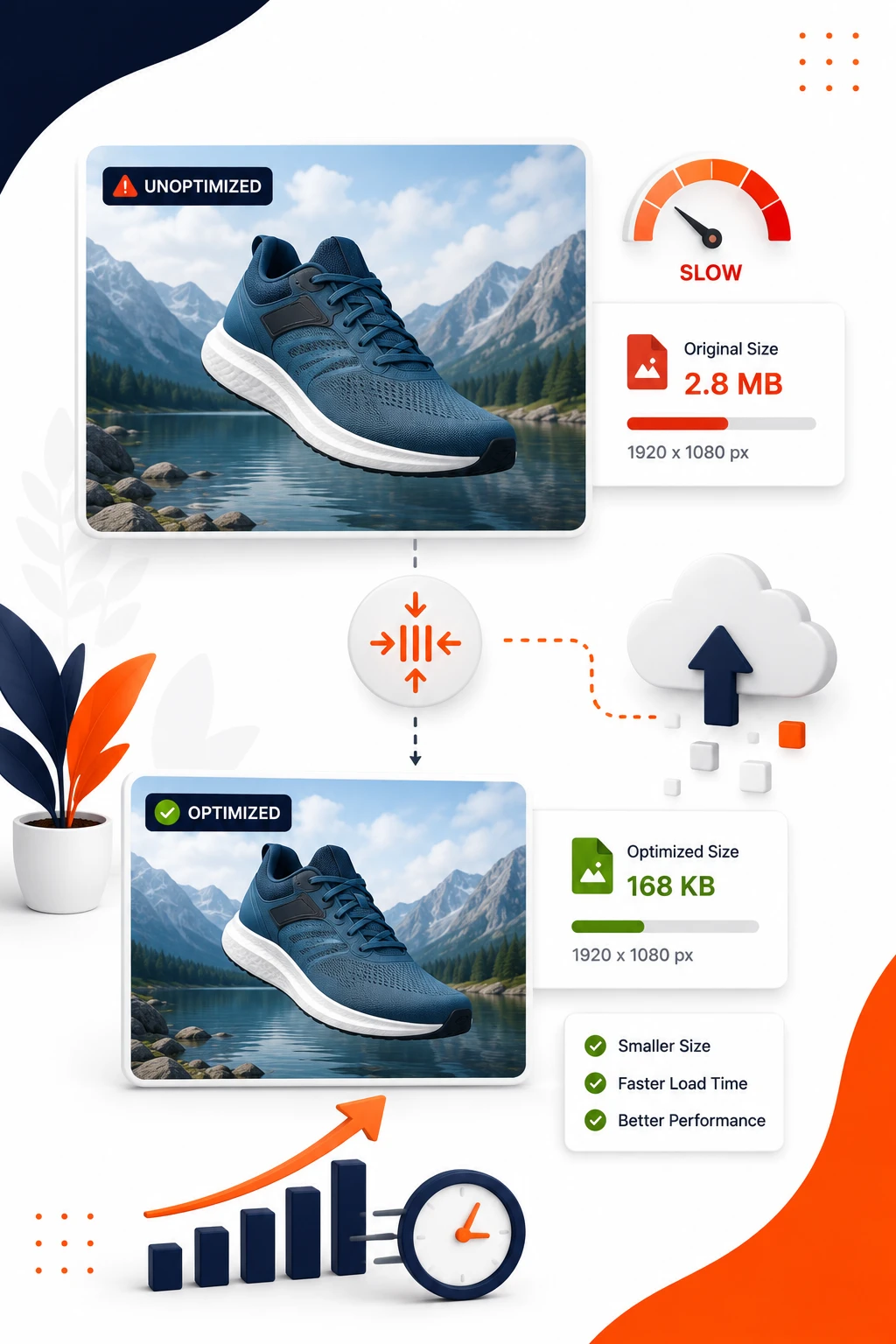
    Images are still one of the biggest causes of slow Shopify website speed. Huge product photos look nice in the editor, but the browser does not care about your original file size, only how much it has to download.

    Compression should not make your site look cheap. Done right, it just removes unnecessary weight.

    Use the right file formats

    Use JPG for most product photos, PNG when you need transparency, WebP when your theme and browser support it, and SVG for simple graphics and logos. SVG is especially useful for icons because it stays sharp at any size and usually loads quickly.

    For fashion, beauty, jewelry, and home decor brands, this matters a lot. Product photography is the star, but no shopper wants to wait for a 5 MB image of a ring, a lipstick, or a sofa pillow. That kind of file belongs in a print workflow, not on a storefront.

    Resize images for the actual display size

    Uploading a 4000-pixel image for a 900-pixel slot is wasted bandwidth. Resize images to the largest size they actually need to appear on the page, then let Shopify serve the right version for the device.

    That small habit alone can improve Shopify speed score more than people expect. It also keeps product pages from feeling heavy on mobile connections, which is where a lot of real-world traffic lands.

    5. Cut Back on Hero Sliders and Heavy Homepage Media

    Hero sliders are one of those features that look persuasive in a design mockup and disappointing in live performance. They load multiple large images, often trigger extra scripts, and usually bury the main message under motion that most shoppers ignore anyway.

    That is especially true on mobile. A slider that feels elegant on a laptop can feel like a delay machine on a phone in a café with weak Wi-Fi.

    Replace rotating sliders with one clear message

    Use one strong hero image, one headline, and one call to action. It loads faster, reads faster, and usually converts better because the shopper does not have to wait for a second slide to see what matters.

    If you need to highlight a campaign or collection, use a static banner or a simple featured section beneath the hero. The best homepage message is the one a shopper gets immediately, not after a few seconds of animation.

    Make video lighter

    Autoplay video is a common speed killer. Swap it for a click-to-play embed or a lightweight preview image that opens the video only when someone wants it. That keeps the page responsive and avoids forcing every visitor to download media they may never watch.

    Short product clips can still help, especially for beauty and home decor, but they should not dominate the first load. Think of video as support, not the whole storefront.

    6. Turn On Lazy Loading for Off-Screen Content

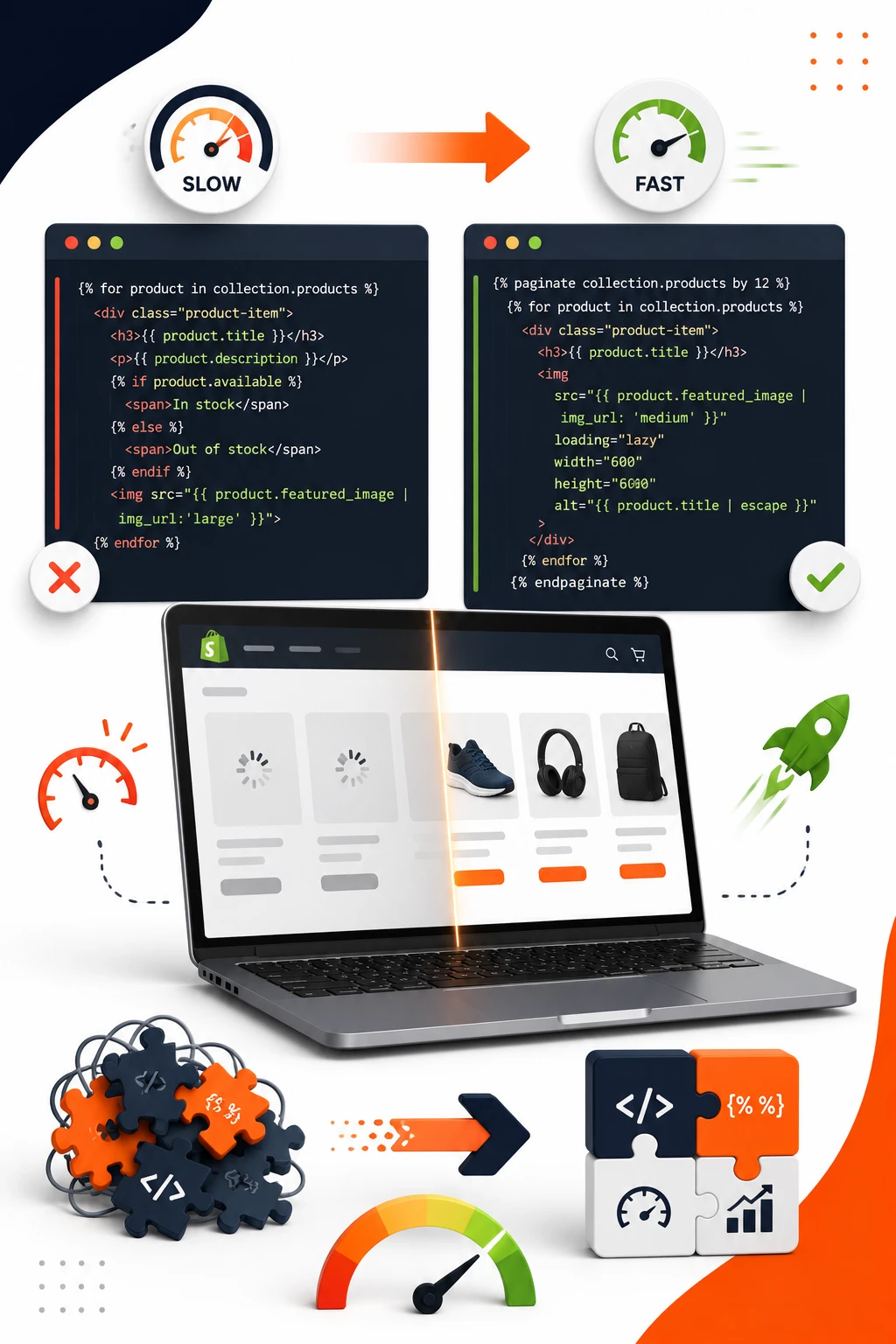
    Lazy loading means images and media outside the visible screen wait to load until a shopper scrolls closer to them. It is one of the simplest Shopify speed optimization tips because it cuts the first load without changing the design.

    The catch is that lazy loading only helps when it is used in the right places. If you apply it badly, you can slow down the most important image on the page.

    Use it on product galleries and long pages

    Collection pages, blogs, and long product pages with several images benefit the most. The browser can focus on what is visible first, then pull in the rest as needed. That makes the page feel lighter almost immediately.

    This matters a lot on stores with large catalogs. A collection page with 48 products does not need every thumbnail loaded before the shopper can start browsing. It just needs the first row to appear cleanly.

    Don’t lazy-load your most important image

    Your hero image, primary product image, and above-the-fold content should load fast right away. If those are lazy-loaded, you create a delay exactly where attention is highest.

    A good rule: if a shopper sees it without scrolling, do not make it wait in line. Everything below that line is fair game.

    7. Reduce JavaScript and CSS Bloat

    JavaScript and CSS are easy to ignore because the store still looks normal. But extra code affects how fast the browser can paint the page and respond to input, which is why a “simple” page can still feel slow.

    A lot of Shopify performance optimization comes down to removing things the browser is forced to process even when the shopper never sees them.

    Defer non-essential scripts

    Delay code that is not needed for the first screen, such as chat widgets, optional review panels, and some marketing tools. If the script is not required for the initial load, it should not compete with your main content.

    That said, do not defer everything blindly. Payment elements, menu behavior, and core theme scripts need to be ready early. The trick is knowing what matters first and what can wait half a second.

    Remove unused CSS

    Old styling rules from earlier redesigns can stick around forever. The browser still reads them, even if no page uses them anymore. Cleaning out unused CSS can trim a surprising amount of weight from a tired theme.

    A Shopify developer can often find dead styles faster than a store owner can find a missing sock. It is unglamorous work, but it pays off.

    8. Clean Up Third-Party Tracking and Pixels

    Marketing pixels are useful, but they are also one of the easiest ways to create hidden slowdown. Every extra tracker wants to load, listen, and send data, and a store full of duplicated tags starts feeling like a crowded room.

    The goal is not to stop measuring. The goal is to stop measuring badly.

    Audit every tracker

    Look for duplicate Google Analytics tags, extra Meta pixels, abandoned campaign scripts, and old A/B test tools that never got removed. If a tracker is firing from the theme, the app, and Google Tag Manager all at once, you have a mess.

    This is especially common after several agencies or freelancers have touched the site. Each one adds a tag, nobody removes the old one, and the store gets slower without anyone noticing why.

    Use Google Tag Manager carefully

    Google Tag Manager can keep tracking organized, but only if it is the single source of truth. If tags also live in apps and theme files, you are just adding another layer of confusion.

    Keep the setup clean. One tag in one place beats three tags competing to do the same job.

    9. Fix Redirect Chains and Broken Links

    Redirects are the scenic route of the web. One redirect is normal. Three in a row is wasted time.

    When product URLs change or old campaigns stay linked in menus and banners, you create extra hops that slow the request and frustrate the shopper before the page even appears.

    Map common redirect patterns

    Seasonal landing pages, renamed collections, and product URL changes are the usual culprits. A winter collection becomes a spring collection, the old page redirects to a new one, and then that page redirects again to the category page. That is a chain, not a shortcut.

    If you have migrated themes or changed URL structures a few times, check the path carefully. The slowest redirect is often the one nobody remembers creating.

    Keep internal links current

    Menus, homepage banners, emails, and blog posts should point to the final destination, not an old URL that has to bounce around first. Updating internal links is boring work, but it stops unnecessary detours across the store.

    It also helps search engines crawl more efficiently. Fewer dead ends, fewer wasted requests.

    10. Make Collection and Product Pages Lighter

    This is where Shopify store speed optimization really matters, because these are the pages shoppers use all day long. A fast homepage is nice, but a slow collection grid or product page hurts directly where people decide to buy.

    The page should show enough to move the shopper forward, then load the rest only when needed.

    Limit how much loads at once

    Do not cram too many products, reviews, badges, trust icons, and recommendation blocks into the first view. The more the browser has to fetch and render, the slower the page feels.

    A cleaner approach is better: show the most useful products first, load more as the shopper scrolls, and keep secondary content lower on the page. That keeps the page responsive without making it look empty.

    Use quick view with care

    Quick view can help on dense catalogs because it gives shoppers a faster way to preview products. But if it depends on heavy scripts or loads too much data up front, it becomes just another speed tax.

    Use it when it genuinely shortens the path to purchase. Skip it when it adds friction under the disguise of convenience.

    11. Speed Up Fonts, Icons, and Visual Extras

    Small design details add up. Fonts, icon packs, decorative effects, and subtle animations all seem harmless until the browser has to fetch them one by one.

    A polished store does not need six font files and a giant icon library to feel premium.

    Limit font families and weights

    One font family with two or three weights is usually enough. Loading extra styles for headings, buttons, and body text can turn a clean design into a slow one very quickly.

    If you have ever waited for text to “pop in” on a product page, that is often a font issue. Use fewer weights, and avoid loading styles you barely notice.

    Swap bulky icon libraries for lighter options

    A full icon library for a handful of symbols is overkill. SVG icons are often the better choice because they are tiny, crisp, and easy to control.

    The same goes for background effects and fancy hover animations. Nice to have, sure. Worth slowing the store down? Usually not.

    12. Improve Mobile Shopify Speed First

    Mobile is where weak performance becomes obvious. Desktop may hide a lot of sins, but a phone on a crowded train in the evening will expose every slow script and oversized image.

    If the store feels decent on a laptop and awful on mobile, the problem is not imaginary. It is the store.

    Test on a real phone, not just desktop tools

    Open the product page on an actual phone over cellular data, maybe in a car park, café, or train station where the connection is imperfect. That rougher environment shows the truth much better than a perfect desktop test.

    You will notice delays, jumpy layout shifts, and buttons that feel late to respond. Those details matter because shoppers notice them too, even if they do not know the term Shopify Core Web Vitals.

    Simplify mobile layout and interactions

    Sticky headers, oversized pop-ups, heavy slide-out menus, and tap targets that trigger extra scripts can make mobile painful. Keep the interface simple and fast to use with one thumb.

    A mobile-first fix list should usually start by removing visual clutter, not adding more controls. A clean mobile product page almost always outperforms a crowded one.

    13. Optimize Checkout and Cart Experience

    Cart and checkout are not the place for clever extras. Every additional widget in the purchase flow increases the chance that something feels slow, distracting, or broken.

    When a shopper is ready to buy, speed matters more than persuasion.

    Keep cart features lean

    Cart drawers, upsells, bundles, shipping estimators, and promo widgets all compete for attention. Some of them help conversion, but too many make the cart sluggish before the shopper even reaches checkout.

    Use only the features that clearly add value. If a cart add-on is there because it looked good in a demo, that is not enough.

    Avoid checkout distractions

    Pop-ups, chat nudges, and extra scripts should stay out of the final buying steps whenever possible. At that point, the job is to reduce hesitation, not create another decision.

    A clean checkout feels calm. That calm often converts better than a page packed with attention-grabbing extras.

    14. Use Better Image and Media Delivery for Product Content

    Compression is only part of the story. How media gets delivered matters just as much, especially if your audience is spread across different regions.

    A smart delivery setup helps Shopify website speed stay consistent instead of collapsing under a larger catalog.

    Rely on Shopify’s delivery network

    Shopify uses a content delivery network, or CDN, which means files are served from locations closer to the shopper. In plain English, a customer in Austin does not need to wait on a server sitting far away in another region.

    That is a quiet advantage, but a real one. You cannot fix distance, but you can reduce how much data has to travel.

    Choose lightweight embeds

    Maps, video embeds, and social content should be embedded in the lightest possible way. If a product page only needs a preview and not a full external widget, keep it simple.

    The more third-party content you pull in, the more you depend on someone else’s speed. That is rarely a good trade on a product page.

    15. Partner With a Shopify Developer or Speed Optimization Service When the Fix Gets Technical

    At some point, DIY cleanup stops being enough. If your store has custom code, old integrations, multiple theme versions, or years of edits layered on top of each other, a Shopify speed optimization service can save a lot of trial and error.

    That is not a cop-out. It is just reality. Some problems live in Liquid files, script loading order, or theme architecture, and those are better handled by someone who lives in that code every day.

    Know when to bring in help

    If scores stay poor after app cleanup, image compression, and theme simplification, you are likely looking at deeper structural issues. The same goes for stores with heavy custom features, multiple legacy campaigns, or a theme that has been patched more times than it has been properly maintained.

    A good Shopify speed optimization expert will look past the obvious and find the real bottleneck. That might mean script cleanup, template restructuring, or a careful rewrite of sections that are doing too much work.

    What a good speed audit should include

    A proper Shopify speed audit should check app scripts, theme files, image delivery, third-party tags, redirect chains, and Core Web Vitals on the pages that matter most. It should also compare mobile and desktop, because one can be healthy while the other is limping along.

    If a service only promises a higher speed score without explaining the actual changes, be careful. Score chasing is not the same thing as store speed optimization.

    16. Re-Test, Compare, and Keep the Wins

    Speed work only counts if it sticks. A store can get faster after one round of cleanup and then slowly drift back into chaos as new apps, campaigns, and edits pile on.

    The habit that matters most is simple: measure, change, measure again.

    Retest the same pages every time

    Use the same homepage, the same collection page, and the same product page for every comparison. That way, you can see whether a change helped the real bottleneck instead of chasing random score swings.

    This also keeps the process honest. A number improved by three points means little if the page people actually use is unchanged.

    Build a simple monthly speed routine

    Once a month, check for new apps, fresh pixels, large image uploads, and theme edits that could slow things down again. You do not need a giant project, just a quick pass through the store before the drag becomes obvious.

    That small routine is usually what separates stores that stay fast from stores that slowly collect baggage.
  • Top Shopify Customizations That Require a Freelance Developer

    Top Shopify Customizations That Require a Freelance Developer

    A Shopify customization can start as a tiny tweak and turn into a whole development project before you know it. That’s usually the moment a freelance developer earns their keep, because some changes belong in the theme editor, and some need real code, data logic, or checkout work to land safely.

    1. Know when a simple tweak stops being simple

    The fastest way to waste time on Shopify is to treat every change like a drag-and-drop job. If you’re swapping a banner image or changing a font, fine. If you’re trying to add a bundle builder to a product page and make it behave differently for different products, you’re already in Shopify custom development territory.

    Here’s the clean rule: once a change touches code, structured data, or store logic, it stops being a basic edit. That’s when Shopify Liquid customization, custom coding, or app logic starts to matter. A freelance Shopify developer is useful here because the work has to fit into the theme without breaking the parts you already rely on.

    What counts as developer-level work

    Anything that needs Liquid templates, API connections, app embeds, or advanced theme changes is developer-level work. In plain English, that means the store has to do something, not just look different. If the feature has rules, conditions, or moving parts, you usually need a developer.

    2. Build a custom product page that does more selling

    Product pages are where revenue gets made or lost, and the default version is rarely enough for a growing store. Shopify product page customization makes sense when you want custom bundles, variant pickers that feel cleaner, size guides that sit where shoppers expect them, comparison tables, or sticky add-to-cart behavior that keeps the purchase option visible.

    Picture a shopper on mobile at 9 p.m., trying to decide between two sizes while one hand is holding a coffee and the other is scrolling. That page needs to do the heavy lifting. A freelance developer can shape the layout so the important stuff is obvious, fast to load, and hard to miss.

    Shopify already recommends putting high-quality images, clear pricing, social proof, shipping details, and strong calls to action directly on the product page, because that’s what helps conversion. A developer takes that baseline and makes it specific to your catalog, not just generic to the theme.

    Add the features shoppers keep asking for

    This is where custom fields, trust badges, media layouts, and conditional content become useful. You can show one message for a skincare product, another for a heavy item, and another for a limited-edition drop without stuffing everything into the description box. The result feels simpler, even though the setup behind it is smarter.

    3. Add custom sections instead of forcing everything into one template

    Shopify custom sections are one of the nicest parts of modern theme work, but there’s still a limit to what built-in blocks can do. When you want reusable homepage, landing page, or collection page sections that match your brand system, a freelance developer can build them once and let your team reuse them later without touching code.

    Think of it like arranging furniture in a room. The pieces need to fit the space, not fight it. If every page is forced into the same layout, your store starts to feel boxed in, especially when you launch campaigns or seasonal collections.

    The real value is flexibility without chaos. A good section build gives you control over headings, images, buttons, spacing, and content order, so updates stay in the theme editor instead of turning into support tickets.

    Make sections reusable and easy to manage

    The best sections come with clean settings and sensible block controls. That means your team can swap content, change images, or update text without asking for a developer every time a headline changes. If that sounds basic, good, because basic is exactly what keeps the store manageable six months later.

    4. Use metafields to store the data your store keeps outgrowing

    Shopify metafields are just extra custom data fields for products, collections, pages, or customers. They sound technical, but the use case is simple: once your store needs structured information, the product description stops being the right place for it.

    A skincare brand in Austin with 40 products, each with different allergy notes, is a perfect example. You do not want that buried in a wall of copy. You want the notes to live in metafields so they can be reused, filtered, and displayed exactly where shoppers need them.

    Freelance help matters because the useful part is not just storing the data. The real work is shaping how that data appears across product pages, collection pages, and custom templates without making the store feel stitched together.

    Connect metafields to the front end

    Metafields become powerful when a developer maps them into the theme. That is how you get ingredient lists, warranty details, size charts, or “ships in 24 hours” messaging to show up automatically in the right place. Once that connection is built, your team stops copying and pasting the same details into ten places.

    5. Customize your theme without breaking the parts you rely on

    Shopify theme customization goes way beyond colors, fonts, and logo swaps. Once you start changing header behavior, adding mega menus, building sticky navigation, or creating custom footers and page templates, the risk climbs fast. One wrong move in the theme files can feel like moving one board in a shelf and watching the whole thing wobble.

    That’s why a freelance developer is worth it here. Instead of stacking edits on top of one another, the work gets done cleanly, with the theme structure in mind. Shopify itself gives merchants plenty of themes to start from, but deeper layout changes usually need someone who understands how the theme is wired.

    Protect speed and mobile usability

    Custom theme work should never make the mobile experience worse. Most orders now happen on phones, so if your custom header is bulky or your images load slowly in a checkout line, the polish doesn’t matter much. A solid developer keeps the design tight, the code lighter, and the page usable with one thumb.

    6. Extend Liquid when built-in settings hit a wall

    Shopify Liquid customization is the code layer behind your storefront, and it’s where a developer gets precise. Need different shipping messages based on product tags? Want a collection page to change layout depending on inventory status? Liquid is where that logic lives.

    The theme editor can handle the obvious stuff. Liquid handles the weird but important stuff. That distinction matters once your store grows past a handful of products and starts needing display rules that feel personal instead of generic.

    When Liquid beats app stacking

    A custom Liquid solution can sometimes replace three apps and a bunch of settings screens. That keeps the store lighter, easier to maintain, and less fragile. Fewer apps usually means fewer surprises, which is a nice trade when the goal is selling, not babysitting plugins.

    7. Integrate apps and outside tools without messy handoffs

    Shopify app integration sounds simple until an app lands in the wrong spot, clashes with your theme, or breaks mobile spacing. That’s the point where a freelance developer saves you from living with “good enough” forever.

    Subscriptions, reviews, loyalty tools, CRM connections, shipping platforms, and personalization apps all need to fit into the store cleanly. A loyalty widget covering the add-to-cart button on mobile is a classic example of a small issue that can quietly hurt conversion until someone fixes the placement.

    Handle data flow and front-end fit

    Good integration work is part plumbing, part styling. You want API connections, app embeds, tracking scripts, and data mapping to work together without stepping on each other. When the tools talk to your store correctly, your team gets cleaner data and your shoppers get a smoother experience.

    8. Change the checkout experience when revenue is on the line

    Checkout is not the place for guesswork. Shopify checkout customization can be one of the highest-value uses of a freelance developer, especially if you’re on Shopify Plus or need custom fields, upsells, wholesale logic, or payment behavior that has to be handled carefully.

    This is where the stakes get real. A wholesale buyer in Chicago may need a purchase-order field, tax-exempt flow, or a checkout path that matches how their business buys. If that experience is clumsy, you feel it immediately in abandoned orders and support emails.

    Shopify’s checkout is one of the platform’s strongest conversion engines, so changes here should be deliberate. The goal is not to decorate checkout. The goal is to remove friction and keep trust intact.

    Keep checkout changes focused and safe

    Some checkout edits are limited by plan, and some require Plus-level access. Either way, trial and error is a bad strategy here. A developer should test changes in a controlled environment, then roll them out carefully so you do not learn about problems from a customer screenshot.

    9. Create custom templates for special pages that need a different job

    Not every page should look or behave like a standard product or collection page. Campaign landing pages, seasonal drops, wholesale signups, store-locator pages, and blog templates often need their own structure. A freelance developer can build those custom templates without forcing your main theme to carry every use case.

    A holiday campaign page is a good example. You may want a countdown timer, FAQ, custom CTA, and a few featured products all on one screen. If you squeeze that into an existing template, it usually looks crowded. A custom page keeps the job clear.

    The right template does not just look nicer. It gives each page one job, which makes the page easier to understand and easier to convert.

    Match the template to the goal

    A landing page should sell. A support page should answer. A wholesale page should qualify. Once the template matches the goal, the clutter drops and the page starts pulling its weight instead of acting like a catch-all.

    10. Tackle performance, accessibility, and cleanup after custom work

    The unglamorous part of Shopify customization is often the most valuable. After new features go live, somebody has to check speed, accessibility, script cleanup, and mobile behavior so the store still feels fast and usable. That is exactly where a freelance developer earns trust.

    Shopify has found that slower pages hurt conversion, and custom features can add just enough weight to matter. If a new filter, widget, or app makes your product page sluggish, the fancy feature starts costing more than it gives back. The same goes for accessibility gaps like tiny tap targets or low-contrast text.

    A good developer does not just add features. They also remove junk, trim scripts, and fix the little breaks that pile up after months of changes.

  • Shopify Theme Customization vs Custom Development: Which Is Right for Your Business?

    Shopify Theme Customization vs Custom Development: Which Is Right for Your Business?

    If your Shopify store needs a cleaner look, faster launches, or a few smarter features, the real question is not “Can you customize it?” It is whether Shopify Theme Customization is enough, or whether you need custom development to stop fighting the platform.

    For most growing stores, theme customization wins. It is quicker, cheaper, and usually gives you all the control you need. Custom development wins when your store has outgrown standard layouts, standard apps, and standard logic.

    Quick Overview: Shopify Theme Customization vs Custom Development

    Think of the difference like renovating a house versus building one from the ground up. With Shopify Theme Customization, you start with an existing theme and shape it to fit your brand. With custom development, you build the experience around your exact needs, which gives you more freedom but also more time, more cost, and more moving parts.

    The decision comes down to speed, flexibility, cost, and how much control you actually need. If your store just needs to look better and sell better, theme customization is usually the smarter move. If your business model needs special functionality or a highly specific buying journey, custom development earns its price.

    What Shopify Theme Customization Means

    Shopify theme customization means working inside an existing theme and changing what matters most: settings, sections, apps, and light code edits. You are not rebuilding the store, you are tuning it.

    That usually makes it the fastest route for Shopify store customization. A Shopify theme developer can adjust your homepage, product pages, collection pages, and navigation without tearing everything down. For merchants who want a polished store without a huge rebuild, this is the practical path.

    What Custom Development Means

    Custom development means building features, layouts, or flows around your exact business needs. You will often hear it called custom Shopify development, custom theme development, or custom coding, and all of those point to the same basic idea: the store is shaped from scratch or close to it.

    A Shopify developer or Shopify Liquid developer usually handles this work. Instead of bending your business to fit the theme, the code is built to fit your business. That is powerful, but it is also a bigger commitment.

    The Short Answer for Busy Store Owners

    If your needs are standard and speed matters, Shopify Theme Customization usually wins. If your brand needs unique functionality or a highly tailored customer experience, custom development wins.

    That is the blunt answer, and honestly, it saves a lot of wasted effort. A lot of stores do not need a custom build. They need a better version of what already exists.

    Design Flexibility and Brand Control

    Design is where the difference starts to feel real. One route gives you enough freedom to make the store feel like your brand. The other gives you the freedom to design the store the way you would if no limits existed.

    Shopify Theme Customization: Fast Brand Alignment

    Theme customization handles the visual basics very well. You can change logos, colors, typography, section order, homepage layouts, and product page details without starting over.

    For many brands, that is enough for strong Shopify website customization. Your store can feel clean, modern, and consistent, which is what most shoppers respond to anyway. A simple theme with good photography and clear messaging often sells better than a fancy build with too many ideas crammed into it.

    Custom Development: Full Creative Freedom

    Custom Shopify development opens the door to unique page structures, animated experiences, custom templates, and specialized shopping flows. You are no longer limited by what the theme editor already exposes.

    That matters for fashion, jewelry, beauty, and home decor brands that need a storefront with more personality. If the product itself is premium, the site often needs to feel just as considered. Custom coding gives you that room.

    When Visual Limits Start to Matter

    The problem starts when every new idea turns into a workaround. Maybe you want a different product page for one collection, a custom editorial layout, or a campaign landing page that your theme can barely fake. At that point, Shopify theme modifications start eating time instead of saving it.

    When that happens often, custom theme development becomes the smarter move. You are not paying for novelty. You are paying to stop forcing square ideas into round holes.

    Features and Functionality

    Looks are only half the story. The real test is whether your store can do what your business actually needs it to do.

    Theme Customization for Common Store Needs

    Theme customization handles a lot of everyday ecommerce features well. Product bundles, upsells, filters, sticky add-to-cart buttons, trust badges, and basic collection improvements are all common wins.

    Apps and theme settings can cover a surprising amount of ground here. For growing stores, that is often enough. You get a better buying experience without dragging in a full custom build.

    Custom Development for Unique Workflows

    Once your needs move beyond standard store behavior, custom development starts to matter. Maybe you need an advanced product configurator, custom subscription logic, tiered pricing, or merchandising rules that change by customer type or inventory level.

    That is where a Shopify expert or Shopify development services team earns its keep. A smart build can remove friction from the buying process instead of stacking more apps on top of it. And that is usually what customers feel, even if they cannot name it.

    App Dependence vs Built-In Solutions

    There is a tradeoff here. Apps are fast, but too many of them create a messy backend, extra scripts, and a store that feels stitched together. Custom work can replace some of that sprawl with a cleaner setup.

    The catch is that custom development costs more upfront. So the right question is not “Can an app do this?” It is “Will this app keep making sense six months from now?”

    Speed to Launch

    Timing matters. If you are about to launch a collection, run a campaign, or clean up a broken storefront before a seasonal push, speed can decide the whole project.

    Theme Customization: Faster Path to Market

    Theme changes usually move fast because you are working with a ready-made structure. There is no need to design every component from scratch or define every interaction from zero.

    In many cases, Shopify theme customization services can deliver meaningful updates in days or weeks instead of months. That makes this route ideal when you need momentum, not a long development cycle.

    Custom Development: Longer Build Cycle

    Custom projects take longer, and that is normal. Discovery, planning, design, coding, testing, and revisions all add time. If you need something built to exact specs, that work cannot be rushed without cutting corners.

    That longer timeline is the price of precision. You are buying a fit that standard tools cannot offer.

    When Speed Should Decide for You

    If you need to launch before a promotion next Friday, theme customization is the call. If you are reworking your store for the next quarter and the experience needs to be different at a structural level, custom development makes more sense.

    Speed is not just a convenience here. It can be the difference between shipping the campaign and missing the moment.

    Cost and Pricing

    Money changes the conversation fast. One approach keeps the bill smaller upfront. The other costs more but can pay off when your store is ready for something more tailored.

    Theme Customization: Lower Upfront Investment

    Shopify theme customization is usually more affordable because you start with a base theme and make targeted changes. You are not paying to invent the whole experience, just improve the parts that matter most.

    That makes it a strong fit for startups, SMEs, and brands that need to watch cash flow closely. If you want a store that looks more polished without a major build, this is where your budget goes further.

    Custom Development: Higher Build Cost, Higher Ceiling

    Custom Shopify development costs more because it requires more planning and more specialized work from a Shopify developer or Shopify Liquid developer. The design is not just being changed, it is being created.

    The payoff is control. You get fewer compromises, more ownership over the experience, and a store that can do things a theme may never handle cleanly. That higher ceiling is why larger or faster-scaling brands often move in this direction.

    Ongoing Costs to Watch

    Upfront cost is only part of the picture. Theme-based stores often rely on multiple apps, and those monthly fees add up quietly. Custom work can reduce app sprawl, but it may need more technical maintenance over time.

    So do not just compare the project quote. Compare the total cost of keeping the store healthy for the next year.

    Maintenance and Ease of Updates

    A store is never really finished. You will update banners, change promotions, swap products, and tweak layouts. The question is how painful those updates will be.

    Theme Customization: Easier for Small Changes

    Built-in theme settings make it easier to swap banners, update copy, add sections, or test layouts without calling a developer every time. That is a big deal for marketing managers who need fast updates and cannot wait two days for a small edit.

    The best part is that many changes feel safe. You can adjust a homepage block or a collection banner and move on with your day.

    Custom Development: More Control, More Responsibility

    Custom code gives you precision, but precision comes with responsibility. After theme updates, app changes, or platform changes, you may need a developer to keep everything aligned.

    That is manageable. It is just less hands-off than standard Shopify store customization. If your team likes having full control, that may be worth it. If your team wants low-maintenance simplicity, it can feel like extra overhead.

    Long-Term Maintenance Tradeoffs

    A theme is easier to live with when your needs stay fairly normal. Custom development is cleaner when your store has outgrown the patchwork stage.

    Think of it this way: a theme is a neat apartment with flexible furniture. Custom development is a house built around your exact routines. Both work. The right one depends on how much movement you expect later.

    Performance and Site Speed

    Performance matters because slow pages kill conversions. A beautiful store that loads like a brick is still a problem.

    Theme Customization: Performance Depends on What You Add

    A well-built theme can stay fast, but too many apps, scripts, and heavy sections will slow it down. That is usually where stores get into trouble, not from the theme itself.

    Simple Shopify theme modifications often keep performance intact better than bloated setups. If you keep the build clean, theme customization is usually the safer route for speed.

    Custom Development: Leaner, If Built Well

    Custom code can be more efficient because it only includes what your store actually needs. A skilled Shopify developer can build a lighter experience than an app-stacked theme that is carrying too much baggage.

    The catch is obvious. Bad custom code is still bad code. The advantage only shows up when the build is thoughtful and disciplined.

    The Real Speed Risk

    The biggest performance problem is usually not theme versus custom. It is the pile of extras sitting on top of either one.

    That is the real lesson here. A simple store with fewer moving parts almost always beats a messy store, no matter how it was built.

    SEO and Content Control

    Search visibility matters, and so does the ability to shape content without fighting the layout. Both paths can work, but one gives you more room when things get complex.

    Theme Customization: Enough for Most SEO Needs

    Theme edits can support title tags, meta descriptions, headings, schema, and editable content blocks. For many stores, that covers the basics just fine.

    If your content strategy is solid, Shopify website customization inside a theme is usually enough. The store does not need a custom foundation just to rank well for standard product and collection pages.

    Custom Development: More Control Over Technical SEO

    Custom Shopify development gives you more control over technical SEO, especially when your structure is unusual. You can build custom templates, advanced schema, and more deliberate internal linking patterns.

    Schema is structured data that helps search engines understand your pages. When your catalog is large or your landing page needs special handling, that extra control can make a difference.

    When SEO Needs Push You Beyond the Theme

    If your catalog is complex, your landing pages need unusual layouts, or your content blocks keep hitting theme limits, custom development starts to look less like a luxury and more like a fix. You should not have to fight the layout to publish a strong page.

    That is often where a custom Shopify theme development approach creates real breathing room.

    Mobile Experience and Conversion Optimization

    Most shoppers will meet your store on a phone first. If the mobile version feels clumsy, the rest of the build barely matters.

    Theme Customization: Strong Mobile Basics

    Modern themes usually come with responsive layouts, mobile menus, and adjustable sections that already work well on smaller screens. That gives you a solid starting point.

    Small fixes go a long way here. Bigger buttons, clearer product photos, and tighter spacing can improve the mobile experience without a full rebuild.

    Custom Development: Tailored Mobile Journeys

    Custom builds can shape mobile experiences around your exact customers. That might mean quick-buy product pages, custom navigation, or flows designed to cut taps and remove distractions.

    For some stores, that extra tailoring matters a lot. If your catalog is complex or your audience shops in a very specific way, a custom journey can convert better than a general-purpose theme.

    Conversion Details That Make the Difference

    The tiny things matter most: fewer taps, clearer CTAs, cleaner product media, less scrolling to buy. It is a lot like clearing a hallway before carrying groceries. Remove the clutter, and moving through the space gets easier immediately.

    That is why conversion work is rarely about one giant feature. It is about removing friction wherever shoppers hesitate.

    Use Case Recommendations: When to Choose Shopify Theme Customization

    Shopify Theme Customization is the right move when you want a better store without a full rebuild. It is fast, practical, and usually more than enough for real business needs.

    Best for Startups, SMEs, and Fast Launches

    If you are early-stage, lean, or launching under time pressure, theme customization fits well. You get a professional store without waiting on a long development cycle.

    It is also a smart choice when budget, speed, and flexibility all matter at once. That combination covers a lot of growing brands.

    Best for Standard Ecommerce Needs

    If your store needs clean merchandising, basic product page improvements, and a strong visual brand, a theme can handle it. Shopify store customization at this level is exactly what themes are built for.

    You do not need custom code just to make the store feel better. Most of the time, smart edits are enough.

    Best When You Want to Test Before You Invest

    Theme customization works well as a low-risk first step. You can prove demand, learn from real shoppers, and only then decide whether a bigger build is worth it.

    That is a sensible way to move. Test first, build deeper later if the business actually calls for it.

    Use Case Recommendations: When to Choose Custom Development

    Custom development makes sense when the store has to do more than a standard theme can cleanly support. The point is not to spend more. The point is to remove limits.

    Best for Unique Business Models

    If you have unusual product logic, advanced bundles, subscriptions, or configurators, custom development is the better fit. A standard theme can fake a lot, but it cannot always do it cleanly.

    That is where custom Shopify development saves time in the long run. Fewer hacks, fewer compromises.

    Best for High-Value Brands With Strong Differentiation

    If the storefront needs to feel as distinct as the product, custom coding is often worth it. Fashion, jewelry, beauty, and home decor brands often land here because presentation shapes trust.

    A custom experience can make premium pricing feel justified. That is not fluff. It is part of the buying decision.

    Best When Scale Demands Stability

    As you grow, app stacks and quick fixes start to creak. If your team is planning to scale, a custom foundation can be easier to grow on than a theme stitched together with too many moving parts.

    That is especially true when Shopify store development becomes part of a bigger operational plan, not just a design project.

    Working With a Shopify Developer or Agency

    The kind of help you need depends on the path you choose. Some projects need light support. Others need a team that can think through strategy, UX, and code together.

    What Shopify Theme Customization Services Usually Include

    Shopify theme customization services often cover section edits, layout changes, styling, small Liquid tweaks, and app integration. That is enough for a lot of teams that want reliable Shopify website customization without paying for a full rebuild.

    If your brief sounds like “make this better,” this is probably the right lane.

    What Custom Development Engagements Usually Include

    Custom projects usually involve strategy, UX planning, design, coding, testing, and launch support. A Shopify expert may work alongside designers, marketers, and product managers to make sure the build supports both sales and operations.

    That broader process is part of the value. You are not just buying code, you are buying structure.

    How to Choose the Right Partner

    Use a simple filter. If your brief sounds like “adjust and improve,” a Shopify theme developer is probably enough. If it sounds like “invent and build,” you need a stronger custom development team.

    Good partners ask about goals before features. That is a good sign. It means they are thinking about the store, not just the task list.

    Clear Verdict: Which Option Wins for Your Business?

    The clear winner for most growing stores is Shopify Theme Customization. It is faster, cheaper, and flexible enough for a huge range of real-world needs.

    Winner for Most Growing Shopify Stores: Shopify Theme Customization

    If you want a better store without overbuilding, theme customization is the best first move. It gets you visible improvement quickly, and it keeps your budget focused on what actually matters.

    For most merchants, that is the right balance. Enough control, not too much complexity.

    Winner When Your Needs Are Truly Unique: Custom Development

    When your business model, brand experience, or operational needs go beyond what a theme can support cleanly, custom development wins. It gives you control where standard tools start to get in the way.

    If the store has to behave in a very specific way, pay for that precision. Do not settle for a workaround that will annoy you later.

    Final Decision Rule to Use Today

    Choose theme customization if your goal is to improve what already works. Choose custom development if your goal is to create something standard tools cannot deliver.

    Pick one store problem and judge it honestly. If the fix is visual or operational, theme customization probably solves it. If the fix changes how the store fundamentally works, custom development is the better path.

  • Shopify Store Redesign: 15 Signs It’s Time to Upgrade Your Store (2026 Guide)

    Shopify Store Redesign: 15 Signs It’s Time to Upgrade Your Store (2026 Guide)

    Your store can look perfectly fine and still leak sales every day. A Shopify Store Redesign is usually not about chasing a prettier theme, it is about fixing the friction that stops shoppers from buying, especially when mobile traffic is high, pages feel slow, or checkout keeps losing people at the finish line.

    1. Start With the problem your store is already showing

    A lot of stores wait for a dramatic crash before they redesign, but the warning signs are usually quieter than that. Maybe sales on mobile lag behind desktop, maybe product pages get clicks but not carts, or maybe shoppers vanish right before checkout.

    That is the real signal. A redesign is not a makeover for its own sake, it is a response to a store that looks presentable but performs like a leaky bucket. If you can point to one or two places where shoppers consistently stall, you already have a strong case for change.

    Shopify Store Redesign: 15 Signs It's Time to Upgrade Your Store

    Shopify Store Redesign: 15 Signs It's Time to Upgrade Your Store

    2. Your conversion rate is stuck below your category benchmark

    Conversion rate is just the share of sessions that end in a purchase. Sessions-based tracking is the standard way to compare performance, which matters because user-based numbers can tell a different story.

    For Shopify stores, the average can sit around 1.4%, with top stores moving well above that. The catch is that category benchmarks vary a lot, fashion behaves differently from jewelry, and home decor is not the same as beauty. If your store is sitting well below the right peer group, a redesign is not vanity, it is overdue.

    3. Mobile shoppers are doing the heavy lifting, but not buying

    Mobile usually drives most visits now, which makes weak mobile performance painful fast. If your traffic comes mostly from phones but the sales are still coming from desktop, your store is basically asking people to work too hard with one thumb.
    A redesign should make the phone experience feel obvious: tap-friendly navigation, sticky add-to-cart buttons, cleaner product pages, and a checkout that does not turn into a pinball machine.

    Shopify data points to slow mobile pages as a common source of friction, and mobile speed is one of those things people notice even when they do not know they noticed it. If a product page lags during a coffee break scroll, the sale is gone.


    4. Your homepage is busy, confusing, or trying to do too much

    A homepage that shouts five messages at once is like walking into a cluttered aisle where every shelf is screaming for attention. Nothing wins, so nothing gets clicked.

    Your first screen above the fold should answer one question immediately: what do you sell, and why should anyone care? Shopify recommends clarifying the value proposition on the homepage and product pages, and that advice still holds because first-time visitors do not have patience for detective work. A cleaner hierarchy, fewer competing promos, and stronger paths into collections usually beat a busy homepage every time.

    5. Product pages are not answering the questions shoppers actually ask

    Most product page problems are simple, which is why they are so expensive. The photos are pretty, but the sizing is vague. The copy sounds nice, but not useful. Shipping, fit, ingredients, or materials are buried where no one sees them.

    Shopify Store Redesign: 15 Signs It's Time to Upgrade Your Store

    For fashion, beauty, jewelry, and home decor, product pages have to help people decide quickly. That means clear images, real-world context, reviews, delivery details, and trust signals where the eye naturally lands. A Shopify UX design that answers objections before they become doubts will always outperform a page that is just attractive.


    Shopify Store Redesign: 15 Signs It's Time to Upgrade Your Store

    6. Add-to-cart looks okay, but checkout is where money disappears

    Here is where the numbers tell on you. If shoppers add products but do not finish the purchase, the issue is not interest, it is friction. Surprise shipping costs, too many form fields, weak payment options, or a guest checkout that is too hard to find can all kill the sale.

    Shopify’s own guidance is blunt about checkout: keep it short, show shipping and delivery details upfront, and make guest checkout easy. That is not a design preference, it is lost revenue. If cart behavior looks healthy but checkout completion is weak, a Shopify store redesign should start there.

    7. Your site feels slow, heavy, or awkward on key pages

    Speed is not a technical nicety. It is part of the shopping experience. Large images, too many apps, bloated theme code, and layout shifts can make even a good-looking store feel clumsy.

    The annoying part is that shoppers rarely complain about speed, they just leave. Research cited by Shopify links a small mobile speed improvement to a meaningful lift in conversion, which is why performance optimization should sit near the top of any redesign plan. If your collection pages drag or your product pages feel heavy, the theme is already costing you money.


    8. Your branding no longer matches what your customers expect

    A store can outgrow its design without feeling obviously outdated. The colors may still work, but the typography feels cheap. The imagery may be clean, but not premium. The overall look says “starter store” when the brand has moved on.

    That mismatch matters. A Shopify store makeover should reinforce the price point and customer expectation, not quietly undercut it. If your products are better than the site makes them look, shoppers will feel that gap in seconds.

    9. Your merchandising and navigation make products hard to find

    When shoppers have to hunt, they do not browse, they bail. Too many menu labels, messy collections, weak filters, and a search bar that does not help can turn a store into a stockroom with bad signs.

    Good merchandising is invisible. The best Shopify theme redesigns make it easy to move from broad intent to a specific product in two or three clicks. If your catalog has grown and the navigation still reflects last year’s structure, the store is working against its own inventory.

    Shopify Store Redesign: 15 Signs It's Time to Upgrade Your Store

    10. Your content and visuals are not doing enough to build trust

    Trust is built in the places people hesitate most, product pages, cart pages, and checkout. That is where reviews, secure checkout indicators, recognizable payment options, shipping policies, and return details earn their keep.

    For DTC brands, this is especially important because shoppers cannot touch the product first. If you sell skincare, a handbag, or a sofa, the store needs to feel reassuring before the buyer ever reaches the payment step. A redesign should bake trust into the layout, not tack it on as an afterthought.

    Shopify Store Redesign: 15 Signs It's Time to Upgrade Your Store

    Shopify Store Redesign: 15 Signs It's Time to Upgrade Your Store

    11. Your store is not set up for growth, apps, or new campaigns

    Sometimes the problem is not what the store looks like today, it is what it cannot do tomorrow. Maybe new landing pages take forever to build, bundles are awkward, a quiz app clashes with the theme, or seasonal campaign pages need custom work every single time.

    That is when Shopify custom design starts to make sense. If marketing wants flexibility and the current structure fights every change, a redesign can give you cleaner templates, less app chaos, and faster campaign launches. A Shopify developer or Shopify design agency can help here, but only if the foundation is rebuilt for growth instead of patched around.


    12. You are replatforming, rebranding, or changing your business model

    Big business changes almost always call for a redesign. New product lines, a premium repositioning, wholesale expansion, or a move from startup energy to a more established brand all need the site to tell a different story.

    This is where a Shopify redesign company becomes useful, because strategy, content, and UX have to line up before launch. A redesign tied to a new business model should feel deliberate, not like a coat of paint over the same old structure.

    13. You keep making small fixes, but the same problems keep coming back

    If every fix is temporary, the real issue is deeper than the section you touched. You replace the hero banner, the homepage improves for a week, then sales flatten again. You tweak the cart, but abandonment stays high.

    That pattern usually means the theme, page structure, or customer flow is the problem. A full Shopify website redesign is worth considering when patching one area at a time no longer changes the outcome. Honestly, that is often the moment stores have outgrown their original setup.

    Shopify Store Redesign: 15 Signs It's Time to Upgrade Your Store

    Shopify Store Redesign: 15 Signs It's Time to Upgrade Your Store

    14. You do not have a clear testing or analytics setup

    Redesigning blind is a good way to spend money twice. Shopify Analytics, GA4, and heatmaps show where shoppers click, scroll, hesitate, and leave. That data tells you whether the leak is on product pages, in the cart, or inside checkout.

    Shopify also recommends using tools like heatmaps to guide redesign choices instead of guessing. The goal is simple: fix the weakest step first, not the prettiest one. If you do not know where people drop off, the redesign will be based on vibes, and vibes do not pay the bills.

    15. You want a cleaner path from first visit to first purchase

    This is the sign that matters most. If your store feels harder to buy from than it should, you already know a redesign belongs on the table.

    A well-planned Shopify Store Redesign improves clarity, speed, trust, and checkout flow, which is exactly what shoppers feel even if they never name it. Start with the biggest friction point, maybe mobile navigation, maybe product pages, maybe checkout fields, and fix that first. Once one block disappears, the rest of the path gets a lot easier.


  • How to Hire a Shopify Freelance Developer: Complete Guide (2026)

    How to Hire a Shopify Freelance Developer: Complete Guide (2026)

    Launching a basic Shopify store is relatively easy, but scaling it into a high-converting e-commerce powerhouse requires serious technical expertise. Whether you are a rapidly growing DTC brand, a startup founder, or a marketing manager, there comes a point where out-of-the-box templates just aren’t enough.

    If you are looking to hire a Shopify developer this year, you need someone who understands the nuances of modern e-commerce architecture. In this 2026 guide, we’ll walk you through exactly how to find, evaluate, and hire a top-tier Shopify freelance developer for your business.

    Why Trust This Guide?

    ✔ 6+ Years of Shopify Development Experience

    ✔ 5+ Custom Shopify Stores Delivered

    ✔ 2 Custom Shopify Apps Published

    ✔ Shopify Liquid & Headless (Next.js) Specialist

    ✔ Product Page Customization Expert


    From Our Experience: Why Do People Actually Hire Developers?

    During our 6+ years of Shopify development, we’ve noticed something interesting: Most businesses don’t hire a Shopify developer because they just want a “developer.”

    They hire one because something is actively preventing their growth. It might be:

    • A product page that gets traffic but doesn’t convert.
    • A slow-loading store frustrating mobile users.
    • Too many bloated Shopify apps conflicting with each other.
    • A theme that can’t support new features or modern UI/UX (like glassmorphism or advanced gradients).
    • Manual backend work that desperately needs to be automated.

    In almost every project we’ve worked on, solving just one technical bottleneck led to immediate, measurable improvements in user experience and overall store revenue. You aren’t paying for code; you are paying for removed roadblocks.

    How to Hire a Shopify Freelance Developer: Complete Guide (2026)

    How to Hire a Shopify Freelance Developer: Complete Guide (2026)

    Real-World Examples: How Custom Development Drives Results

    To understand the value of custom Shopify development, it helps to look at practical applications. Instead of generic promises, here is how targeted development solves real merchant problems:

    Example 1: The App-Bloat Solution (Custom Bundles)

    One client wanted complex bundle functionality to increase their Average Order Value (AOV). Instead of installing three different monthly subscription apps that would slow down the site, we built a custom Shopify Liquid solution natively into their theme.
    The result? A faster storefront with fewer third-party scripts, zero recurring app fees for bundles, and significantly easier long-term maintenance.

    Example 2: The High-Converting Product Page

    Another merchant needed a completely redesigned product page to better present dozens of product variants and improve the mobile shopping experience. Rather than changing the entire theme (and risking SEO drops), we created reusable custom sections. This preserved the merchant’s ability to edit content flexibly in the Customizer while maintaining blazing-fast performance.


    The 2026 Technical Cliff: Why You Need an Expert Now

    If you are hiring in 2026, there are two massive platform changes you cannot ignore. A basic developer might not know how to navigate these, but a true Shopify expert will:

    • The August 2026 Checkout Extensibility Deadline: On August 26, 2026, Shopify is entirely removing support for legacy checkout.liquid and Additional Scripts for all non-Plus stores. If your store hasn’t migrated to the new Shopify Checkout Extensibility and Web Pixels, your custom tracking (Meta, Google Ads) and checkout logic will automatically break.
    • The Death of Shopify Scripts (June 2026): As of June 30, 2026, legacy Shopify Scripts have stopped working. All custom discount, shipping, and payment logic must now be built using Shopify Functions.

    You need a developer who understands modern app architecture, WebAssembly, and React-based UI extensions to keep your store functioning smoothly this year.

    How to Hire a Shopify Freelance Developer: Complete Guide (2026)

    Hiring Options: Freelancer vs. Agency vs. Hybrid

    When looking for Shopify developer services, you generally have three paths. Here is how they compare:

    Feature Solo Freelancer Traditional Agency Webomagic (Hybrid)
    Cost Lower cost Higher cost Mid-range (High ROI)
    Communication Direct communication Multiple contacts / Account Managers Direct with lead developers
    Speed Faster decisions Longer process Agile & fast-moving
    Structure Flexible (sometimes chaotic) Highly Structured Structured but adaptable
    Best For Small tasks & bug fixes Enterprise corporations SMEs, DTCs & scaling startups

    7 Mistakes Businesses Make When Hiring a Shopify Developer

    Avoid these costly errors when vetting your next technical partner:

    • Hiring only based on price: The cheapest hourly rate often results in broken code that costs triple to fix later.
    • Not checking live stores: Screenshots can be faked; live site speed and mobile responsiveness cannot.
    • Ignoring page speed: A developer who doesn’t prioritize Core Web Vitals will cost you conversions.
    • No knowledge of Liquid: Relying solely on page builders (like PageFly or Shogun) instead of writing clean Liquid code ruins store performance.
    • Depending entirely on apps: Throwing an app at every problem is a rookie mistake; experts build native solutions.
    • No experience with Shopify APIs: If you need custom integrations, they must know how to build private apps using Node.js or Next.js.
    • Poor communication: If they can’t explain a technical problem in plain English, project management will be a nightmare.
    How to Hire a Shopify Freelance Developer: Complete Guide (2026)

    Check Our Custom App

    JewelFit – Ring & Bangle Sizer

    JewelFit – Ring & Bangle Sizer

    Help customers find their perfect ring, bangle, and bracelet size with an accurate on-screen sizing tool. Reduce size-related returns, increase customer confidence, and improve conversion rates for your Shopify jewelry store.

    Check the app now

    Mix & Match Outfit Builder

    Mix & Match Outfit Builder

    Increase average order value by letting customers create complete outfits with an interactive drag-and-drop experience. Help shoppers visualize matching products, save favorite looks, and purchase entire outfits with a single click.

    Check the app now


    Typical Shopify Development Costs in 2026

    How much should you expect to invest? While exact quotes depend on your specific scope, here are the typical project ranges when hiring a premium Shopify freelancer in India:

    Service / Project Scope Typical Price Range (USD) Typical Price Range (INR)
    Minor Theme Customization & Bug Fixes $20 – $50 ₹2,000 – ₹5,000
    Product Page Redesign (High Conversion) $50 – $100 ₹5,000 – ₹10,000
    Custom Section / Feature Development $20 – $100 ₹2,000 – ₹10,000
    Deep Speed Optimization (Core Web Vitals) $80 – $150 ₹8,000 – ₹15,000
    Full Custom Theme / Headless Build $250 – $50,00+ ₹25,000 – ₹5 Lakhs+

    Note: Hiring top-tier Indian talent offers enterprise-grade development at highly competitive rates compared to Western agencies.
  • Why Is My Shopify Store Slow? 15 Fixes That Actually Work

    Why Is My Shopify Store Slow? 15 Fixes That Actually Work

    If your Shopify store feels sluggish, the problem is usually not one big disaster. It is a pile of small things, a heavy theme here, a bloated app there, and a homepage that is trying to do too much at once. The good news is that Shopify speed optimization usually starts paying off fast once you fix the right bottlenecks in the right order.

    1. Figure Out What’s Actually Slow Before You Touch Anything

    Before you change a single setting, find out where the drag really is. A homepage that loads fine on desktop can still be painfully slow on a product page, and a store that feels okay on Wi-Fi can crawl on a phone in the back of a coffee shop.

    Start with your Shopify speed report and a tool like PageSpeed Insights. You want a baseline, not a guess. Look at overall loading time, the speed score, and any obvious page-specific lag. If your homepage looks decent but product pages are dragging, that points to product media, app embeds, or variant scripts instead of a theme-wide problem.

    What to check first in your Shopify speed report

    Open the report and scan for patterns, not just the score. A low score on one page type, such as collection pages, often means that one template is carrying too much weight. If the homepage is slow across the board, that usually points to theme design, scripts, or an overbuilt hero section.

    The point is to get a baseline you can compare after each fix. Otherwise, you end up making changes that feel productive but do nothing. That happens more often than most store owners want to admit.

    Why Is My Shopify Store Slow? 15 Fixes That Actually Work

    A quick “is it really slow?” reality check

    Test your store on a normal phone, on a normal connection, not on your laptop in a fast office. Open the homepage, then a product page, then a cart page. If the page flashes white for a second before content appears, or buttons lag when you tap them, that is real slowdown, not just a lab score.


    A phone in hand tells you things reports miss. You notice sticky headers that eat half the screen, pop-ups that jump in late, and menus that take a beat too long to open. That is the kind of friction that quietly hurts conversions.

    Why Is My Shopify Store Slow? 15 Fixes That Actually Work

    2. Fix the Obvious Stuff in Your Theme First

    Theme issues are usually the quickest win in Shopify performance optimization because they affect every page at once. A theme can be beautiful and still be heavy as a suitcase packed with bricks.

    The usual suspects are oversized hero sections, slider overload, too many custom sections, and fancy animation that looks nice in a demo but loads like molasses in real life. If your store is Shopify loading slowly, theme cleanup should be near the top of the list.

    Cut back on homepage clutter

    Homepage clutter is sneaky. A giant banner, two pop-ups, a featured collection grid, a testimonial strip, an Instagram feed, and a countdown timer can each seem harmless on its own. Put them together, and the first screen turns into a traffic jam.

    Aim for one clear message above the fold. One strong hero image or short video, one headline, one call to action. If your homepage needs to do everything at once, it usually ends up doing nothing well.

    Swap in lighter theme settings

    Many themes ship with extra effects turned on by default, things like parallax motion, autoplay sliders, animated text, and heavy fades. Those settings add weight and delay the moment when a page feels usable.

    Simplify where you can. Replace a carousel with a static image. Turn off motion that does not help sell anything. Keep the design clean, because a fast store often looks more confident than a busy one anyway.


    3. Shrink Your Images the Right Way

    Large images are one of the easiest ways to drag down Shopify page speed optimization. You can have a gorgeous store and still end up with huge files that slow everything down, especially on mobile.

    The fix is not just compression. You need the right size, the right format, and the right level of quality for each spot on the site. A blog card thumbnail does not need the same file weight as a full-width product image.

    Resize images to the size they’re actually shown

    This mistake shows up everywhere. Someone uploads a 4000 pixel image to fill a 600 pixel product tile, then wonders why the store feels heavy. The browser still has to work through that giant file before shrinking it down.

    Match the image size to the display size as closely as possible. Collection thumbnails, blog cards, and small trust badges should all use smaller files. Save the big files for places where the image really fills the screen.

    Use compression before upload

    Compression strips out file weight without making the image look cheap. Even a small reduction, say from 1.8 MB to 350 KB, can make a noticeable difference on a mobile connection.

    Run product photos through compression before they hit Shopify. You keep the quality shoppers need, but you remove a lot of the baggage. Most people will never notice the difference visually, though they will feel the page load faster.

    Why Is My Shopify Store Slow? 15 Fixes That Actually Work

    Pick the right format for the job

    JPEG works well for photos. PNG makes sense for graphics that need transparency. WebP is often the smarter choice for modern ecommerce images because it usually gives you smaller files without obvious quality loss. GIF should be rare, because it can get heavy fast.

    The format matters more than most people think. A store full of unnecessary PNGs is like shipping every package in a wooden crate. It works, but it is not elegant.


    Why Is My Shopify Store Slow? 15 Fixes That Actually Work

    4. Turn Off Heavy Apps You Don’t Need

    Apps are one of the biggest reasons a Shopify store slow issue shows up out of nowhere. Each app can add scripts, widgets, or background calls that keep the browser busy long after the page looks loaded.

    The trap is simple. A store owner installs an app for a holiday promo or a one-time feature, then forgets it is still loading code on every page. That dead weight adds up fast.

    Spot hidden app scripts

    Look for app embeds, leftover snippets, and script tags that still live in your theme after an app was removed. Some apps leave behind code in the header, footer, or product template, and that code keeps running even when the app is no longer visible.

    Audit your active apps and ask a blunt question: does this app earn its spot on every page? If not, move it out. A clean stack is usually faster than a crowded one.

    Keep the apps that earn their spot

    Some apps are worth the cost because they directly support sales or operations. Others are nice to have, but not at the expense of speed. If an app only gets used once a month and slows every product page all day, that is a bad trade.

    Judge apps by impact, not habit. If removing one app makes the site noticeably snappier, that is a strong signal that it was doing more harm than good.


    5. Clean Up Third-Party Scripts and Tracking

    Marketing tools can quietly slow your store more than almost anything else. Chat widgets, review apps, heatmaps, A/B testing tools, and analytics tags all ask the browser to do extra work before the page feels finished.

    The annoying part is that each individual script often seems harmless. The combined effect is where the pain starts.

    Move marketing tags into one place

    When tags are scattered across the theme, product pages, and app settings, you end up with script sprawl. A cleaner setup makes it easier to see what is actually firing and what can be delayed.

    Using one organized place for tracking is not just neater, it reduces chaos. It also makes Shopify store performance easier to debug later, because you know where the noise is coming from.

    Remove duplicate tracking

    Double-firing pixels are common. So are repeated analytics snippets from old installs, duplicate chat codes, and multiple versions of the same ad script. Besides wasting load time, they make your data messy.

    Why Is My Shopify Store Slow? 15 Fixes That Actually Work

    If a tag exists in two places, remove one. Simple. A lot of speed problems disappear once the browser stops doing the same job twice.


    Why Is My Shopify Store Slow? 15 Fixes That Actually Work

    6. Simplify Your Product Pages

    Product pages sell, so they deserve attention. But they also become a dumping ground for every idea anyone has ever had: extra galleries, autoplay video, swatches, tabs, trust badges, bundles, upsells, and sticky add-to-cart bars.

    Too much of that, and the page feels like a crowded kitchen counter. You can still cook dinner, but not gracefully.

    Trim the gallery without hurting the sale

    Keep the strongest images and cut the rest. A product page does not need 18 nearly identical angles if 6 do the job. Add detail shots where they support the decision, especially for texture, fit, or scale.

    If video helps, use it with a purpose. A short clip showing the product in use often beats a long, polished loop that hogs load time. Better storytelling, lighter page.

    Make variant logic lighter

    Variant selectors can turn ugly fast, especially with color swatches, custom logic, and extra scripts layered on top. Every added option gives the browser more to process, and shoppers more chances to hesitate.

    Keep the selection flow simple. If your product has dozens of variants, make sure the interface stays fast and clear. Confusion on a product page is bad enough. Slow confusion is worse.


    7. Use Lazy Loading Where It Makes Sense

    Lazy loading means content waits to load until it is close to appearing on screen. That is great for long pages, big image galleries, and blog archives, because the browser can focus on what shoppers see first.

    The catch is that lazy loading can backfire if you apply it too broadly. You do not want your hero image, logo, or top navigation to appear late.

    Protect the first screen

    The first screen should load immediately. That includes the main banner, the logo, primary navigation, and anything a shopper needs to orient themselves. If the top of the page stutters, the whole store feels off.

    Think of it like opening the front door. The entryway should be ready before the rest of the house is staged.

    Don’t lazy-load everything

    Lazy load the content below the fold, not the key content above it. When important visuals or text wait too long, the page feels broken even if the speed score looks better on paper.

    Why Is My Shopify Store Slow? 15 Fixes That Actually Work

    The right balance is simple: protect the first view, delay the rest. That gives you a better experience and usually better Shopify Core Web Vitals too.


    Why Is My Shopify Store Slow? 15 Fixes That Actually Work

    8. Reduce Redirects, Broken Links, and Extra Hops

    Redirects add friction because the browser has to stop, ask for a different address, and then continue. One redirect is manageable. A chain of them starts to feel like taking side streets through town just to get to the grocery store.

    Old campaign links, product updates, and collection changes often leave behind messy paths. Those little detours hurt Shopify performance optimization more than people expect.

    Clean up old URLs

    Check old product URLs, renamed collections, and discontinued landing pages. If a link now sends shoppers through two or three hops before reaching the right page, tighten it up.

    This matters during promotions too. A paid ad that lands on a chain of redirects wastes both money and attention. Fast paths convert better.

    Fix broken internal links

    Broken internal links are bad for speed and worse for usability. Shoppers hit dead ends, crawlers waste time, and your store feels poorly maintained.

    Fix them as soon as you spot them. A clean internal path keeps the shopping flow smooth, which is half the battle in ecommerce.


    9. Make Your Liquid and Theme Code Less Busy

    Shopify Liquid optimization sounds technical, but the idea is simple. Your theme code decides how much work Shopify has to do before the page appears.

    Overbuilt templates, nested snippets, and too many loops can make pages heavier than they need to be. You do not need to become a developer to understand the principle: less unnecessary code usually means faster rendering.

    Watch out for excessive Liquid loops

    Loops are handy when you need to display products, collections, or metafields. The problem starts when a page keeps looping through big datasets just to show a small amount of content.

    That gets expensive on larger catalogs. If a homepage section is pulling more data than it needs, trim it back. Faster rendering means shoppers see content sooner.

    Remove unused snippets and templates

    Old code has a habit of hanging around like boxes in a garage. It takes up space, and sometimes it still gets in the way even if nobody uses it anymore.

    Why Is My Shopify Store Slow? 15 Fixes That Actually Work

    Delete unused snippets, stale templates, and leftover sections from past experiments. If your theme has grown over time, this cleanup alone can make Shopify loading slowly issues easier to spot and fix.


    Why Is My Shopify Store Slow? 15 Fixes That Actually Work

    10. Stop Overloading the Homepage With Extras

    Your homepage should guide, not perform. Yet many stores pack it with every possible attention grabber, then wonder why the first screen feels heavy.

    Sliders, announcement bars, pop-ups, testimonials, countdown timers, and autoplay video all compete for attention. One or two can help. All at once is too much.

    Replace sliders with one strong message

    Sliders feel helpful, but most shoppers never wait for slide two. A single strong hero with a clear value proposition usually works better and loads faster.

    If you want to showcase more, do it lower on the page. Let the homepage breathe. A cleaner first impression often improves both speed and conversion.

    Cut one-time attention grabbers

    If a widget only serves a narrow goal, think hard before keeping it on the homepage all day. Pop-ups that fire immediately, countdown bars that never end, and floating promos that cover content all add friction.

    The homepage should earn trust first. Once that happens, you can ask for the email, the sale, or the second click.


    11. Use Video More Carefully

    Video can sell, no question. It shows product movement, scale, texture, and real-world use better than still photos. But video can also slow a store down fast if it loads too early or too large.

    A little restraint goes a long way here.

    Swap autoplay for click-to-play

    Autoplay video is expensive on mobile. It uses bandwidth before the shopper even chooses to watch, and that is a bad bargain on weaker connections.

    Use a thumbnail or lite embed instead. Let the shopper choose when to play. You keep the storytelling power without making every visitor pay the loading cost.

    Load video only when it earns its keep

    Put video where it helps the decision, not where it just fills space. A product demo on a conversion-focused landing page makes sense. A background loop on every page usually does not.

    If a still image tells the story just fine, use the still image. Speed wins more often than people think.

    12. Improve Mobile Speed First

    Desktop can be misleading. A store may feel fine on a laptop and still crawl on a phone, because mobile screens are smaller, connections are weaker, and Shopify Core Web Vitals tend to expose every extra ounce of weight.

    If your store is Shopify loading slowly on mobile, fix that first. That is where a lot of revenue lives.

    Trim mobile-only clutter

    Mobile headers often carry more baggage than you realize. Extra icons, bulky drawers, oversized pop-ups, and sticky elements can crowd the screen before a shopper even starts browsing.

    Simplify the mobile experience. Keep the key actions visible and remove anything that steals space without earning it.

    Test on a real phone, not just desktop tools

    Lab tools are useful, but a real phone tells a better story. Tap through your store with your thumb. Open menus, add a product to cart, and check how long it takes for the page to feel ready.

    That live test catches awkward delays that a report might soften or hide. If it feels slow in your hand, it is slow.

    13. Check Your Checkout and Cart Experience

    Cart and checkout are close to the money, so even small delays matter. This is especially true for Shopify Plus merchants with custom logic, extra scripts, or custom development inside the buying path.

    The goal is simple: make the final steps feel almost invisible.

    Keep cart code light

    Cart drawers, upsell widgets, shipping bars, and discount scripts can all slow the path to purchase. A cart that looks busy can also feel hesitant, which is the last thing you want at checkout time.

    Keep only the features that truly help. If a cart add-on adds friction without raising average order value, cut it.

    Avoid checkout add-ons that don’t pull their weight

    Custom checkout tweaks can be useful, but too many of them create drag. A small visual delay at checkout feels bigger than the same delay on a blog post, because shoppers are already deciding whether to buy.

    Why Is My Shopify Store Slow? 15 Fixes That Actually Work

    Treat checkout changes carefully. Fast, simple, and trustworthy usually beats clever.


    14. Use CDN and Hosting Features Shopify Already Gives You

    One reason Shopify is popular is that it already handles a lot of the hard infrastructure work. You usually do not need to chase hosting fixes the way you might on another platform.

    The CDN piece matters here. A content delivery network serves files from a location closer to the shopper, which helps pages start loading faster. Shopify already gives you a lot of that benefit built in.

    Know what Shopify already covers

    If the platform is already handling delivery, caching, and core infrastructure, do not waste time trying to “fix hosting” when the real problem is theme weight or app bloat. That is a common detour.

    Focus on the parts you can actually control: images, scripts, theme code, and page structure. That is where Shopify optimization usually pays off.

    Don’t add tools that duplicate platform features

    Some apps promise speed but just add another layer of scripts, redirects, or weird overrides. If a tool duplicates what Shopify already does well, it may be slowing you down while claiming to help.

    Less duplication, fewer surprises. Pretty good rule for ecommerce.

    15. Know When to Bring in a Shopify Developer or Speed Audit

    At some point, DIY cleanup stops being enough. If your theme is custom, your app stack is heavy, or your Core Web Vitals are still poor after the obvious fixes, a Shopify speed audit makes sense.

    This is also the moment to bring in a Shopify developer if the slowdown is tied to custom code. A careful change in Liquid or theme files can help a lot, but the wrong change can break product pages, cart behavior, or app integrations.

    Hire help when code changes need care

    If your store depends on custom sections, advanced filtering, bundle logic, or a heavily edited theme, be cautious. Performance work in a custom environment is not the place to guess.

    A good Shopify speed optimization service should explain what is slow, why it is slow, and what will change after the fix. If that answer is fuzzy, keep looking.

    Ask for fixes tied to measurable results

    Speed work should come with before-and-after checks. Look for changes in load time, speed score, and Core Web Vitals, not vague promises about making the site “feel better.”

    The best sign of progress is simple. Pages open faster, carts respond quicker, and shoppers stop waiting around for the store to catch up.

    Once you understand where the slowdown lives, fixing it becomes much less random. Start with the biggest obvious drag, test after each change, and do not let a pretty homepage hide a slow one.

  • Ring Size Calculator: Why Every Shopify Jewelry Store Needs One in 2026

    Ring Size Calculator: Why Every Shopify Jewelry Store Needs One in 2026

    Finding the Perfect Ring Size Shouldn’t Be a Guess

    Selling jewelry online has become easier than ever. However, one challenge continues to affect almost every jewelry brand—helping customers choose the correct ring size.

    Unlike clothing or shoes, customers can’t simply “try before they buy.” If they order the wrong size, it often leads to returns, exchanges, unhappy customers, and additional operational costs.

    This is why a Ring Size Calculator has become an essential feature for modern Shopify jewelry stores.

    Instead of asking customers to measure using printable PDFs or complicated charts, an online ring size calculator provides a quick, mobile-friendly experience that increases buyer confidence and improves conversions.


    Check Our Custom App

    JewelFit – Ring & Bangle Sizer

    JewelFit – Ring & Bangle Sizer

    Help customers find their perfect ring, bangle, and bracelet size with an accurate on-screen sizing tool. Reduce size-related returns, increase customer confidence, and improve conversion rates for your Shopify jewelry store.

    Check the app now

    Mix & Match Outfit Builder

    Mix & Match Outfit Builder

    Increase average order value by letting customers create complete outfits with an interactive drag-and-drop experience. Help shoppers visualize matching products, save favorite looks, and purchase entire outfits with a single click.

    Check the app now


    Why Ring Size Matters for Online Jewelry Stores

    One incorrect ring size can result in:

    • Product returns
    • Exchange requests
    • Lost customer trust
    • Additional shipping costs
    • Lower profit margins
    • Negative customer reviews

    For luxury jewelry brands, even a small reduction in return rates can save thousands of dollars every year.

    Providing customers with an accurate way to measure their ring size before checkout creates a better shopping experience while reducing post-purchase issues.


    What Is a Ring Size Calculator?

    A Ring Size Calculator is an interactive tool that allows shoppers to measure their finger size directly from their phone, tablet, or desktop.

    Instead of relying on manual measurements, customers follow simple on-screen instructions to determine their ring size accurately before placing an order.

    Modern calculators can also support multiple international sizing standards, making them ideal for stores selling worldwide.


    Benefits of Adding a Ring Size Calculator to Shopify

    1. Reduce Product Returns

    Incorrect sizing is one of the leading causes of jewelry returns.

    Helping customers find the right size before checkout significantly reduces unnecessary exchanges.


    2. Increase Customer Confidence

    Customers are more likely to purchase expensive jewelry when they feel confident about the size.

    A measurement tool removes uncertainty during the buying process.


    3. Improve Conversion Rates

    Every obstacle removed from the buying journey increases the likelihood of completing a purchase.

    Sizing confidence often translates into higher conversion rates.


    4. Create a Premium Shopping Experience

    Luxury jewelry brands invest heavily in customer experience.

    An integrated sizing tool demonstrates professionalism and attention to detail.


    5. Save Customer Support Time

    Without a sizing tool, support teams frequently answer questions like:

    • How do I measure my ring?
    • Which size should I buy?
    • Is this US or UK sizing?
    • Can I exchange if it doesn’t fit?

    A built-in calculator answers these questions before customers even ask.


    Why Traditional Ring Size Charts Are No Longer Enough

    Static ring size charts have several limitations.

    They require customers to:

    • Download PDFs
    • Print documents at 100% scale
    • Find rulers or measuring tapes
    • Understand different international sizing systems

    Many shoppers simply abandon the process.

    Interactive digital measurement tools provide a much smoother experience, especially on mobile devices.


    Beyond Rings: Don’t Forget Bangles and Bracelets

    Many jewelry brands sell much more than rings.

    Customers also need help choosing the correct:

    • Bangles
    • Bracelets
    • Cuffs

    Providing measurement tools for these products improves the shopping experience across your entire catalog.


    Features to Look for in a Shopify Ring Size Calculator

    When choosing a sizing solution, consider features such as:

    • Mobile-friendly measurement
    • Desktop compatibility
    • Fast setup
    • Easy integration with Shopify
    • Support for rings, bangles, and bracelets
    • Simple interface
    • Accurate measurements
    • Lightweight performance
    • Responsive design
    • No coding required

    Introducing JewelFit – Ring & Bangle Sizer

    If you’re looking for an easy way to help customers measure jewelry sizes online, JewelFit – Ring & Bangle Sizer is built specifically for Shopify jewelry brands and retailers.

    The app helps customers measure:

    • Rings
    • Bangles
    • Bracelets (up to 90 mm)

    Designed with simplicity in mind, JewelFit integrates seamlessly into Shopify stores, giving shoppers an accurate and user-friendly sizing experience before they complete their purchase.

    Whether you’re launching a new jewelry brand or scaling an established online store, providing accurate sizing tools can improve customer satisfaction while reducing costly returns.


    Best Practices for Jewelry Stores

    To maximize conversions:

    • Display the sizing tool on every product page.
    • Include sizing information before the Add to Cart button.
    • Support both desktop and mobile shoppers.
    • Keep the measurement process simple.
    • Regularly test the sizing experience across devices.

    Final Thoughts

    As online jewelry sales continue to grow, customer expectations are changing. Shoppers want confidence before making a purchase, especially when buying rings, bangles, and bracelets.

    Adding a reliable Ring Size Calculator helps create a smoother buying journey, reduces returns, and improves trust in your brand.

    For Shopify jewelry stores, investing in an accurate sizing solution isn’t just a convenience—it’s a practical way to improve customer experience and support long-term business growth.

    If your store doesn’t yet offer an interactive sizing tool, now is the perfect time to make sizing simple for every customer.

    Check Our Custom App

    JewelFit – Ring & Bangle Sizer

    JewelFit – Ring & Bangle Sizer

    Help customers find their perfect ring, bangle, and bracelet size with an accurate on-screen sizing tool. Reduce size-related returns, increase customer confidence, and improve conversion rates for your Shopify jewelry store.

    Check the app now

    Mix & Match Outfit Builder

    Mix & Match Outfit Builder

    Increase average order value by letting customers create complete outfits with an interactive drag-and-drop experience. Help shoppers visualize matching products, save favorite looks, and purchase entire outfits with a single click.

    Check the app now